

Guest Management with Check-In, Verification, and ID Screening.
Coram Guest Management lets you know who's in your building, stop the people who shouldn't be, and monitor everything in real time. All from one web dashboard across every location.


“Coram is right on the leading cusp of applying AI to camera searches. It’s been very helpful.”




“My security team’s happy. I mean, that’s all I needed. They tell me every week a new story about how Coram saved the day.”




A Guest Management Platform Built to Grow With You
Most guest management systems collect a name and print a badge. Coram verifies identities, screens against national criminal databases, and notifies the right people instantly — without adding complexity to your security stack.
Identity Verification Beyond a Sign-In Sheet
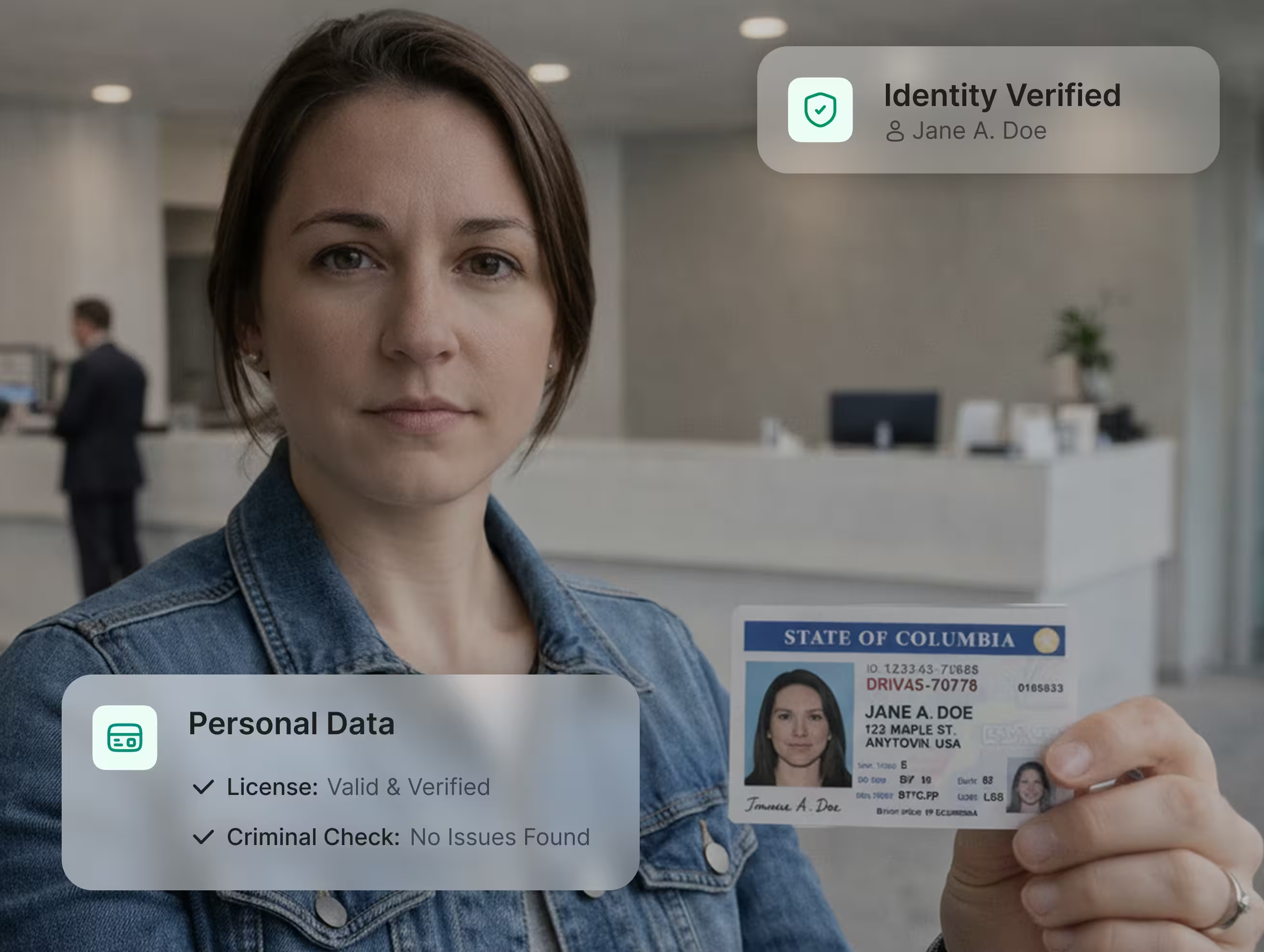
Know exactly who's at your door, not just the name they happened to write down. Optional driver's license scanning automatically checks three things in under two seconds.
The name on the license is matched against what the guest entered
The license is validated for expiry and document authenticity
The guest is checked against criminal databases automatically
Blacklist Screening and Approval Workflows
Flagged individuals are stopped at the kiosk, not discovered after they've already walked the building.
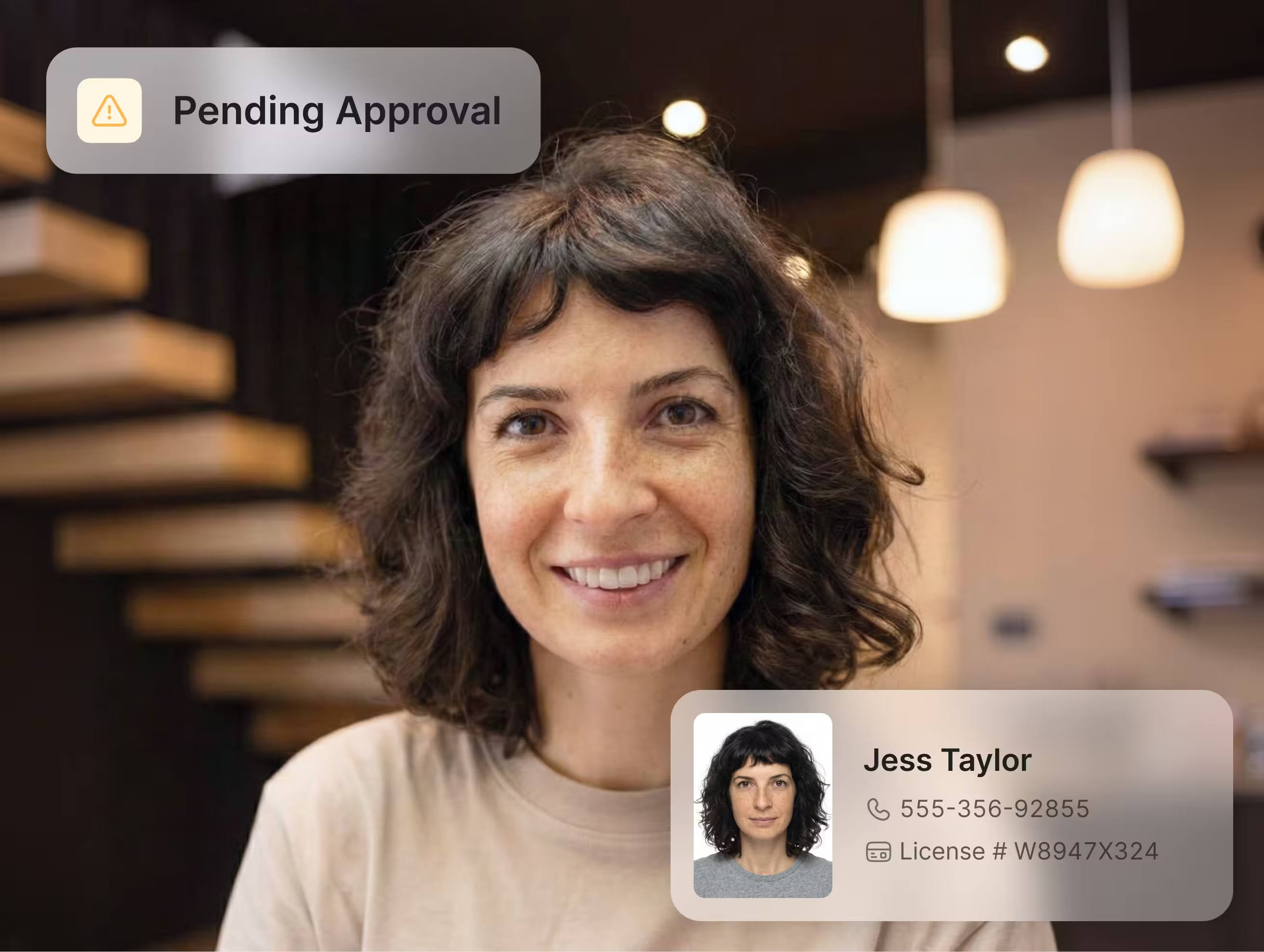
Flag individuals by name, email, phone number, or license number with severity levels from Low to Critical
A “Pending Approval” screen holds them while every admin gets an instant notification
One tap to approve or deny, with a reason logged for every decision. If nobody acts within three hours, the system auto-denies and logs what happened.
Check-In That Doesn’t Need a Front Desk
A process that takes under 30 seconds and works even when your internet doesn’t.
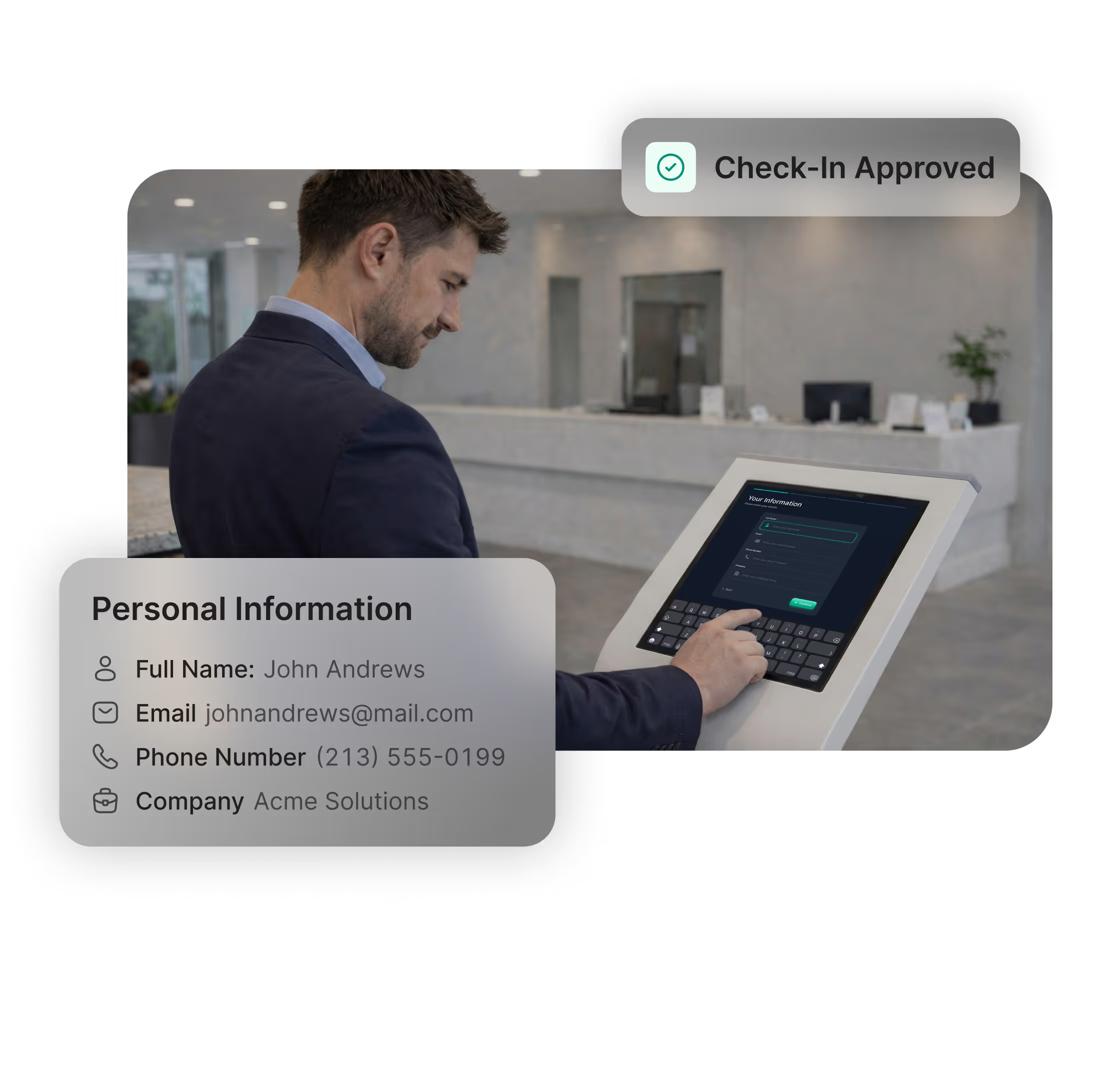
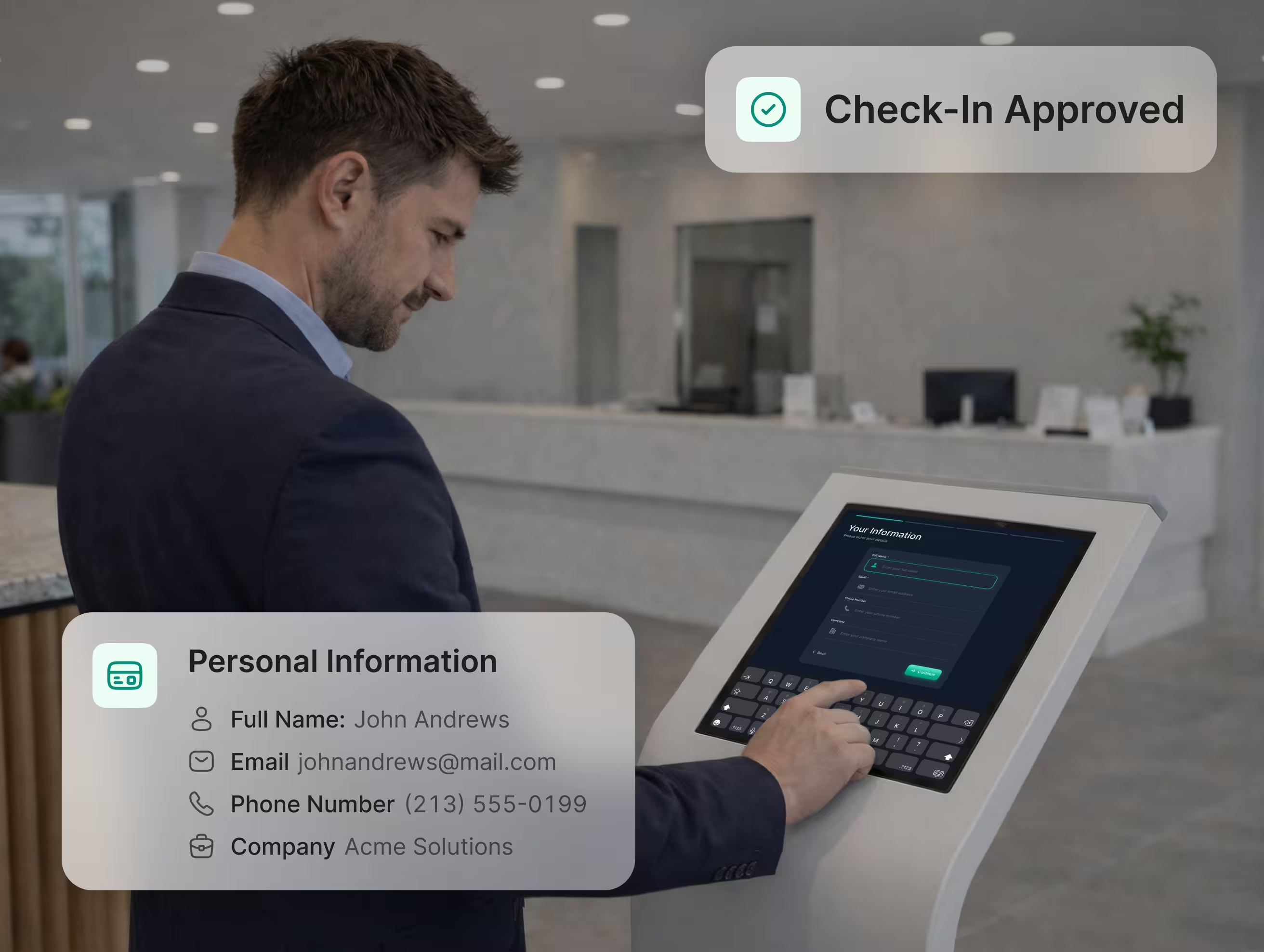
Visitors tap the iPad, enter their information, select their host, and receive a printed badge
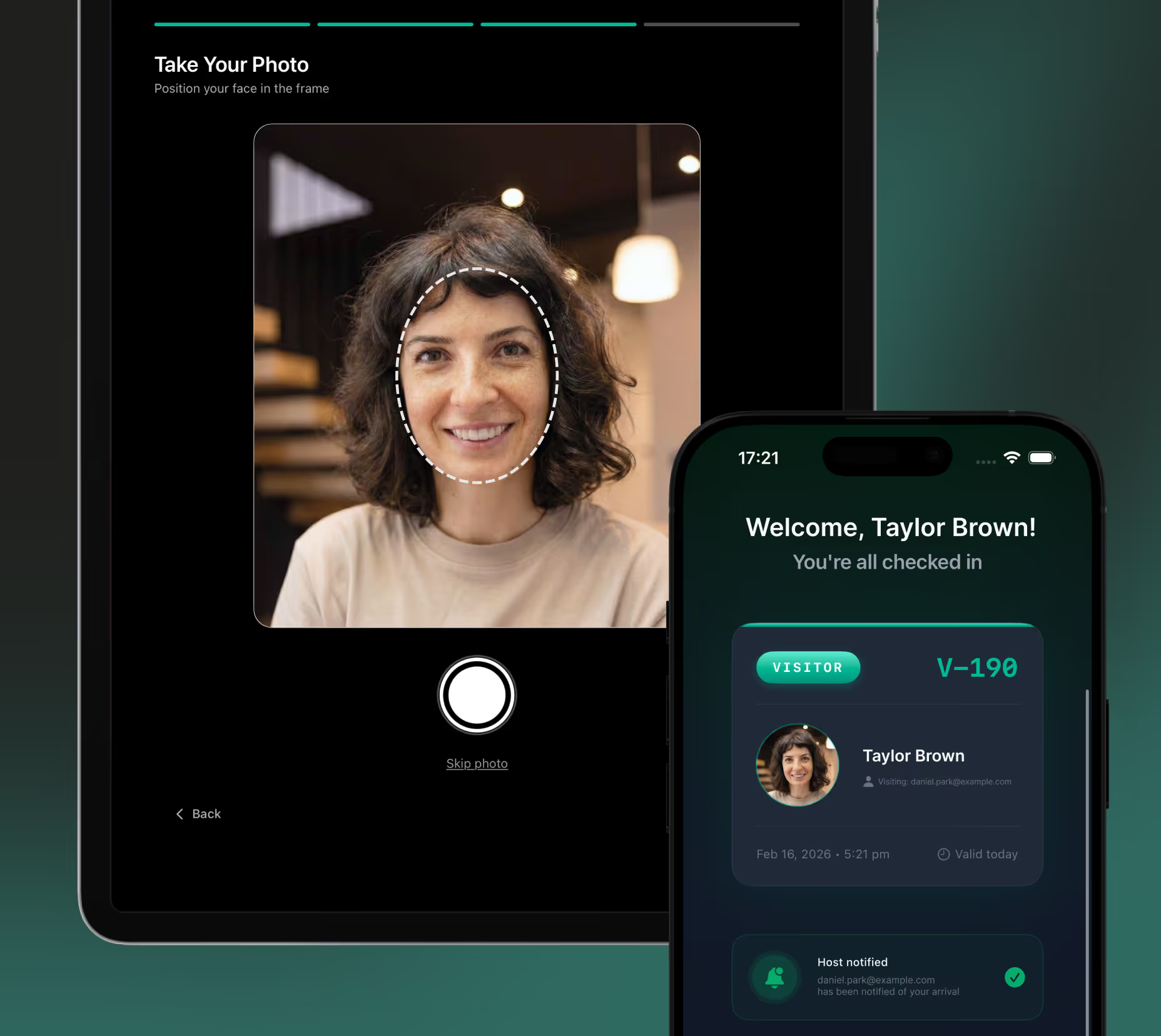
Hosts are notified automatically by email, SMS, and browser notification the moment their visitor checks in
If connectivity drops, visitors still complete the full check-in flow — pending check-ins sync retroactively when the iPad reconnects, and badges can be printed on an ad-hoc basis through the web dashboard once connectivity is restored.
How Coram Guest Management Works
One dashboard for guest logs, device management, screening policies, and real-time status across every entrance and every site.
One Dashboard for Every Location
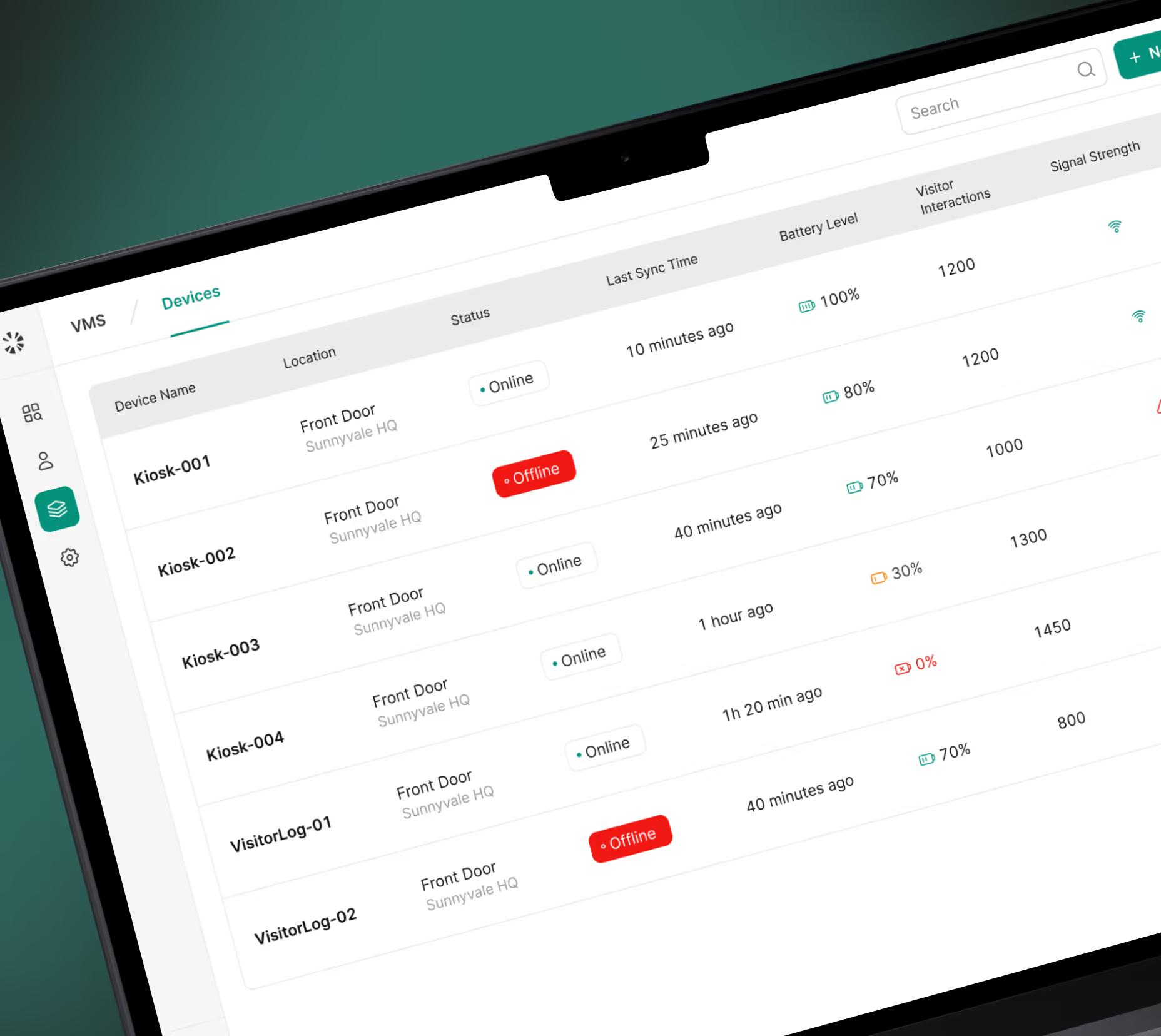
Every iPad, guest log, blacklist entry, and device status lives in a single web dashboard, as part of Coram’s wider platform. Register a new kiosk and easily configure its branding — logo, welcome message, colors — all from the web. Changes sync to the iPad instantly.
Fast Check-In With Automatic Badge Printing
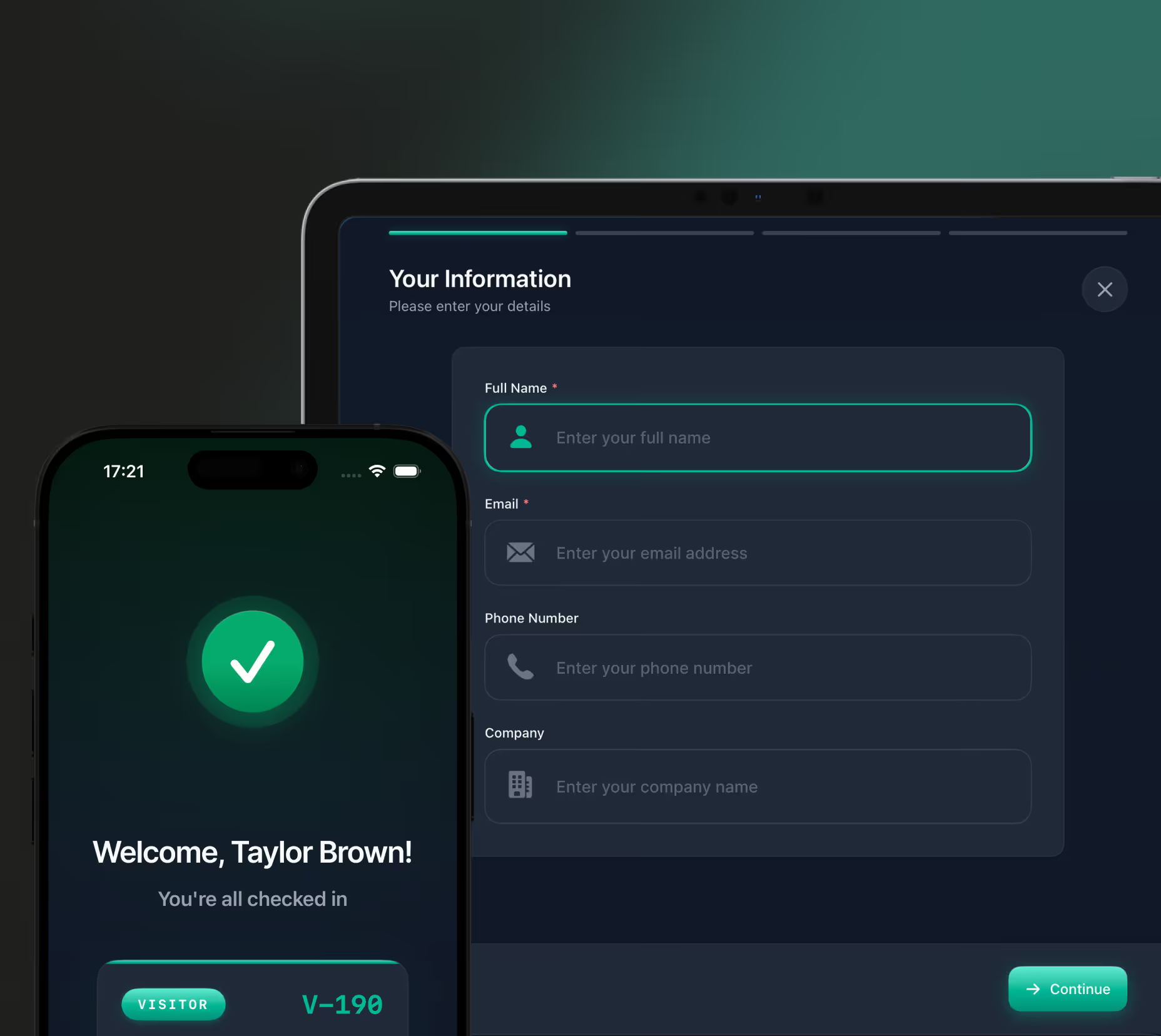
Guests complete check-in on a branded iPad in under 30 seconds. A badge prints automatically with their name, company, host, and check-in time. Auto-printing can be enabled or disabled, and admins can trigger on-demand badge prints remotely from the web dashboard.
Configure Everything From the Web
You control what guests see, and only request sign-in details that suit your security posture. Show, hide, or require fields, upload your logo, set your welcome message, and toggle badge printing on or off. Every change syncs to the iPad instantly.
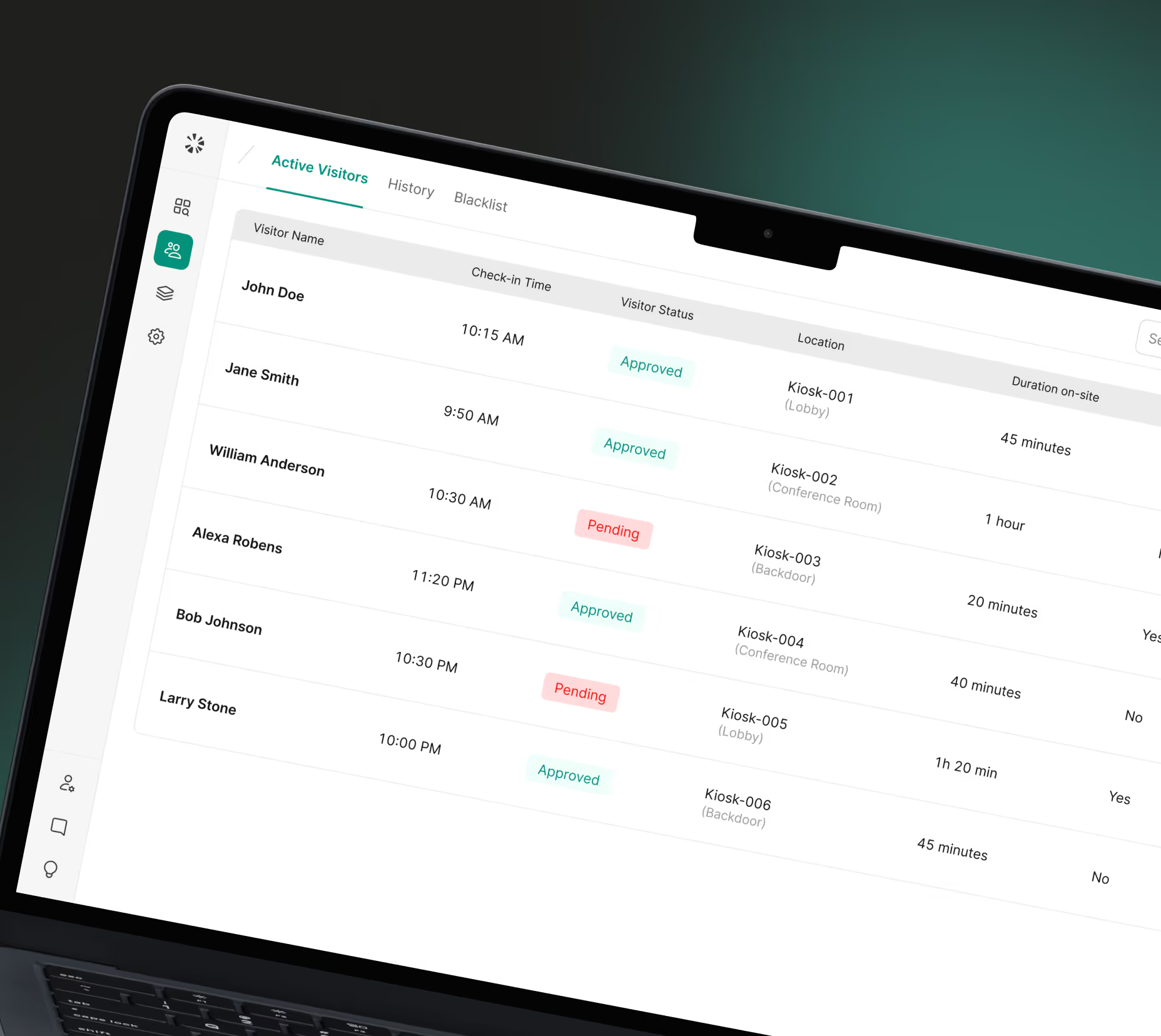
Manage Guests and Devices From Anywhere
See which kiosks are online, which guests are currently on-site, and the full history of every check-in, blacklist match, and approval decision across all locations. Guest check-out is optional but available for organizations that need to track guest duration.
Get an Instant Quote
Guest Management and Video
Security in One Place

Emergency Management
Guest logs and emergency response live on the same platform. When an incident occurs, your team has immediate knowledge of who's in the building, alongside tools to lock down, alert, and coordinate — all from one place.
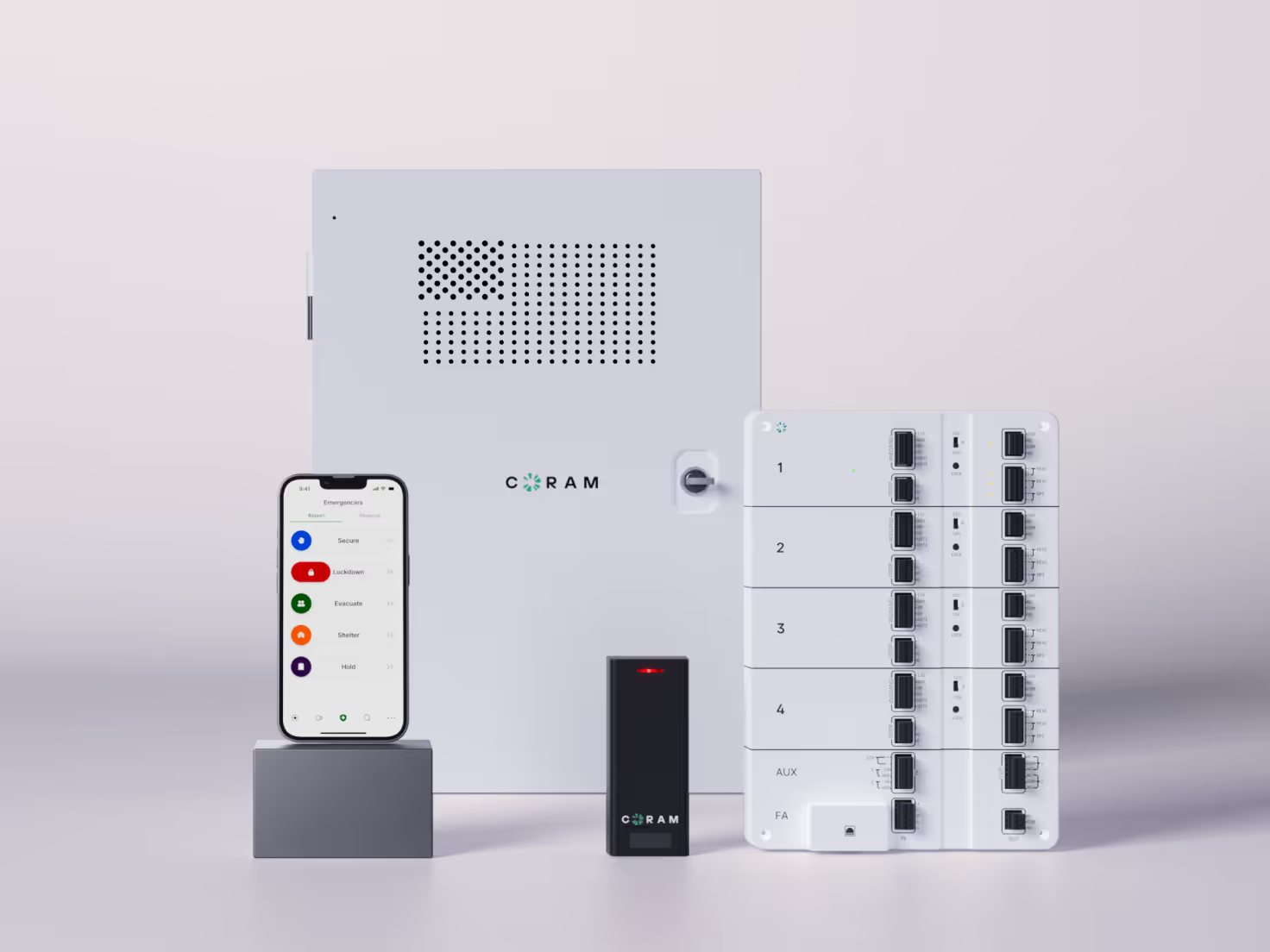
Access Control
Manage who checks in at the kiosk and who can badge through doors without separate logins. Guest logs and access events sit side by side, giving your team a single view of everyone entering your facility.
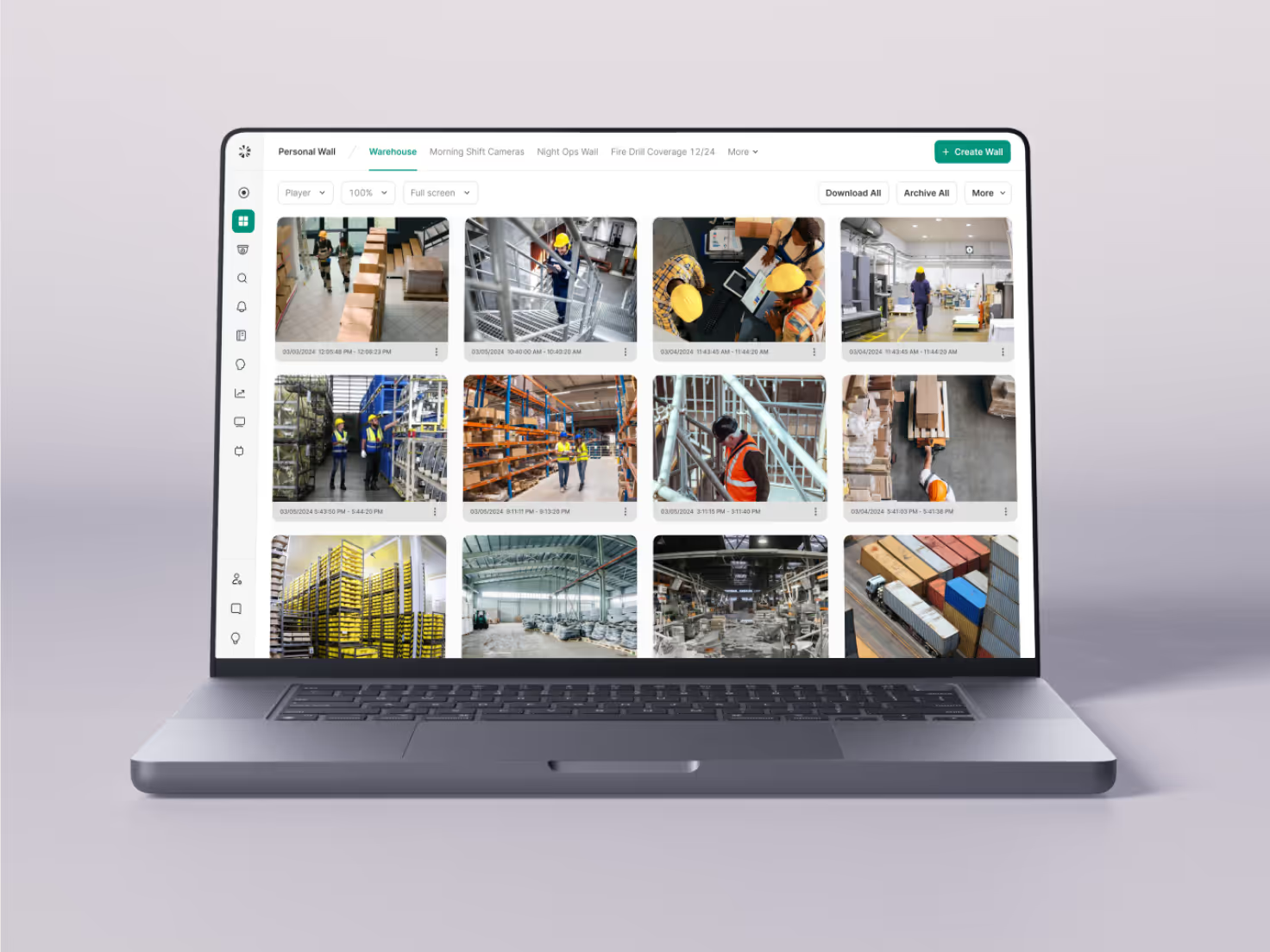
AI Video Security
Every activity, including guest check-in, can be collated with footage from security cameras, giving visual verification, AI analysis, and a complete record of everyone who enters your facility — all with a single login.