How Long Should an Incident Investigation Take?
How long it takes security teams to find footage after an incident, what drives the number, and what a realistic target looks like by system and site count.

Stu Waters
Published


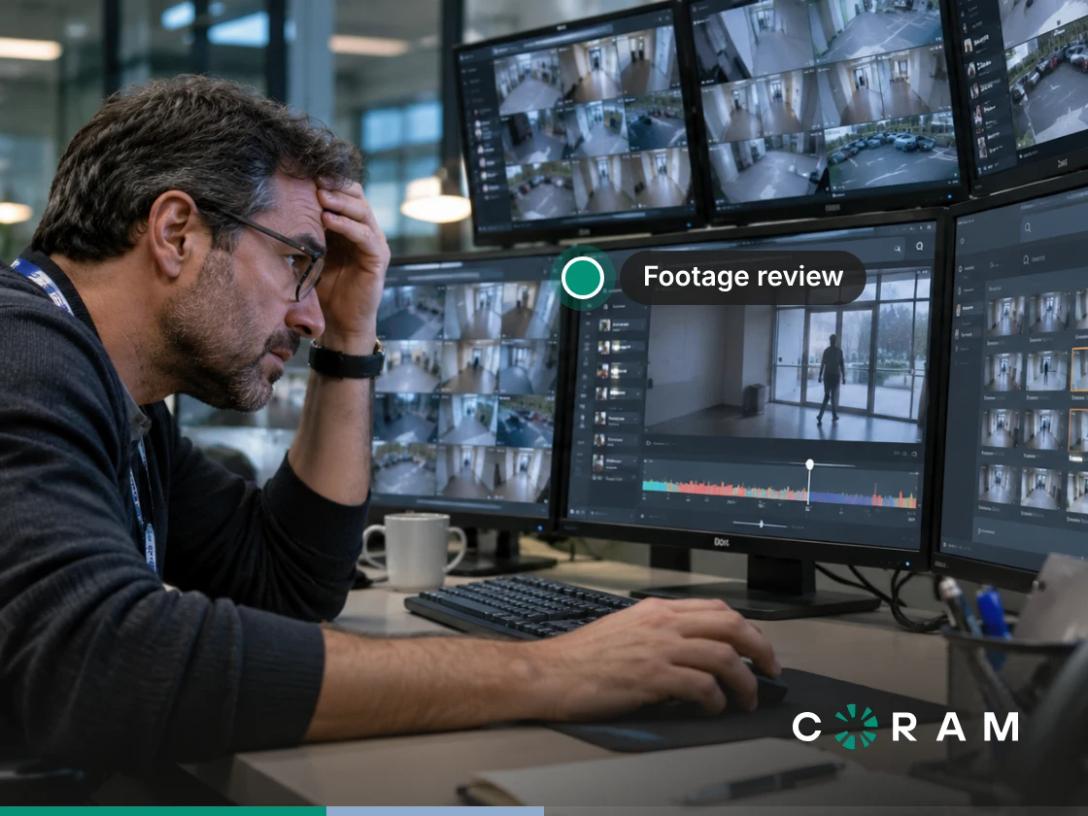
Finding the right footage can take minutes when the incident is easy to locate, or it can take hours when you need to review multiple cameras or search across sites. The difference comes down to system architecture and site count, not image quality alone. Aim for minutes to retrieve a known event from one camera and under an hour to reconstruct it across cameras.
Why Nobody Measures This
If you’re responsible for physical security, that usually means logging into the video system, working backward from what little you know, and reviewing footage until you find something useful. How long did that take? In most cases, nobody has a number.
Security teams routinely measure recording performance. They know how many cameras are installed, how much footage the system stores, and whether the video is clear enough to identify what happened. But the time it takes to retrieve relevant footage rarely gets the same attention. As a result, an investigation that takes hours can feel like an unavoidable part of the job.
That gap matters when it comes to budgets. If investigations are slow, you might think of adding cameras, expanding storage, or improving image quality. Those can solve real coverage and recording problems, but they don’t necessarily make existing footage easier to find. More cameras can even mean more footage to review when an incident spans several areas.
Without a baseline for retrieval time, security teams can’t tell whether their systems are helping them investigate incidents efficiently or simply recording more of them. The first step is to measure the time between being asked to investigate an incident and having the relevant footage and evidence ready to review.
What the Range Actually Looks Like
The time it takes to retrieve incident footage depends on both the system and the scope of the investigation. Here are some indicative working estimates, not published industry averages or guaranteed results; actual retrieval times vary with the available timestamps, search tools, camera count, and how footage is organized.
These ranges assume the relevant footage is available, the system is operational, and the investigator has the necessary access. The time required to establish what happened, verify identities, or prepare a formal report can extend beyond footage retrieval itself. However, these widen from left to right because the search becomes more complex.
A single-camera incident with a known timestamp is usually a direct lookup. But when an incident crosses cameras, the investigator must identify relevant views, align timelines, and establish continuity between clips. With a multi-site investigation you’ll need to locate the right building or camera, access the relevant system, and connect evidence from different locations.
As for the bottom-right cell, results will vary according to what the video has been indexed to recognize, how accurately the investigator can describe the incident, how many cameras and sites need to be searched, and whether the relevant footage remains accessible. A search across multiple sites may be straightforward when video is indexed consistently, but substantially harder when the event is poorly described or the evidence requires manual verification.
The Four Things That Decide the Number
Four factors determine how long it takes to retrieve useful footage after an incident: how many cameras are involved, whether you know when it happened, how the footage is indexed, and how easily you can access the relevant recordings.
How Many Cameras the Incident Touches
When an incident is captured by a single camera, the task is relatively straightforward: locate the relevant recording, review the footage, and identify what happened. If you know the approximate time, you can usually narrow the search to a manageable window.
The work changes when an incident crosses three or more cameras. An investigator may need to follow a person from an entrance to a corridor, then into a parking area or another building. Each additional camera introduces another search step, followed by the work of matching timelines and connecting what appears in one view to what appears in the next. The investigator is no longer just retrieving a clip; they’re reconstructing a sequence of events.
That distinction matters because the time adds up in two ways. More cameras mean more footage to locate and review, but they also mean more connections to establish between clips. Even when each recording is easy to open, piecing together a reliable account of what happened can take considerably longer than reviewing a single view.
Whether You Know When It Happened
If someone reports that a delivery went missing at around 2:15 p.m., an investigator can start by reviewing footage from that time. The search becomes much harder when nobody knows exactly when the incident happened, which is common with theft, property damage, and policy violations discovered after the fact.
Without a reliable timestamp, the investigator may need to work backward from the time the incident was reported and review hours of footage, sometimes across multiple days. That means more scrubbing, more clips to check, and more opportunities to miss the moment that matters. Even on a system with clear video and convenient playback controls, finding an event in an unknown time window can consume far more time than retrieving footage from a known point.
This is why the incident timestamp can be one of the biggest multipliers in an investigation. Camera quality cannot tell an investigator when something happened, and an intuitive timeline cannot eliminate the need to review footage if the event’s timing is unknown.
What the Footage Is Indexed By
A video system’s search capabilities depend partly on what information it uses to organize and retrieve footage. In a basic setup, investigators search by camera and time. They select a camera, move to a particular point on its timeline, and review the recording. If they do not know when an incident occurred, they may have to repeat that process across a much wider window.
Indexing footage by additional details, such as people, objects, vehicles, or license plates, gives investigators other ways to narrow a search. Instead of relying entirely on a timestamp, they may be able to search for a relevant vehicle or look for a person matching the available description, depending on the system’s capabilities and the footage available.
So, if footage is indexed only by time, every search ultimately comes back to scrubbing through a timeline, however polished the interface may look. Additional searchable attributes can reduce the amount of footage an investigator needs to review, although the results still depend on what the system can recognize and how clearly the incident appears in the recordings.
How Far the Search Can Reach
Retention determines the oldest footage a search can reach at all; Coram, for example, records on site on a Coram Point for the retention period in your contract, with options that start at 30, 60 or 90 days and longer plans on some models, as explained in the guide to how long your system keeps footage. The second consideration is whether archived or backed-up footage is searchable in the same place as current recordings, or whether an investigator must submit a separate request to retrieve it.
When an incident is discovered well after it occurred, that distinction can add another step to the investigation. Ask whether older footage can be searched through the same interface and workflow as current footage, or whether accessing it requires a separate process.
What Good Looks Like
For a single-camera incident with a known timestamp, that should take minutes, not hours. When an investigator needs to reconstruct an incident across multiple cameras, a reasonable target is under an hour. For a multi-site property, finding relevant footage should not require traveling to each location or relying on someone at the site to review it.
The experience of Commerce ISD offers a practical example of why this matters. Seth McDaniel, Commerce ISD’s police chief, described the time spent on manual video review: “I seriously would spend anywhere from six to eight hours a week looking at video.”
The same account describes a marked difference in one investigation: “A THC vape handoff traced to the student in about 25 minutes, not the three or four hours it used to take.” There is also supporting evidence from outside this example. A 2026 vendor-commissioned Forrester Consulting Total Economic Impact study reported 30-60% faster investigations and evidence handling.
Coram Video Security helps here through Coram Assistant. You ask questions in plain language about cameras, video, alerts, people, license plates, doors, and access events, and Coram Assistant searches across your organization, finds the answers, and shows the evidence. Normal answers arrive in seconds. Deep Investigation reviews data in depth and returns an evidence-backed report, which usually takes several minutes and up to about half an hour for a complex question.
When a person or vehicle crosses cameras at the same site, Journey Path suggests matching clips, the investigator selects the true matches, and Coram plays them back-to-back in time order. Because Access Control runs on the same platform, a door event shows a clip from the camera paired with that door, so the access event and its video sit side by side. Answers are limited to the cameras, locations, and products your account has access to, and to the footage and events your organization retains.
How to Measure It in Your Own Building
You don’t need new software or a system upgrade to find out how long incident investigations take. Start with incidents your team has already handled and reconstruct the time spent getting from the initial report to having the relevant footage and evidence ready for review.
Choose three past incidents that involved different types of searches, if possible. Include the time spent by everyone involved, not just the minutes someone spent watching footage. Looking for the right camera, narrowing down the timeline, switching between views, coordinating with colleagues, and verifying that the footage shows the relevant event all contribute to the total.
For each incident, note which of the four factors played the biggest role: camera count, certainty about the timestamp, how the footage was indexed, or how far the search could reach. Use this five-step exercise to calculate your own retrieval-time baseline.
- Select three past incidents. Choose cases where your team needed video evidence, ideally including a straightforward single-camera search and at least one incident involving multiple cameras or an uncertain timeline.
- Record the starting point. Note when the investigation began, such as when the incident was reported or the request to retrieve footage was received.
- Time the entire retrieval process. Record when the relevant footage was located and ready for review. Include the time spent searching, coordinating with other people, accessing recordings, and verifying the evidence.
- Identify the main source of delay. For each incident, record which factor contributed most: the number of cameras, an unknown timestamp, limited search indexing, or difficulty reaching the relevant footage.
- Calculate and record your baseline. Write down the total retrieval time for each incident and calculate the average across all three. Keep the individual results, too, because an average can hide the difference between a straightforward search and a complex reconstruction.
Once you have these numbers, you will have something concrete to work with. You can identify where investigations lose time, set realistic improvement targets, and repeat the exercise later to see whether your team’s retrieval process is getting faster.
The Number Worth Writing Down
It’s not how many cameras your site has, but how long it takes your team to find the evidence needed to answer a question about an incident. Measure that time, understand what slows the search down, and use the result as a baseline for improvement. Here, Coram Assistant gives you another way to search video and related security events using plain-language questions.
FAQ
Why does finding footage take hours even when we know roughly what happened?
Most video systems only let you search by camera and time, so a vague report like “sometime Tuesday afternoon” means scrubbing hours of footage on every camera that might have caught it. Searching by description cuts what you have to review. With Coram Assistant, for example, you ask in plain language about people, vehicles or objects, normal answers arrive in seconds, and each answer shows the evidence behind it.
How do I follow one person across several cameras without reviewing each feed?
This is where most investigation time goes: finding the person on one camera, guessing which camera they walked into next, then lining up timestamps by hand. Look for cross-camera tracking that does the matching for you and leaves the final call to the investigator. In Coram, Journey Path suggests clips of the same person or vehicle at the same site, you confirm the real matches, and it plays them back-to-back in time order.
How do I match a door access event to video of who actually came through?
Access logs tell you a badge was used, not who used it. When the door system and the cameras are separate products, you check the log, note the time, then hunt for the right camera in another tool. When access control and video share one platform, the door event comes with the footage. In Coram, once a camera is paired with the door, each access event shows a clip from that camera.