


The expectations from surveillance systems are starting to change as AI becomes more deeply integrated into security technology. What has really changed here is the role of the camera system itself. Earlier, surveillance systems mainly served as a record. If something happened, security teams would go back to the footage and manually scan timelines.
With artificial intelligence now integrated into surveillance platforms, AI-powered security cameras can automatically detect events such as unusual movement, restricted-area access, or specific objects and immediately notify security teams. Because of this, the surveillance system becomes an active layer of awareness, helping teams spot and address situations.
This shift is also why organizations now evaluate surveillance platforms differently than they did in the past. In this context, comparisons like Verkada vs Ava vs Coram are very common. While all three position themselves as AI-driven video surveillance solutions, there are several differences in their hardware, analytics capabilities, deployment flexibility, and more.
Understanding these exact differences can help you determine which platform best aligns with your needs. This guide is designed to help you decide exactly that so you can make an informed decision.
Verkada vs Ava vs Coram Overview
Verkada, Ava, and Coram – all 3 platforms offer AI video surveillance with a few differences. To better understand this AI video surveillance comparison, let's take a look at them one by one in a bit more detail:
Verkada
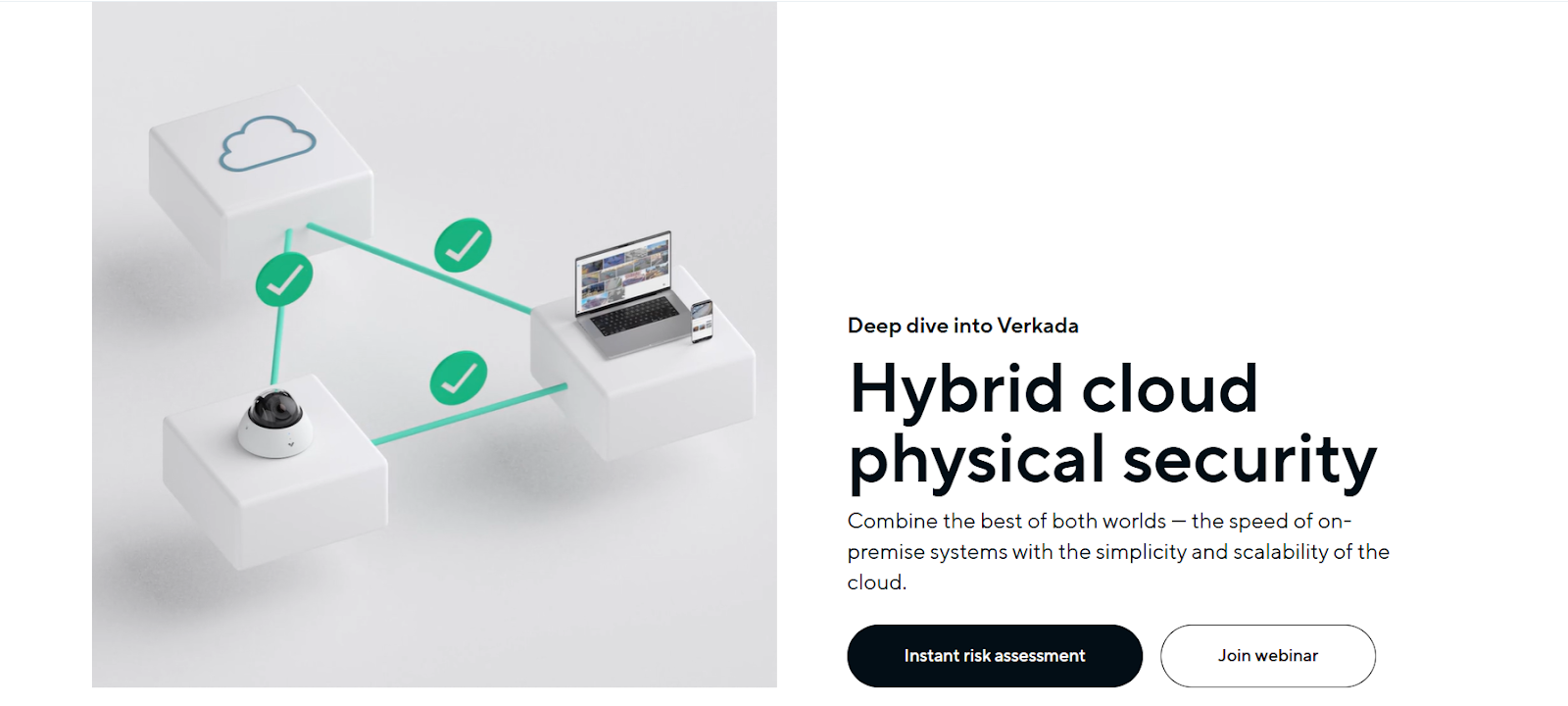
Verkada's video surveillance platform operates as a cloud-managed security system built on a hybrid architecture. It combines edge processing inside cameras with centralized cloud management to deploy and manage surveillance systems without maintaining local servers.
Source: Verkada
In this model, cameras perform video processing and storage locally while the cloud layer provides remote access, centralized management, and analytics. This simplifies system management while still helping you monitor multiple locations through a single interface.
Here are some of its main capabilities:
Hybrid Cloud Architecture
One of the core elements of Verkada's platform is its hybrid cloud architecture. Each camera records footage directly onto encrypted onboard storage, which removes the need for separate NVRs or recording servers. At the same time, the platform connects cameras to Verkada's cloud-based management interface. This allows teams to:
- Access live and recorded footage remotely
- Manage cameras across multiple sites
- Configure system settings and alerts
- Monitor camera health and system status
Since video is stored locally while management happens in the cloud, the system provides both reliability at the edge and simplified centralized control.
Edge-Based AI Analytics
Verkada cameras include built-in processing capabilities that allow them to analyze video directly on the device. Using computer vision models, the platform can automatically detect and categorize events such as:
- People entering or exiting an area
- Vehicle presence
- Motion events
- Activity within defined zones
By processing these detections at the edge, the system can generate alerts and searchable metadata without requiring a separate analytics server.
Search and Investigation Tools
To help security teams investigate incidents more efficiently, Verkada provides AI-powered search capabilities that allow users to filter footage based on detected attributes. For example, you can search for recorded video using filters such as:
- Person detected
- Vehicle detected
- Motion activity
- Specific time ranges
These filters narrow down large volumes of footage and allow teams to locate relevant clips more quickly.
Centralized Management Through Command
All cameras and analytics are managed through Verkada's Command platform, a browser-based interface used to monitor and administer the surveillance system. Through this interface, teams can:
- View live camera feeds
- Review recorded footage
- Manage user permissions
- Configure alerts and notifications
- Monitor device health across locations
That's how Verkada's platform works as a fully integrated surveillance ecosystem where cameras, analytics, and management tools are tightly connected.
Ava (Avigilon Alta)
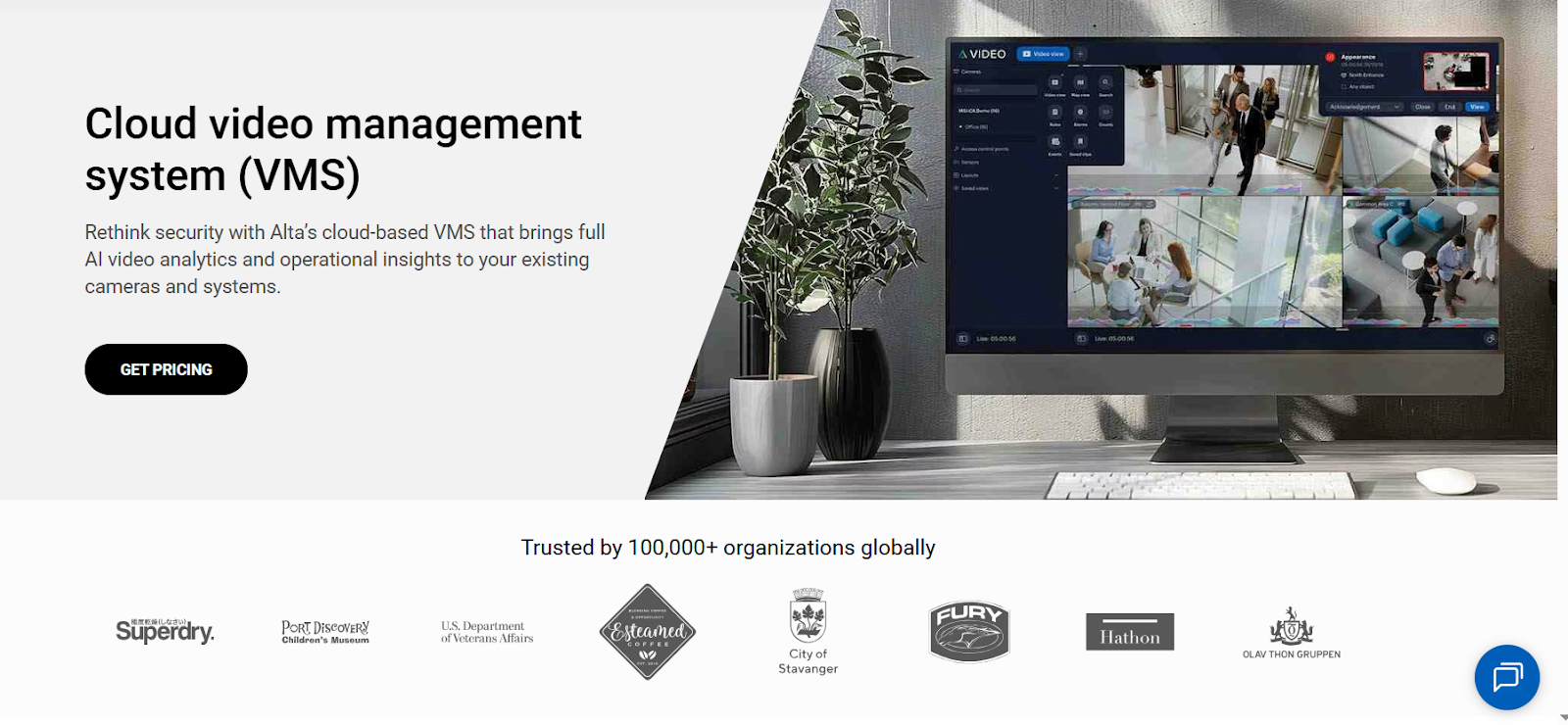
Ava Security was acquired by Motorola Solutions in 2022, and its cloud video platform is now part of the Avigilon Alta suite. The platform combines Ava's cloud video technology with other Motorola security products to deliver a cloud-native video surveillance ecosystem. As a result, Avigilon Alta provides a fully cloud-managed VMS with built-in AI analytics.
Source: Avigilon Alta
Here are some of its main capabilities:
Cloud-Native Video Management System
The VMS of Avigilon Alta is designed to be 100% cloud-native and serverless. This means you do not need to maintain on-premise recording servers or complex infrastructure to manage your video security systems. Instead, cameras connect directly to the cloud platform, where users can monitor footage, manage devices, and review events via a web browser/mobile app.
AI Video Analytics
Avigilon Alta integrates AI-powered video analytics into its cloud platform to help detect and analyze events in real time. These analytics use machine learning models to identify patterns in video streams and flag unusual or potentially risky activity. Some of these analytics capabilities include:
- Detecting unusual movement or activity
- Identifying objects or vehicles
- Triggering alerts based on predefined conditions
- Supporting automated investigations through video metadata
These allow security teams to move beyond simple recording and instead use the system to identify events more quickly.
Open and Flexible Platform
Another important characteristic of Avigilon Alta is its open platform architecture. The system is designed to work not only with Alta cameras but also with selected third-party cameras and other security technologies. Additionally, Alta supports integrations with other security tools and applications through APIs and an integration marketplace.
Centralized Cloud Management
Avigilon Alta provides a centralized interface where administrators can manage cameras, review alerts, and monitor activity across multiple locations. Since the system is cloud-based, you can access these capabilities from web browsers or mobile applications without VPN connections or specialized software.
This centralized management layer is designed to improve operational visibility by allowing teams to:
- Monitor multiple sites from a single dashboard
- Receive real-time alerts and notifications
- Review historical footage and analytics
- Manage users and permissions across locations
That's how Avigilon Alta takes a cloud-native approach to video surveillance through AI analytics, centralized cloud management, and an open integration model.
Coram
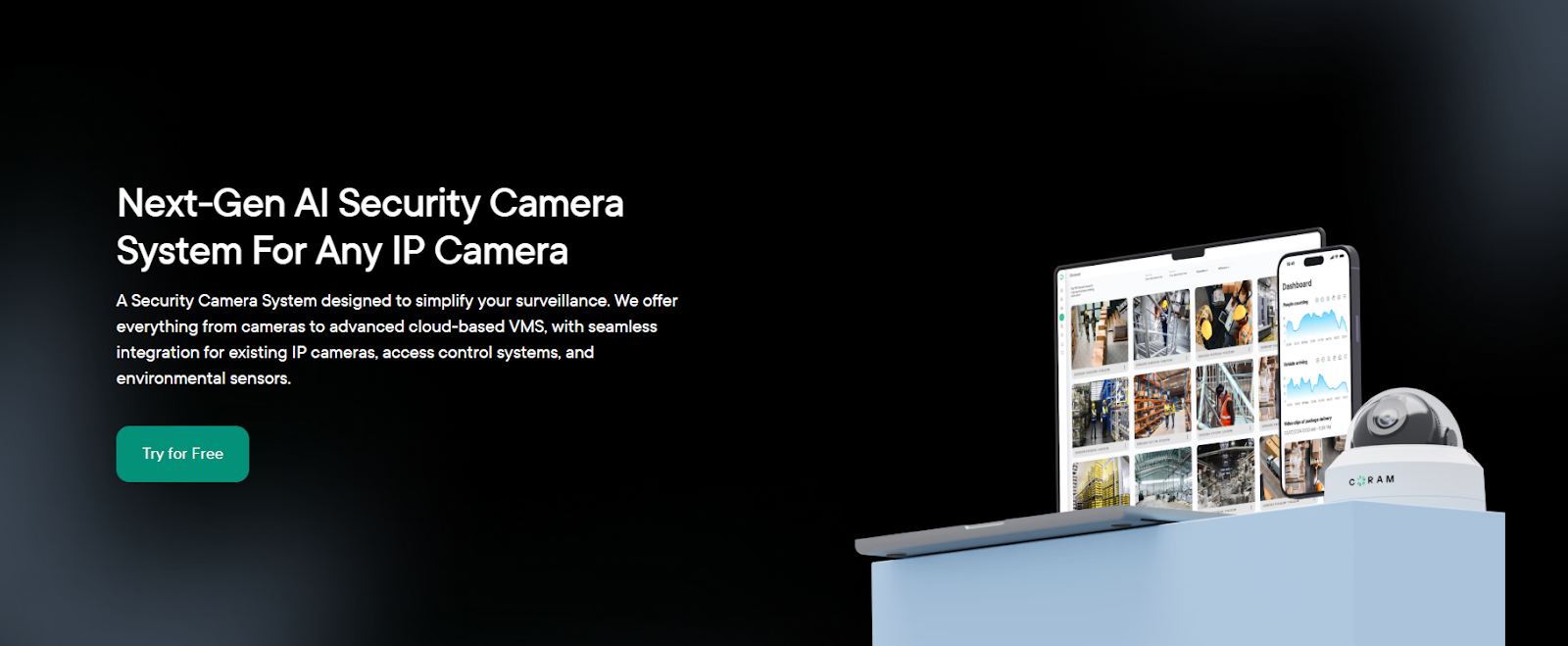
Coram is an AI-first video surveillance platform inherently designed to work with your existing camera infrastructure if needed. It focuses on adding an intelligent analytics and management layer that connects cameras, AI detection, and cloud monitoring into a single, unified platform.
Source: Coram
Coram achieves this through AI video analytics, cloud management, and investigation tools that help security teams monitor activity, detect risks, and investigate incidents more efficiently. Since it works with most IP cameras, you can deploy Coram without a full "rip-and-replace" upgrade of your surveillance infrastructure.
Here are some of its main capabilities:
AI-Powered Detection and Alerts
Coram's platform focuses heavily on AI-driven event detection. Using computer vision models, the system can analyze video streams and automatically detect specific activities or risks. These AI capabilities include:
- Weapon or gun detection
- Facial recognition and person identification
- License plate recognition
- Unusual activity or anomaly detection
These AI detections allow the system to generate alerts and notifications in real time, helping security teams respond faster to potential threats or unusual events.
Smart Search and Investigation Tools
Another core part of Coram's platform is its AI-powered video search and investigation tools. For example, the platform includes investigation tools such as:
- Discover: An AI-based search tool that helps locate specific events or objects in footage
- Journey: A feature that tracks a person or vehicle across multiple cameras to reconstruct movement
These tools help security teams review incidents more quickly and understand how events unfolded across different areas of a facility.
Cloud Dashboard and Remote Monitoring
Coram also provides a cloud-based dashboard to help monitor cameras, review alerts, and manage video feeds from a centralized interface. Through this dashboard, your security teams can:
- Monitor live camera feeds
- Access recorded footage remotely
- Investigate incidents across multiple cameras
- Manage surveillance systems across different locations
The platform enables remote monitoring while keeping AI processing close to the cameras for performance and data privacy considerations.
That's how Coram centers most of its focus on adding AI intelligence and investigation tools to existing surveillance systems.
Summary Comparison Table
Now that we have taken a deep dive, here's a quick overview to help you go through the specifications at a glance:
Ideal Use Cases & Best Fit
While Verkada, Avigilon Alta (formerly Ava Security), and Coram AI all offer AI-enabled surveillance capabilities, they are designed with slightly different deployment models and operational priorities in mind. Here are a few use cases to help you choose better:
Choose Verkada if:
- You want a fully integrated security ecosystem where cameras, software, and analytics come from the same vendor.
- Your organization prefers a simplified deployment model without managing NVRs or local recording servers.
- You are comfortable installing new proprietary cameras as part of the system rollout.
- Your security team values centralized cloud management across multiple locations.
- You want built-in analytics such as people detection, vehicle detection, and motion-based search without configuring additional AI tools.
Choose Ava / Avigilon Alta if:
- You want a cloud-native video management system and not a hybrid architecture.
- Your organization is already part of the Motorola Solutions / Avigilon ecosystem or plans to integrate with it.
- You prefer a modern cloud VMS interface that can manage cameras across distributed locations.
- You want a platform that supports both Alta cameras and selected third-party devices.
- You want cloud-managed monitoring + AI-powered event detection across multiple facilities.
Choose Coram AI if:
- You want to add AI capabilities to an existing camera deployment without replacing hardware.
- Your organization is looking for advanced AI analytics, such as weapon detection, facial recognition, or license plate recognition.
- Investigation speed is important, and you want tools like AI-powered video search and cross-camera tracking.
- Your goal is to make current cameras more proactive and searchable without replacing them entirely.
Some organizations prioritize an all-in-one ecosystem, while others prefer a flexible AI layer that enhances their current surveillance setup. In the end, the right choice depends on how well the platform fits your existing infrastructure and operational workflow.
Conclusion
If you step back and look at the three platforms side by side, the differences aren't just about features — they're about how each platform's AI serves your needs. With Verkada, you're essentially choosing a tightly integrated ecosystem where cameras, software, and analytics all come from the same vendor.
That can simplify deployment, but it also means committing to a specific hardware stack from the beginning. With Avigilon Alta (formerly Ava Security), the focus is more on a cloud-native video management experience within a broader security suite. For organizations already aligned with the Motorola ecosystem, that integration can give a strong operational edge.
However, if you want to make your surveillance system more intelligent without rebuilding it from scratch, Coram stands out as it adds a powerful AI layer that works with existing cameras while introducing advanced detection, investigation, and monitoring capabilities.
That flexibility can matter a lot. You keep the cameras you already have, yet you gain the ability to search footage more intelligently, detect risks earlier, and understand incidents across multiple cameras much faster. In many use cases, that balance between flexibility and AI capability is exactly where you can get strong leverage.





.png)

