


.webp)
Avigilon has been a well-established name in enterprise-grade physical security, but as the market has evolved, many organizations are reassessing whether it still fits their needs. In most cases, this comes down to rising costs, dependence on proprietary hardware, and a gap between modern AI expectations and what legacy analytics deliver.
Part of the reason is also a clear preference for systems that are easier to scale and operate. AI-native platforms offer more actionable insights, cloud-first architectures reduce infrastructure overhead, and camera-agnostic setups remove vendor lock-in. As a result, the focus is now on choosing a system that aligns with how security operations actually work today.
It's also worth noting that Avigilon is not going anywhere. Now owned by Motorola Solutions, Avigilon actively maintains two product lines: Avigilon Alta (its cloud-native platform) and Avigilon Unity (its on-premise platform). So the decision is less about replacing a legacy system and more about whether your operational needs have moved past what Avigilon is optimized for.
On that note, this in-depth guide explores the 10 best Avigilon alternatives in 2026 based on their features, flexibility, and overall usability, so you can evaluate what best fits your setup.
The quick table below highlights each option at a glance.
Why Are Security Teams Looking for Avigilon Alternatives?
Well-established systems like Avigilon don't usually get replaced because they stop working well enough. As deployments expand, the same setup starts to demand more effort to deliver the same level of control. So if you're evaluating alternatives, it's probably because you're running into one or more of these:
1. Costs That Scale With Structure, Not Flexibility
In a controlled setup, costs are predictable because the system is deployed within a defined scope. Things change when that scope expands: adding a new site extends licensing, storage, and infrastructure in the same pattern as the original deployment, regardless of whether you need all of it.
2. Hardware Decisions That Carry Forward
The system is designed to work as a closed loop, where hardware and software are closely aligned. This works efficiently during initial deployment because compatibility is not a concern, but if a team wants to introduce different camera types for specific environments, the system doesn't adapt easily.
3. Analytics That Require More Deliberate Handling
Analytics exist within the system, but extracting consistent value from them is not always immediate. Configuration often involves defining rules, tuning sensitivity, and managing how alerts are generated across different environments. This becomes more complex as deployments grow, because the same logic does not apply uniformly across locations, which often requires site-specific tuning rather than centralized configuration.
4. Management That Expands With the System
On-premise control gives you direct oversight, but it also needs active management. This stays manageable in limited deployments, but if you want to add more sites, update software, maintain performance, or manage user access across multiple locations, routine responsibilities expand alongside it.
10 Best Avigilon Alternatives in 2026
Avigilon has been a strong player in video surveillance, but it is not always the right fit for every setup. Depending on your requirements, you may need better AI capabilities, more flexibility with hardware, or a system that is easier to manage across locations. Here are the 10 best Avigilon alternatives in 2026, based on different use cases and system requirements.
1. Coram

Coram is a next-generation AI security system that works with any IP camera, which enables you to search video using plain language and retrieve clips quickly. It has in-built capabilities like journey tracking, supported by faster video navigation including thumbnail-based scrubbing to reduce the time spent manually scanning footage.
Key Strengths
- Video surveillance, access control, and emergency response operate as one system, which reduces the need to switch between tools during incidents.
- Designed to integrate with standard IP cameras, enabling upgrades without hardware replacement.
- AI continuously analyzes video feeds to detect events like intrusion, safety violations, or unusual behavior, and triggers alerts for faster response.
- You can search events using plain English queries, which changes how investigations are handled in practice.
Limitations
- Compared to established VMS platforms, the partner and integration ecosystem is still maturing, and enterprise-grade access control integrations are relatively newer.
- Accuracy and usability of analytics can vary based on camera quality, configuration, and real-world conditions.
Best For
Organizations looking for an AI-native security system that works with existing cameras without requiring hardware replacement.
How it Compares to Avigilon
Avigilon offers more maturity in traditional on-premise deployments, while Coram prioritizes flexibility, AI-driven search, and faster adaptability across existing camera infrastructure.
Pricing
Custom, quote-based model depending on the number of cameras, users, and features selected.
2. Verkada
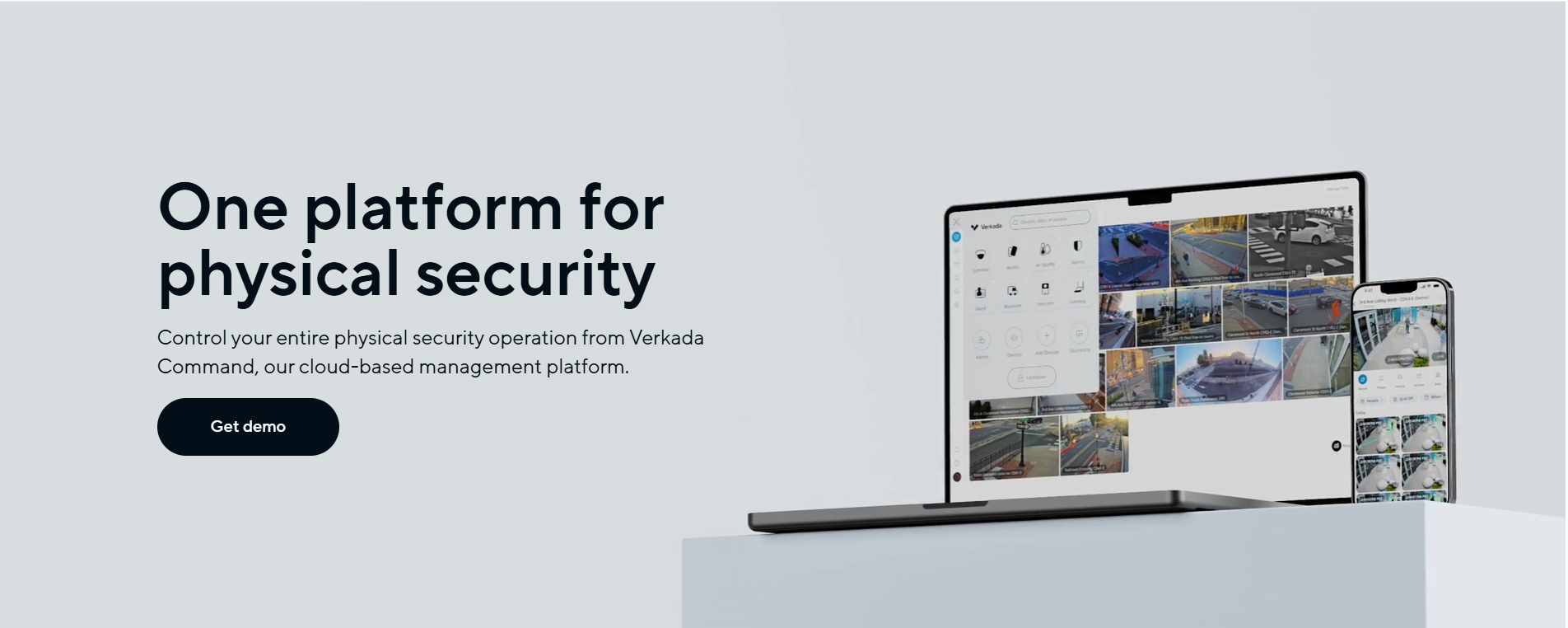
Verkada is designed as a cloud-managed security system where cameras, access control, and sensors are managed through a single platform. The architecture combines on-device storage and processing with cloud-based access, which removes the need for separate NVRs and makes it one of the most sought-after Avigilon alternatives in 2026.
Key Strengths
- Video is stored and processed on the camera, while management happens through the cloud.
- Cameras, access control, and sensors operate within the same platform.
- Basic AI features like motion detection, people/vehicle search, and alerts are available without additional configuration or external tools.
- Devices across multiple locations can be accessed, updated, and monitored from one interface, which reduces operational effort.
Limitations
- The system is built around Verkada hardware, so mixing third-party cameras or components is quite limited.
- Access to features and cloud management depends on active subscriptions, which adds to the long-term cost.
Best For
Organizations that want a simple, all-in-one cloud security system with minimal setup and infrastructure.
How it Compares to Avigilon
Avigilon has an on-premises VMS with strong hardware integration, while Verkada moves system management to the cloud. Avigilon allows more flexibility in hardware choices, whereas Verkada keeps the system more tightly integrated.
Pricing
Verkada uses a hardware + subscription model. Based on partner quotes and industry estimates, cameras typically range from several hundred to several thousand dollars each, with an annual cloud license required per device. Exact pricing is quote-based.
3. Genetec
If you want to switch from Avigilon, Genetec is another strong option, which has an open architecture. Cameras, access control devices, and analytics can come from different vendors, and the platform acts as the layer that connects and manages them. As a result, the system works on a setup where different components are coordinated across sites.
Key Strengths
- Video, access control, intrusion, and other systems are not loosely connected but operate on a shared data layer.
- Supports federation, where multiple independent systems (different sites or even different organizations) can be connected and managed centrally.
- Includes an event-orchestration layer that automates actions based on conditions.
- Provides native support for enterprise systems like Azure AD, SQL, SSO, and REST APIs.
Limitations
- As more cameras, sites, and integrations are added, system configuration and management can become harder to handle.
- Users may take time to get comfortable with how different modules and workflows operate.
Best For
Enterprise environments that need a unified platform to manage video, access control, and other security systems together.
How it Compares to Avigilon
Avigilon keeps things consistent within its ecosystem, while Genetec allows expansion by adding and connecting new systems over time.
Pricing
Genetec follows a connection-based SaaS pricing model where cost depends on the type of system connected (video, intrusion, access control). Published reseller estimates generally place per-connection annual costs in the low-to-mid hundreds of dollars, but final pricing is quote-based and varies by deployment.
4. Milestone XProtect

Milestone XProtect is an open-platform video management software (VMS) designed to act as a central layer across cameras, sensors, and analytics. It is built to support 14,000+ third-party devices so you can design your security setup without being tied to a specific vendor.
Key Strengths
- Supports thousands of cameras and third-party integrations.
- Available in multiple variants (Express+, Professional+, Expert, Corporate).
- Features like Smart Map, centralized search, and interconnect allow teams to manage multiple sites and devices from a single interface while keeping local control intact.
- More than 1,000 integrations enable the system to expand into broader security and operational use cases.
Limitations
- Compared to other alternatives, pricing can become expensive — especially for smaller deployments — as licensing and ongoing maintenance scale with the number of cameras.
- Initial setup often requires technical expertise, and the interface may feel dated compared to newer platforms.
Best For
Setups that need maximum flexibility in choosing cameras and integrating multiple third-party systems.
How it Compares to Avigilon
Avigilon limits you through its tightly integrated system, where hardware and software are designed to work together. In contrast, Milestone XProtect separates the platform from the hardware, which enables you to mix and match devices and integrations as and when needed.
Pricing
Pricing varies significantly by variant (Express+, Professional+, Expert, Corporate) and deployment scale. Licenses are sold per device/channel through Milestone's partner network.
5. Rhombus
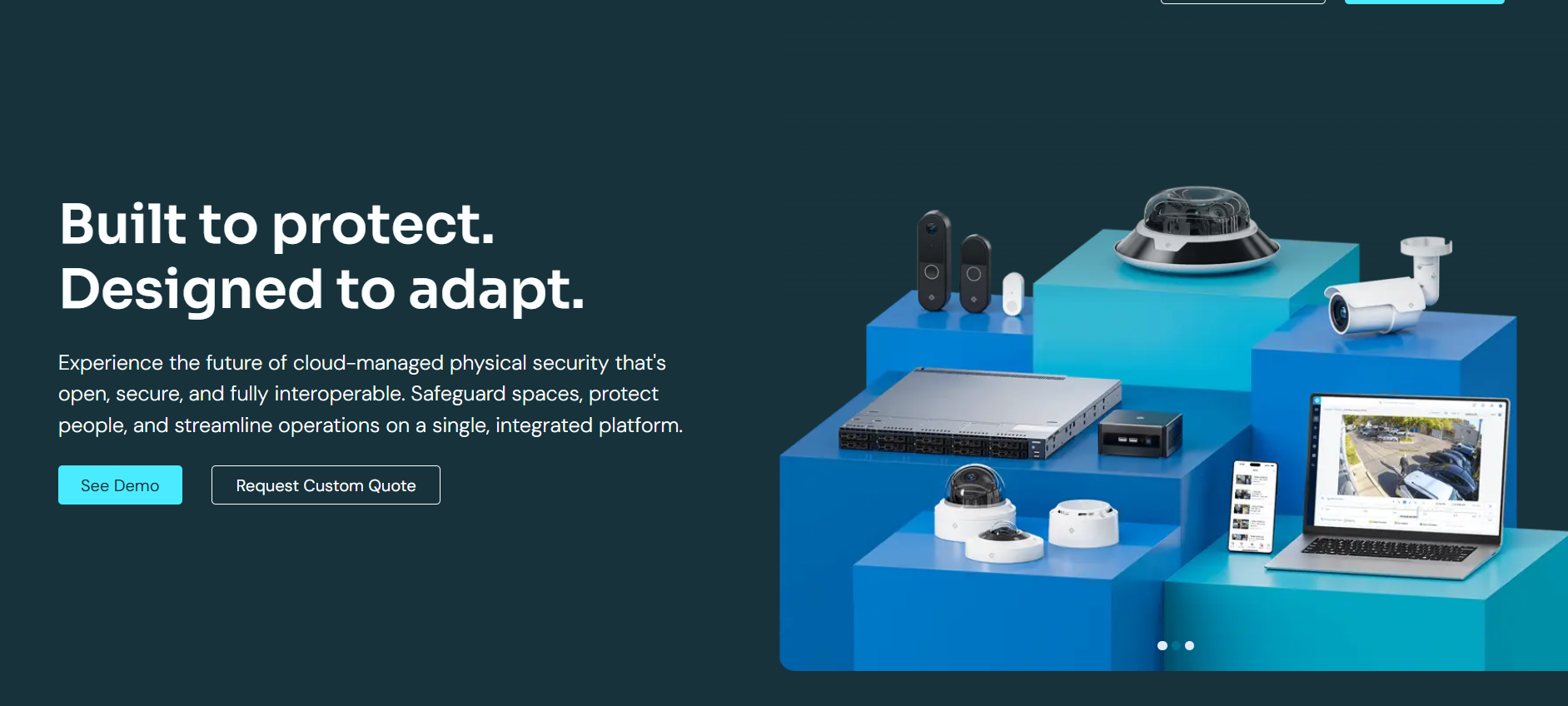
Rhombus is a cloud-managed physical security system with a cloud-edge architecture, where cameras handle local processing while the platform manages video, access control, and sensors through a centralized cloud interface. It doesn’t rely on NVRs, but offers Rhombus Console as the control center for all devices and locations.
Key Strengths
- Cameras process and store video locally while syncing with the cloud.
- All operations are handled in a single cloud dashboard with real-time visibility across locations.
- The system automatically indexes events like people, vehicles, and access activity.
- Designed with zero-trust architecture, encryption, and automatic updates enabled by default.
Limitations
- The system is designed to work best with Rhombus cameras and devices, which limits flexibility compared to fully open platforms.
- Camera connectivity inconsistencies, slower loading times, and occasional system lag may occur as deployments grow.
Best For
K-12 education and commercial real estate environments where cloud-based monitoring and ease of use are important.
How it Compares to Avigilon
Avigilon is an on-premise, video-centric system, where storage, analytics, and control are closely linked to the local infrastructure. Rhombus entirely removes that layer and shifts control to the cloud, while keeping processing at the device level.
Pricing
Custom pricing based on quote, typically a hardware + annual license subscription model.
6. Eagle Eye Networks
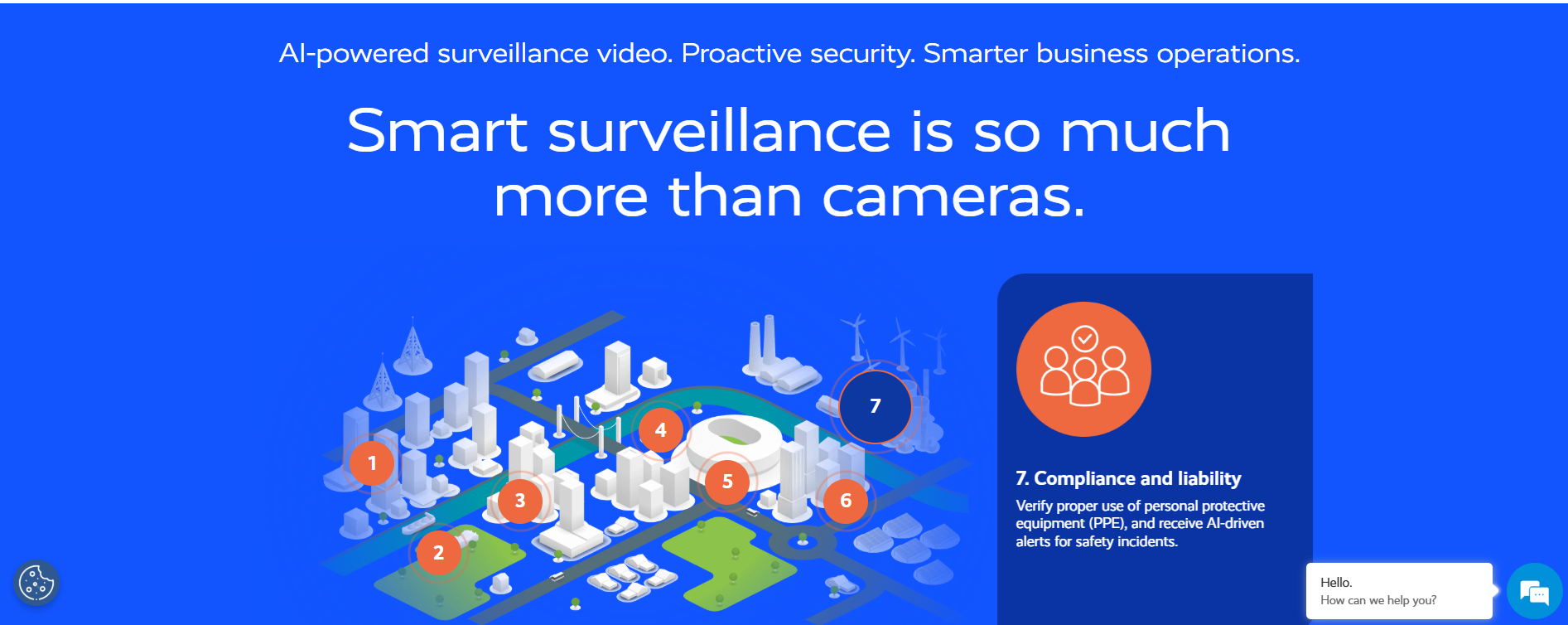
Eagle Eye Networks is a dedicated cloud-native VMS, structured around a cloud-first architecture with on-site appliances (Bridges/CMVRs) that buffer and manage video locally while synchronizing it with the cloud. At the same time, the platform supports 7,500+ camera models, allowing organizations to move to the cloud without replacing existing infrastructure.
Key Strengths
- Recording continues even during network outages, and syncs back to the cloud once connectivity is back.
- Supports thousands of IP and even analog cameras, which allows existing deployments to be migrated without hardware replacement.
- Video can be stored locally, in the cloud, or in a hybrid setup via the Flexible Storage Model (Flex Storage™), depending on your bandwidth, compliance, or retention needs.
- Uses end-to-end encryption, no open inbound ports, and secure authentication (SSO, 2FA).
Limitations
- Cameras may appear online while playback issues occur, leading to confusion during monitoring.
- Occasional instability in video search, playback, and download functions, especially in larger deployments.
Best For
Organizations managing multiple locations that need a centralized, cloud-based VMS without replacing existing cameras.
How it Compares to Avigilon
With Avigilon, scaling requires adding servers and managing infrastructure at each site. With Eagle Eye, sites are connected through the cloud, and expansion happens by adding cameras to the same centralized system.
Pricing
Eagle Eye follows a subscription-based model with optional add-ons, typically priced per camera per month, with additional services like Rapid Replacement available as add-ons. Final pricing is quote-based.
7. Solink
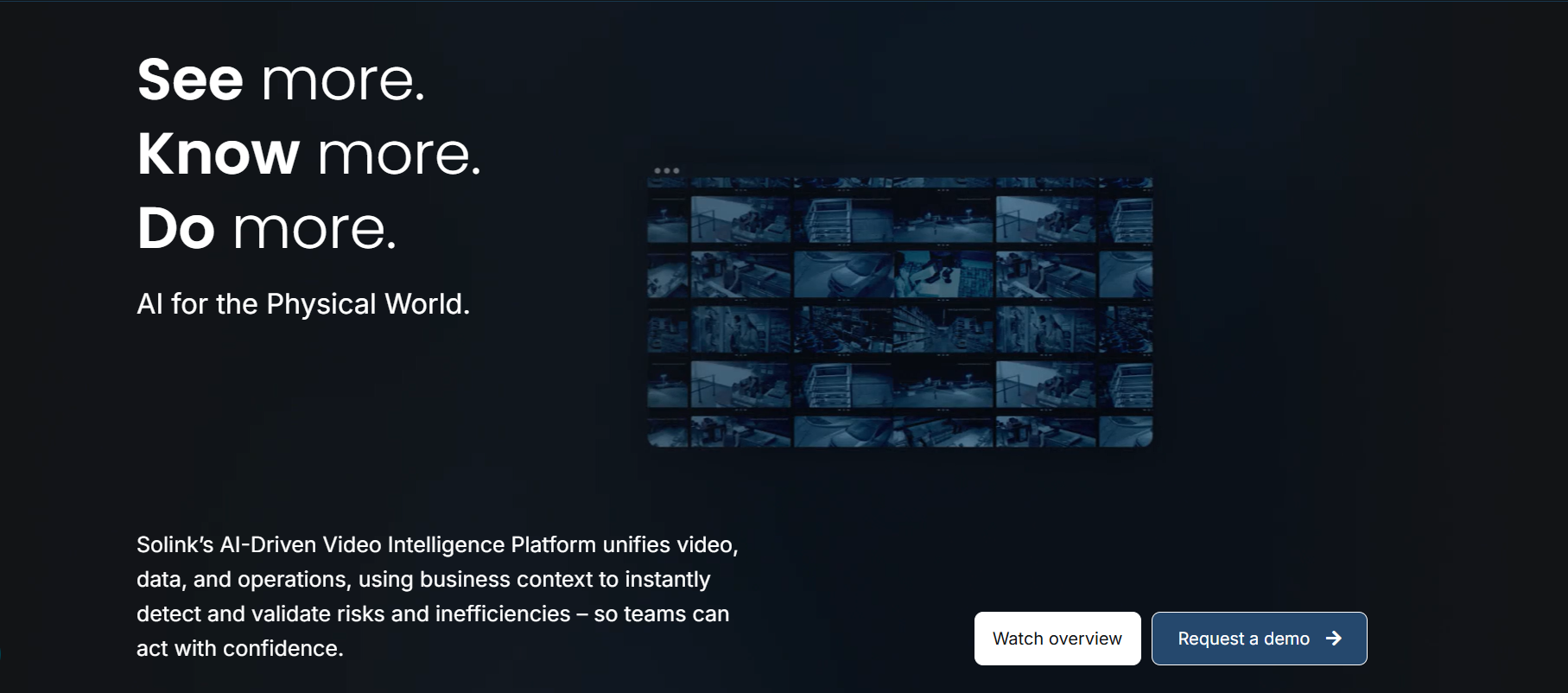
Solink is a growing cloud video intelligence platform, where video is combined with business data like POS transactions, alarms, and operational events. Cameras feed into a cloud VMS, but alongside that, Solink continuously connects video with events, such as refunds, voids, or suspicious activity, so investigations are context-driven.
Key Strengths
- Directly links video footage with POS transactions, alarms, and operational data.
- Uses AI-driven analytics that analyze context, generate reports, and surface relevant clips automatically.
- Includes dashboards that track metrics like revenue anomalies, suspicious activity, and operational trends.
- Combines local recording with cloud backup, including long-term archival options.
Limitations
- Slower loading times and delays in playback or downloading footage, especially with larger datasets.
- Some features may feel less relevant or underutilized in purely security-focused deployments.
Best For
Retail and similar environments where video needs to be connected with transactions and operational data for loss prevention.
How it Compares to Avigilon
With Avigilon, you typically start with footage and look for events. With Solink, you can start with an event (refund, anomaly, alert) and directly access the related video.
Pricing
Pricing is not listed on the official website. Third-party listings suggest starting prices around $175/month, though Solink uses custom, quote-based pricing that varies by site count and feature set.
8. Hanwha Vision
Hanwha Vision is a hardware-led surveillance ecosystem in which cameras, analytics, and VMS are supported by its in-house Wisenet chipset, which enables AI processing directly on the device. At the same time, it provides system-level flexibility through Wisenet WAVE for on-prem, Wisenet SKY for cloud, and hybrid setups for easy deployments.
Note: Hanwha Vision retired Toolbox PLUS, its earlier system design and planning tool, on May 29, 2025, and transitioned users to DesignPro. Toolbox PLUS was used to plan camera layouts, estimate storage and bandwidth, and configure system setups before deployment. DesignPro is now the current planning tool.
Key Strengths
- Analytics like object detection, people counting, and behavior analysis run directly on cameras.
- Supports on-prem VMS, cloud VMS, and hybrid setups, which allows deployments to evolve without replacing the entire system.
- Offers specialized cameras (multi-sensor, thermal, AI PTZ, etc.).
Limitations
- Since Hanwha offers multiple VMS options, the overall experience is not uniform and depends on how the system is configured.
- Compared to newer cloud-native systems, its workflows can feel more distributed across tools.
Best For
Organizations that prioritize camera hardware quality alongside a growing and flexible VMS ecosystem.
How it Compares to Avigilon
With Hanwha, the hardware layer is the anchor, and organizations can choose whether they want to manage it on-prem, cloud, or hybrid. With Avigilon, the system is more tightly aligned, which simplifies deployment but limits flexibility in how the architecture evolves.
Pricing
Pricing varies based on camera models, VMS choice, and deployment size. It includes hardware costs plus optional licensing for VMS or cloud. Final pricing typically requires a quote based on system design.
9. Axis Communications

Axis Communications offers an end-to-end surveillance ecosystem, combining cameras, network devices, analytics, and software into a single framework. It operates across both hardware and software layers on an edge-based architecture, where cameras handle processing directly on the device, which allows deployments to remain flexible.
Key Strengths
- Analytics such as motion detection, object classification, and event triggers run directly on the camera.
- Offers cameras tailored for specific use cases (thermal, multi-sensor, PTZ, body-worn, etc.).
- Supports ONVIF and third-party integrations while still offering a tightly aligned ecosystem.
- Provides extended product lifecycles, firmware support, and durability.
Limitations
- Full system management often depends on additional software (AXIS Camera Station or a third-party VMS).
- Premium hardware and specialized devices can make large deployments more expensive.
Best For
Deployments that require a premium hardware ecosystem with strong edge processing capabilities.
How it Compares to Avigilon
Avigilon offers a more unified experience out of the box, whereas Axis requires more decisions around how the overall system is structured.
Pricing
Axis offers subscription-based services (Axis Cloud Connect) layered on top of hardware. Exact pricing is not publicly fixed and depends on deployment requirements.
10. Arcules
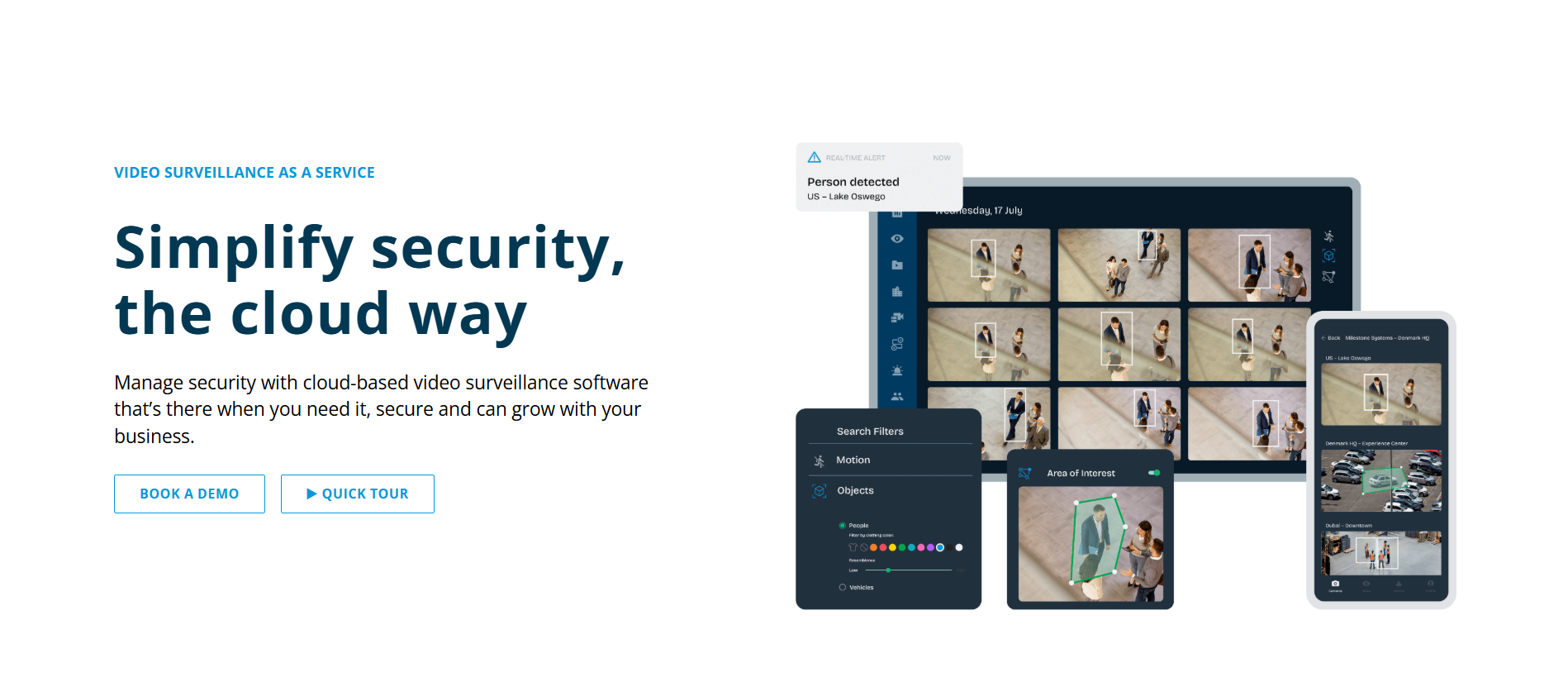
Arcules is another strong Avigilon replacement, which is basically a cloud-native video management system (VSaaS) that originated from Milestone Systems (both part of the Canon Group). This positions it as the cloud extension of a well-established VMS ecosystem, structured around a camera-gateway-cloud model.
Key Strengths
- Supports multiple deployment options, including full cloud storage, edge storage via gateway, and direct camera-to-cloud setups.
- Search video based on motion, objects, or events with built-in AI features.
- Supports ONVIF devices and integrates with access control systems, sensors, and APIs.
- Since the platform is cloud-managed, updates, maintenance, and cybersecurity are handled centrally.
Limitations
- May not support highly customized workflows or niche integrations required in complex deployments.
- Compared to advanced on-prem VMS systems, certain configurations and deep system controls are more limited due to its managed cloud structure.
Best For
Organizations that want a cloud-native VMS for managing multiple sites with minimal infrastructure and complexity.
How it Compares to Avigilon
With Avigilon, scaling requires expanding local infrastructure and managing systems at each site. With Arcules, you can add new locations to the same cloud environment, which reduces setup effort and ongoing maintenance.
Pricing
Exact pricing is not publicly listed and varies depending on deployment size and features. Arcules is sold through Milestone's reseller channel.
Avigilon Alternatives: Feature-by-Feature Comparison
Now that we have taken a deep dive into each platform, here's a quick glance at some key features to prioritize while evaluating your options. Ratings for AI capability reflect AI-native search, natural-language query, and automated event detection specifically, rather than all forms of analytics.
How to Migrate from Avigilon
If you are thinking of migrating from Avigilon to another setup, it will only work when your current system is clearly understood. Otherwise, you might either replicate the same constraints or miss dependencies that surface later. To help you avoid that, here's a step-by-step guide on how to get started:
Step 1: Audit Your Current Setup
Before any migration decision, you need to understand what your current system actually looks like in operation. So start with an audit of what is running and how it behaves. This typically breaks down into a few key areas:
- Camera inventory and distribution
- Recording and storage structure
- Integrations and dependencies
- User roles and access logic
Assessing all these factors will help you clarify what needs to be preserved, what can be simplified, and what may no longer be necessary.
Step 2: Check Camera Compatibility
Once the current setup is clear, evaluate which part of your system can be kept. In most cases, this depends heavily on camera compatibility, because cameras are the most distributed and expensive part of the deployment.
Some integrate easily with other platforms, while others simply don't. To understand this, teams usually check compatibility across three layers:
- Protocol and standards support
- Feature-level compatibility
- Age and performance considerations
Based on this evaluation, most teams arrive at one of three directions:
- Partial Reuse: Retain compatible cameras and replace only the VMS
- Selective Replacement: Upgrade specific segments while keeping the rest
- Full Refresh: Rebuild the system for complete flexibility
Reusing cameras reduces upfront cost but may limit features, while replacing them increases flexibility but requires a higher investment.
Step 3: Choose Your Deployment Model
Once it's clear what hardware can be retained, the next decision is how the new system will be deployed and managed over time. This is important because the deployment model influences how the system scales, how it is accessed, and how much effort is required to maintain it. Most teams evaluate three approaches:
- On-Premise Deployment: Video is stored locally on NVRs or servers.
- Cloud-Based Deployment: Video is managed via cloud, and updates and maintenance are handled centrally.
- Hybrid Deployment: Critical processing or storage remains local, while management, access, or analytics move to the cloud.
Selecting a deployment model here helps you understand how the system works and how operations are expected to run going forward.
Step 4: Run a Pilot
Once the target setup is defined, the next step is validation, where you typically isolate a small part of the deployment and use it to understand how the new system behaves in real conditions. A pilot usually involves:
- A single site or a controlled group of cameras
- Limited users who interact with the system daily
- Real workflows rather than test scenarios
In many cases, teams run the pilot alongside the existing Avigilon system. This parallel setup allows direct comparison without disrupting ongoing operations.
Step 5: Phased Rollout
Once the pilot is validated, migration moves forward, but not as a full switch. Instead, the system is extended in stages so each part can be introduced, observed, and stabilized before expanding further. Teams typically break this into manageable units by location, camera groups, or functionality, so each phase builds on what is already working.
- Moving one site at a time keeps the impact localized.
- Transitioning priority areas first ensures critical coverage is stable early.
- Introducing video before analytics and integrations reduces initial complexity.
Each phase is followed by validation, where teams check stream stability, storage behavior, user workflows, and integrations. The rollout only progresses once things are stable, and in most cases, the existing Avigilon system continues to run in parallel during this transition.
Which Avigilon Alternative is Right for You?
Each alternative above solves a different kind of problem, whether it is reducing infrastructure, improving search, or handling complex environments. Here's a quick overview of these platforms and the situations where they actually fit best:
Final Takeaway
If you're currently looking for the best alternative to Avigilon, the right choice depends on what is creating friction in your existing setup. If the main issue is slow investigations and heavy manual video review, platforms like Coram and Rhombus are worth evaluating first since both are built around AI search and real-time response. If hardware flexibility or multi-system integration matters more, Genetec or Milestone are stronger fits.
Ultimately, the right platform depends on your specific needs, so the choice will always be somewhat subjective based on what you prioritize. To start, shortlist 2-3 options based on your primary requirement, run a small pilot or demo, and see how they perform in your actual environment before making the switch.





.png)

