


Section 889 of the NDAA bars federal agencies, contractors, and grant recipients from buying or using video surveillance equipment from Hikvision, Dahua, and three other named manufacturers. If your organization still runs Hikvision or Dahua cameras, including rebranded OEM versions, that restriction is likely the reason you're now planning a replacement.
A Hikvision replacement comes down to three moves: auditing what's installed, selecting an NDAA-compliant vendor, and migrating without tearing out infrastructure that doesn't need to go. The Hikvision ban in Canada and the federal restrictions in the US have pushed this from a nice-to-have to a deadline for many organizations, especially those that depend on federal funding, contracts, or grants.
The painless version of this process uses a vendor that provides compliant cameras, reuses your existing cabling wherever possible, and consolidates management into one platform instead of adding a second system to babysit. This guide walks through that process step by step: what Section 889 actually requires, how to identify covered equipment, how to plan and execute the migration, which vendors are worth evaluating, and what to document when you're done.
NDAA Compliance, Explained
Section 889 of the NDAA, in effect since August 2020, prohibits federal agencies, contractors, and grant recipients from using or purchasing video surveillance equipment from five manufacturers:
- Huawei Technologies Company (telecommunications equipment)
- ZTE Corporation (telecommunications equipment)
- Hytera Communications Corporation (video surveillance and telecommunications equipment)
- Hangzhou Hikvision Digital Technology Company (video surveillance and telecommunications equipment)
- Dahua Technology Company (video surveillance and telecommunications equipment)
The rule covers cameras, NVRs, and related hardware, and it extends to many OEM brands that sell Hikvision- or Dahua-built products under a different name. It applies to federal agencies, schools receiving E-Rate funding, municipalities, government contractors, and organizations receiving federal grants.
Hikvision and Dahua equipment isn't NDAA compliant, and there's no way to make it compliant. Firmware updates, network isolation, and configuration changes don't change the manufacturer. If covered equipment is installed, replacement is the only option.
When you're evaluating alternatives, look for vendors that can document NDAA-compliant security cameras at the SKU level, not just at the brand level.
How to Plan an NDAA-Compliant Hikvision Replacement
A Hikvision replacement breaks down into six phases. Here's how to run each one.
Step 1: Audit What You Have
Start with a full inventory: every camera, NVR, and associated networking device on the system. Confirm the manufacturer for each unit, since Hikvision and Dahua supply OEM hardware to a wide range of third-party brands that don't carry either name. Check the MAC address or hardware ID against known OEM lists if you're unsure, and log cabling type (coax, Cat5e/6), PoE switch inventory, and mount locations while you're at it. You'll need this detail for both the migration plan and the compliance record later.
Step 2: Decide What You Can Reuse
The biggest cost lever in a Hikvision replacement is what you don't have to rip out. Existing Cat5e/6 cabling, PoE switches, conduit, and camera mounts can often carry over to a new system. Coax runs are trickier, but some platforms support coax-to-IP converters. Map reusable infrastructure before you price the project, since the gap between "replace everything" and "replace the cameras and keep the rest" is usually the entire budget conversation.
Step 3: Choose a Replacement Approach
The two decisions to make here are phased versus full cutover and cloud versus on-prem. A phased migration, building by building or floor by floor, keeps the rest of the system running while you work and spreads the cost over time, while a full cutover is faster but demands more parallel planning. Cloud-managed platforms eliminate the NVR entirely and cut ongoing maintenance overhead, while on-prem NVRs keep footage local if that's a hard requirement. Most IT teams replacing Hikvision today are moving to the cloud, but confirm your bandwidth and retention requirements before committing either way.
Step 4: Select an NDAA-Compliant Vendor
Choose a vendor that can provide written documentation of NDAA compliance (see the comparison below). Verify that the documentation covers the specific camera and NVR SKUs you're buying, not just the brand in general. If you're also consolidating cameras and access control into one platform, factor that into the vendor decision now rather than solving it as a second project later.
Step 5: Deployment and Cutover
Stand up the new system in parallel before decommissioning covered equipment. Commission new cameras onto the replacement platform, verify footage retention and alert configurations, then cut over location by location. Decommission Hikvision and Dahua units only after the replacement is confirmed live, and dispose of the covered equipment in a way you can document: serial numbers, disposal dates, and method. That record matters for audits.
Step 6: Document Compliance
Once covered equipment is removed, document it: serial number, location, removal date, and disposal method. If your organization is subject to federal funding requirements or contract compliance reviews, this file is what proves the migration happened. Store it alongside your procurement records for the replacement equipment.
Quick Comparison Table
If you're building a shortlist, start here. The table below compares the leading NDAA-compliant alternatives at a glance.
NDAA-Compliant Vendor Options
Most NDAA-compliant camera brands fall into one of three categories: unified platforms, open-hardware ecosystems, and camera-first vendors. Here's how the leading options in each compare.
1. Coram

Coram is an NDAA-compliant cloud video surveillance platform that works with the IP cameras you already have, including most existing Hikvision installations. Replacing Hikvision on Coram doesn't mean replacing your cabling, mounts, or network infrastructure along with it, which is more than most platforms in this category can say. Most replacement projects turn into a bigger rebuild than the compliance requirement actually calls for. Coram avoids that by reusing what's reusable and adding compliant cameras only where Hikvision or Dahua hardware has to go, with access control built into the same platform rather than bolted on as a second system.
Best for: IT and security teams that want an NDAA-compliant replacement without a full infrastructure rebuild, and that would rather manage video and access control from one dashboard than two.
Key capabilities:
- NDAA-compliant cameras paired with a cloud-based video management system
- Support for reusing existing network infrastructure and cabling during deployment
- AI-powered search across recorded footage
- Cloud management with no on-prem NVRs to maintain
- Native integration with Coram access control, so camera footage and door activity show up in the same dashboard
Limitations:
- Pricing isn't published. Coram quotes per deployment based on camera count, storage, and platform scope, so getting an exact number takes a sales conversation rather than a price sheet.
- Advanced features like weapon detection, emergency management, and access-control door licensing are priced as add-ons on top of the base platform, which is worth factoring into a total cost comparison.
2. Verkada
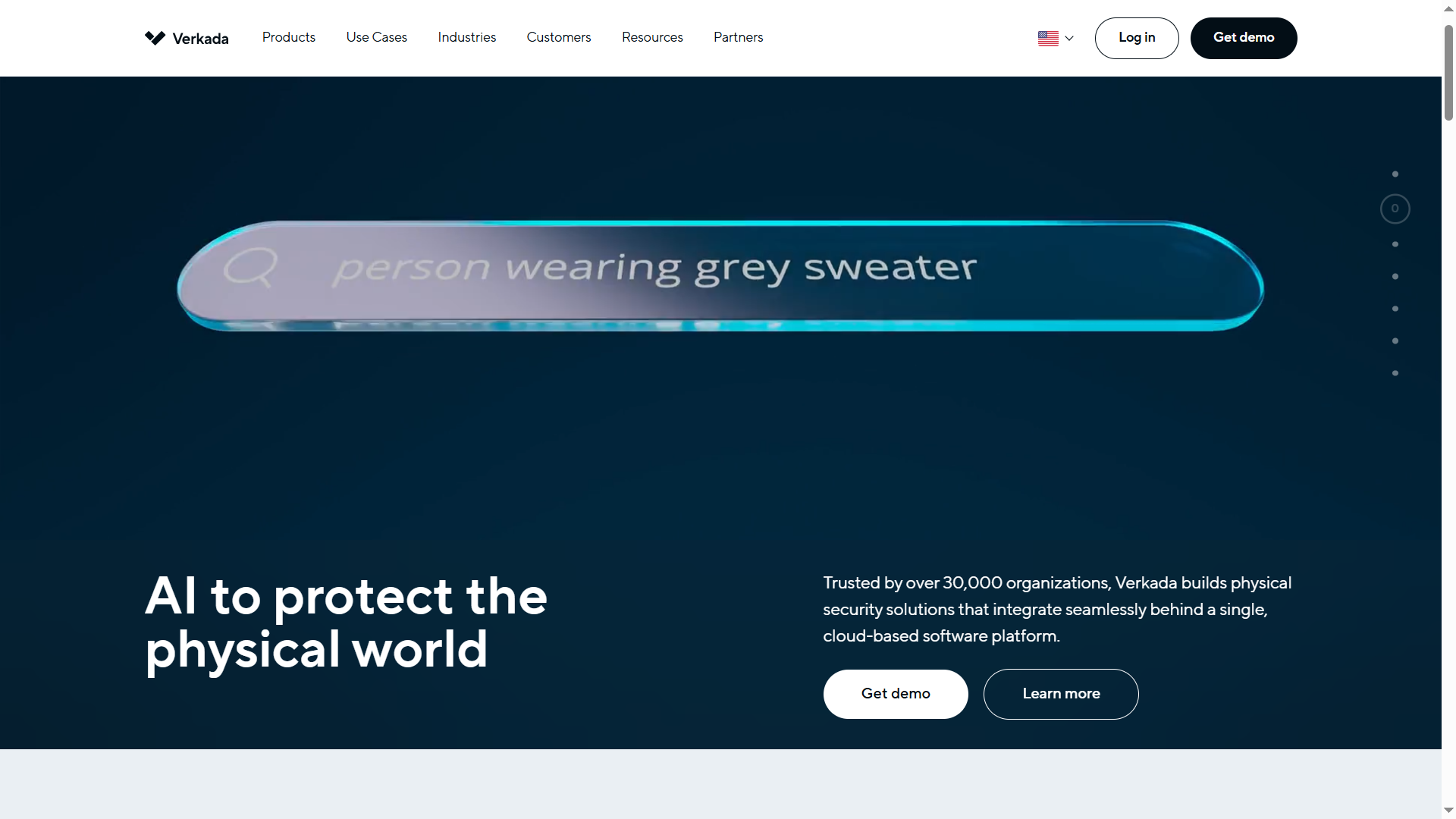
Verkada is an NDAA-compliant cloud video surveillance platform with a polished, unified interface across cameras, access control, and environmental sensors. Footage stores locally on the camera while management, analytics, and updates run through the cloud, and the platform supports natural-language search across footage using descriptions like person or vehicle attributes. Where Coram works with the cameras already on your walls, Verkada requires its own hardware across the board, which means a Hikvision replacement on Verkada is closer to a full rebuild than a swap.
Best for: Organizations that want a fully integrated, closed ecosystem and have the budget for proprietary hardware across every site.
Key capabilities:
- Hybrid cloud architecture: footage stores locally on the camera while management, analytics, and updates run through the cloud
- Natural-language AI search across footage, with queries built from person or vehicle attributes
- AI-powered deterrence that detects unauthorized behavior and issues context-aware voice warnings before escalating to a full alarm, with no NVRs, servers, or VPNs required
Limitations:
- Closed hardware ecosystem with no third-party camera or device support
- Per-camera licensing adds up at scale, making it one of the higher-cost options in this category
3. Avigilon (Motorola)
Avigilon, now part of Motorola Solutions, is an NDAA-compliant video surveillance platform built around advanced analytics and AI-powered video search for enterprise deployments. It's a common landing spot for organizations leaving Hikvision in markets or sectors where Hikvision faces outright bans, since Avigilon's enterprise analytics and centralized monitoring are built for the scale those organizations already operate at. The tradeoff against a platform like Coram is deployment model: Avigilon typically requires an integrator to install and configure the system rather than a straightforward self-managed rollout.
Best for: Large enterprises, campuses, and critical infrastructure operators that need advanced video analytics and centralized security operations.
Key capabilities:
- Appearance Search technology for finding a person or vehicle across multiple cameras
- AI-powered object detection and unusual activity analytics
- High-resolution cameras built for large sites and long-range coverage
- Integration with Avigilon Unity Video and access control products
- Centralized monitoring and investigations through Avigilon Control Center (ACC)
Limitations:
- Typically requires an integrator-led deployment
- Higher cost and complexity than cloud-first surveillance platforms
4. Axis

Axis Communications is one of the most trusted NDAA-compliant camera manufacturers, and it's often the choice for organizations that want maximum flexibility over the rest of their surveillance stack. Unlike Coram or Verkada, Axis sells hardware, not a platform, which means a Hikvision replacement on Axis solves the camera side of compliance but leaves video management as a separate decision.
Best for: Organizations that want NDAA-compliant cameras without committing to a specific VMS or security platform.
Key capabilities:
- Broad portfolio of fixed, PTZ, panoramic, thermal, and specialty cameras
- Open-platform approach with support for a wide range of third-party VMS platforms
- Axis Object Analytics for people, vehicle, and object detection
- Built-in cybersecurity features, including signed firmware and secure boot
- Long track record in government, education, transportation, and critical infrastructure deployments
Limitations:
- Provides camera hardware, not a complete surveillance platform
- Requires a separate video management system (VMS) for video management, investigations, and retention
- Access control, analytics, and monitoring capabilities depend heavily on the surrounding ecosystem
5. Hanwha Vision
Hanwha Vision is an NDAA-compliant camera manufacturer with enterprise surveillance features and a more cost-conscious hardware strategy than traditional enterprise vendors. Like Axis, it sells cameras rather than a full platform, so a Hikvision replacement built on Hanwha still requires pairing the hardware with a separate VMS, the same tradeoff that applies to any open-hardware approach.
Best for: Organizations that want strong analytics and lower hardware costs.
Key capabilities:
- AI-powered object classification for people, vehicles, faces, and license plates
- BestShot technology that automatically captures the clearest image of detected objects for faster investigations
- WiseStream compression technology that reduces bandwidth and storage requirements
- Advanced analytics including loitering detection, tailgating detection, crowd analysis, and people or vehicle counting
- Open platform support for third-party VMS platforms and camera applications
- Manufactured in South Korea and Vietnam, with UL CAP cybersecurity certification and FIPS 140-2 certified hardware on supported models
Limitations:
- Cloud management is less unified than cloud-native surveillance platforms
- Access control and security workflows usually depend on third-party integrations
6. Reolink
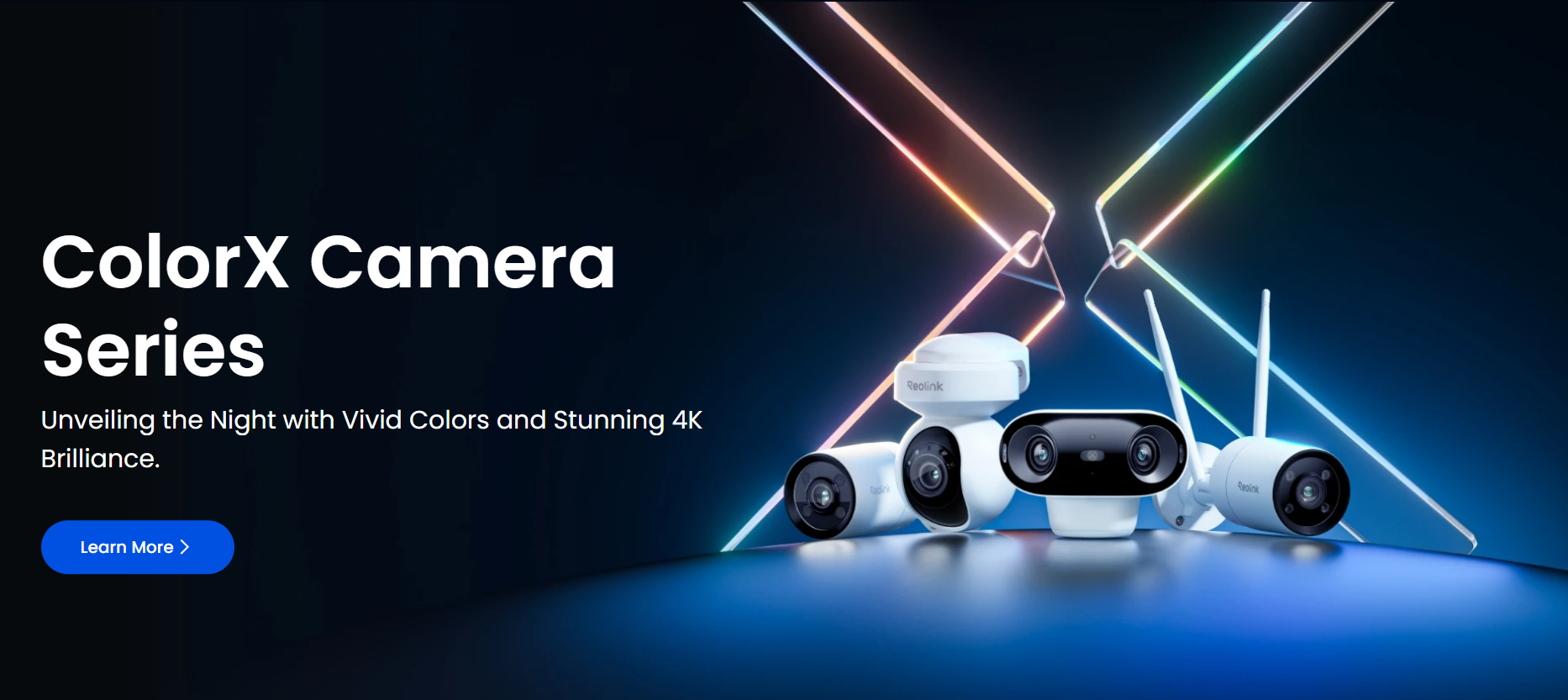
Reolink is a budget-friendly platform that has become popular for small deployments, branch offices, and organizations replacing cameras without enterprise-level licensing costs. Reolink isn't named under Section 889 and isn't on the FCC's Covered List, so its cameras clear the same legal bar as the other vendors here. The tradeoff is everything around that bar: Reolink is a China-headquartered company with limited use in US federal facilities so far, and its compliance documentation and lifecycle support are less mature than the platforms above, which matters if your organization needs paperwork for a federal funding review, not just a working camera.
Best for: Organizations willing to trade some enterprise features for lower upfront costs.
Key capabilities:
- AI-based detection for people, vehicles, animals, and other objects
- Local storage options with no mandatory cloud subscription
- AI video search for locating events without manually scrubbing footage
- ONVIF and RTSP support for integration with third-party platforms
- Wide range of PoE, Wi-Fi, battery-powered, and solar-powered camera options
Limitations:
- China-headquartered, which some federal-adjacent buyers screen out by policy even though Reolink isn't named under Section 889
- Primarily positioned as a prosumer and SMB platform rather than an enterprise security platform
- Management, compliance documentation, and lifecycle support are less mature than enterprise-focused vendors
How to Choose Your Replacement
Each platform above solves NDAA compliance with a different tradeoff between infrastructure disruption, ecosystem control, and cost. A few starting points based on what you're optimizing for:
- Coram if you want a cloud-managed replacement that combines video surveillance and access control while minimizing infrastructure changes, since it lets you consolidate cameras and doors without a full rip-and-replace project.
- Verkada if you're committed to a closed, all-in-one ecosystem and you're comfortable paying for integrated hardware, software, and support.
- Axis or Hanwha Vision if open hardware and long-term vendor flexibility matter more than a unified platform, since both support a wide range of VMS options.
- Avigilon if advanced analytics and large-scale investigations are the priority, given its AI search, Appearance Search, and enterprise monitoring tools.
- Reolink if budget is the primary constraint, though it's worth verifying compliance documentation and enterprise suitability before deployment.
Modernizing Without Starting Over
Replacing Hikvision doesn't have to mean replacing everything connected to it. In most cases, existing cabling and network infrastructure can stay in place, which is what actually drives down the cost and disruption of the project. The real decision is choosing a platform that keeps the deployment compliant while making the cameras easier to manage going forward.
Coram treats this as a platform upgrade, not a rip-and-replace. NDAA-compliant cameras, cloud management, AI search, and integrated access control combine to modernize your surveillance stack without rebuilding it from scratch.
If you're evaluating replacement options, schedule a demo or compliance assessment to see how the migration would map to your current setup.





.png)

