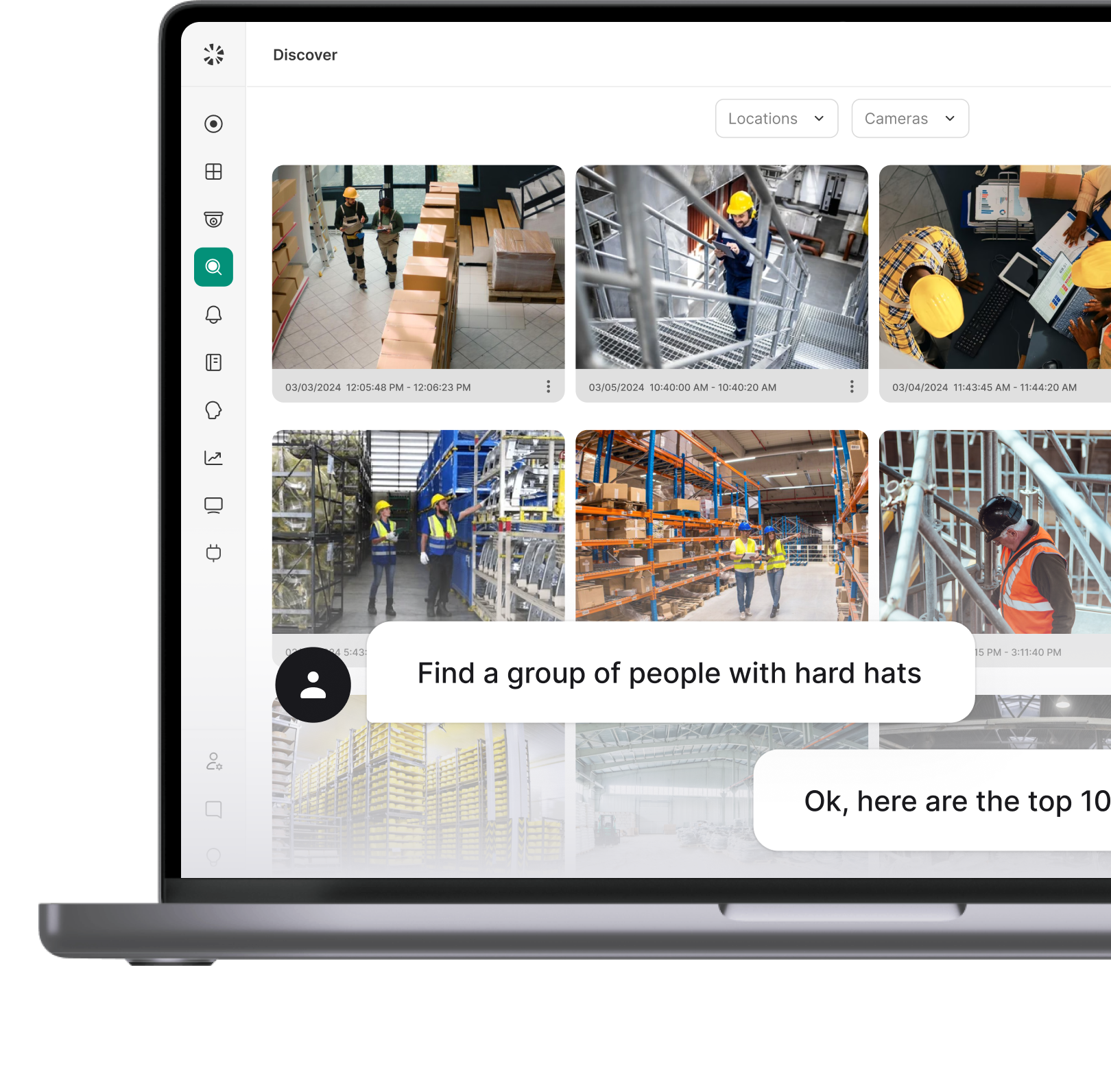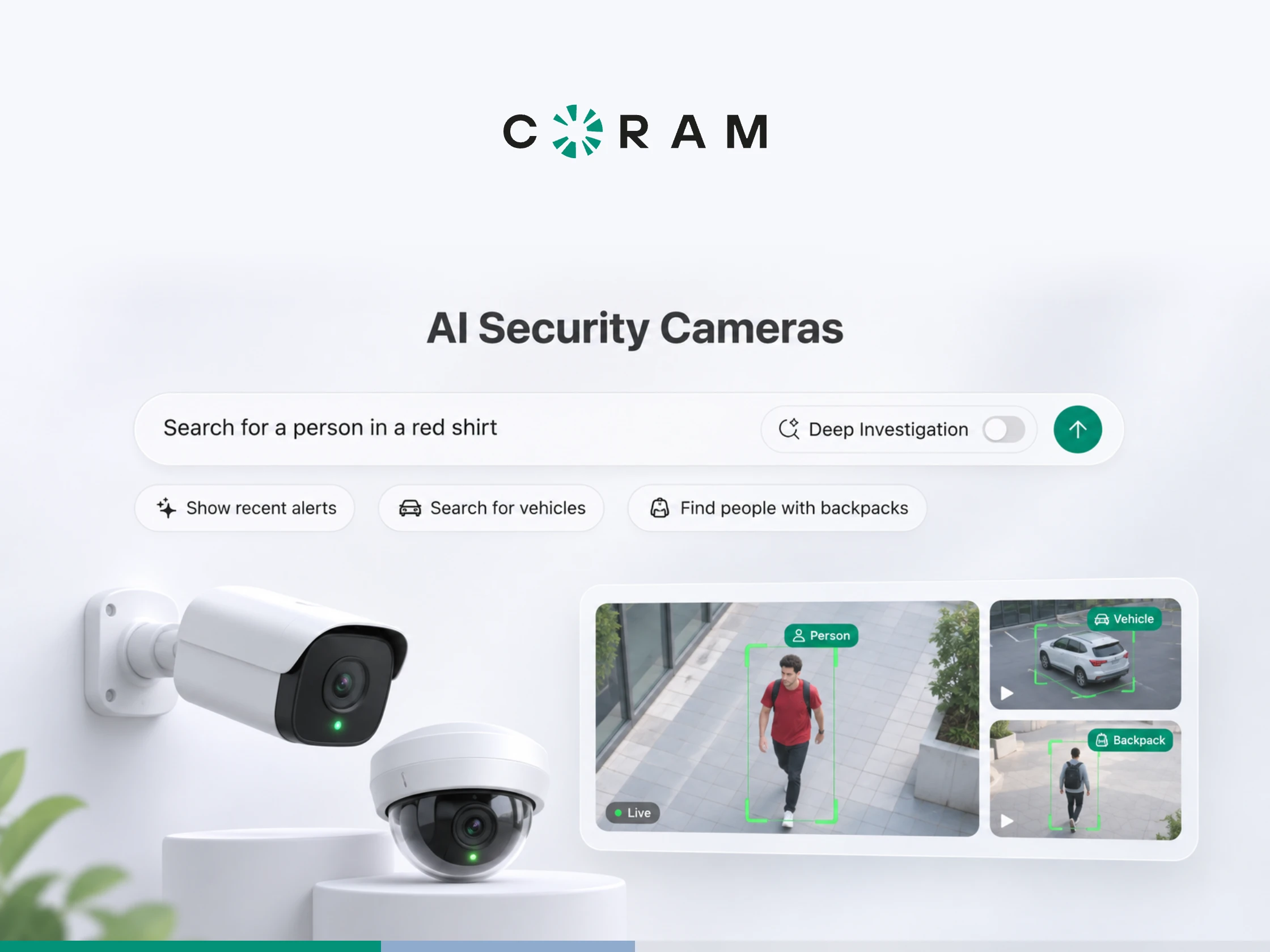
An AI camera is a security-focused imaging device that integrates artificial intelligence technologies to improve real-time video analysis, detect threats, and automate surveillance. It analyzes video as it is recorded, rather than storing footage for someone to search through later.
What Is an AI Camera?
A conventional security camera records what it sees and leaves the interpretation to a person. Someone has to watch a monitor while it happens, or scrub through hours of footage after the fact. Most of the time, nobody is watching at all.
An AI camera changes when the interpretation happens. Software examines each frame as it arrives and classifies what is in it: a person, a vehicle, an object it has been trained to recognize. When something matches a rule you have set, the system raises an alert or logs the event so it can be found later.
For the person responsible for a building, that changes the job. Instead of reviewing footage to find out whether something happened, you are told when something that matters has happened, and where. The cameras haven't become guards. What has changed is that the footage now gets looked at as it's recorded, not only after something goes wrong.
The term covers more than one kind of hardware. Some AI cameras run the analysis inside the camera. Many more are ordinary IP cameras whose video is analyzed by a separate device or service. Where that analysis runs matters more than the label on the box, and the next two sections explain why.
AI Camera vs. Traditional IP Camera: What Actually Changes
A traditional IP camera captures video and streams it to a recorder. It can be high resolution, weatherproof and well placed, but it has no idea what it is looking at. Everything it records has the same status until a person decides otherwise.
An AI camera, or a traditional camera feeding an AI-capable system, analyzes that stream and classifies what is in it. That is why "AI camera" describes a capability more often than a product. The same camera on the wall can be either one, depending on what its video is connected to.
The practical differences show up in daily operation more than on a spec sheet:
If you are weighing complete systems rather than the concept, our guide to choosing an AI security camera system covers capabilities, costs and how to compare vendors.
Where the Analysis Happens: On the Camera, on a Server, or in the Cloud
AI analysis can run in three places, and each one changes what you need from your network and what happens when something fails.
On the camera, the analysis runs on a chip inside the device. Only alerts and metadata need to leave the camera, which keeps bandwidth low. The trade-off is that each camera's capability is fixed by its own hardware, so adding a new detection type can mean replacing cameras.
On a server or recorder on site, cameras stream video to a local device that analyzes every feed. Ordinary IP cameras can take part, video doesn't have to cross the internet for detection to work, and capability improves when the server's software does. The server becomes a component you size and maintain.
In the cloud, video is sent off site and analyzed there. Nothing needs installing beyond the cameras, but every analyzed stream consumes upload bandwidth, and detection stops when the connection does.
Coram uses the second model, with the cloud doing part of the work. Detection runs on a Coram appliance on site, which records the video locally. Indexing and search run in Coram's cloud, which also delivers alerts. Video isn't uploaded continuously; it moves to the cloud when someone views, searches, saves or shares it. If the site loses its internet connection, recording and on-device processing continue, but alerts and remote access wait until the connection returns.
What an AI Camera Detects
This isn't a list of camera products. It covers specific things software can be asked to recognize, and what each one needs from the camera to work. The examples below are Coram's, and capabilities vary by vendor.
Firearm Detection
Firearm detection looks for a visible firearm in the video. The distinction that makes it usable is between a weapon that is drawn and one that isn't. As Coram describes it: "By recognizing the difference between unholstered (potentially threatening) and holstered or non-threatening objects, it minimizes false positives while ensuring safety, all integrated with your existing cameras."
That distinction is what keeps an alert meaningful. A system that flagged every holstered sidearm on a school resource officer or a security guard would be switched off within a week.
The condition is placement. Detection depends on the camera resolving enough detail at the distance where a firearm would appear, so a wide shot of a parking lot from across the street won't perform like a camera covering an entrance. Where you mount the camera decides whether the detection works.
License Plate Recognition
License plate recognition reads and records plates as vehicles pass, makes them searchable, including partial matches when only some characters are visible, and alerts when a flagged plate appears. In Coram's words: "License Plate Recognition (LPR) automatically detects and records vehicle license plates in real-time."
Recognition depends on angle and lighting. A camera aimed squarely at the lane where cars slow down reads far more plates than one catching them side-on at speed, and performance on a standard camera drops after dark. If plates matter at night, plan for the camera and lighting that make them readable then.
Facial Recognition and Persons of Interest
Facial recognition detects faces on connected cameras, matches them against profiles someone has created, and raises an alert when a person of interest appears. "Coram's facial recognition technology automatically detects faces from any connected camera, identifies known individuals, and triggers real-time alerts for persons of interest." That is the entire capability.
It does not unlock doors, it does not authenticate employees, and it is not an access credential. No face opens anything at a Coram site. Its job is to tell your team that someone they have flagged has appeared on camera, so a person can decide what to do.
It is also off by default, deliberately. Facial recognition is regulated differently from state to state, so the decision to use it belongs to each organization. "Only admin users can enable facial recognition," and until someone does, the feature captures nothing.
Door and Entry Events
Some of the most useful detections happen where cameras meet doors. Tailgating, when more than one person walks through on a single badge swipe, is the clearest example. A door reader logs that a valid credential was used. It has no way of knowing that two people, or five, went through on it.
A camera covering the same door can count the people who pass and compare that with the access event. When the numbers don't match, the system flags it with the video attached. The door knows a credential was used; only the camera knows how many people walked through.
What an AI Camera Cannot Do
Knowing the limits matters as much as knowing the features, because the limits are where deployments disappoint.
Resolution limits detection. A camera that is too far from the scene, or too low in resolution, won't detect reliably, however good the software is. This is the most common reason an AI deployment underperforms. It is also the main difference from motion detection, which triggers on any change in the image: classification needs enough pixels to tell what something is.
Visual fire detection is not a capability. Coram doesn't look for flames in video. Its environmental alerts come from a separate sensor that measures conditions in the air, not from a camera.
Recognizing an object isn't understanding a situation. The software can tell you a person entered a restricted area after hours. It can't tell you whether that person is a contractor who forgot to badge in or an intruder. Someone still has to decide.
Following a person across cameras returns approximate matches, not certainties. Results are weaker when the person appears on only a few cameras, so treat a cross-camera result as a lead to check rather than a conclusion.
More detection isn't better. Every alert type you turn on adds its own false alarms, and an operator who stops trusting alerts has lost more than the extra coverage was worth. Start with the few detections that match real risks at your site and add more once those are tuned.
Will an AI Camera Work With the Cameras You Already Own?
In most cases, yes. The analysis doesn't have to happen inside the camera, so a standard IP camera feeding a system that analyzes its stream gives you AI detection without replacing the hardware on your walls. For many organizations, "buying AI cameras" turns out to mean connecting the cameras they already have to software that can analyze them.
The boundary is the camera's stream. Coram works with "Any IP camera that supports RTSP streaming with H.264 or H.265 codec." Cameras that stream only in MPEG are not supported, and analog cameras need a different path altogether.
Before you plan anything, check three things for the cameras that matter most. First, resolution at the distance where events happen, since that sets what detection can achieve. Second, the codec each camera streams in. Third, whether the camera's clock is set correctly, because clock drift breaks device discovery and is an easy problem to miss.
Where AI Cameras Fit in a Security Program
The value of an AI camera isn't in the camera. It's in what happens to the video while it's being recorded: whether anyone is told that something matters, and whether they can find it again. That is the job of Coram's video security platform, on the cameras you already have.