


According to CISA, most active shooter incidents are over within 10 to 15 minutes, often before law enforcement arrives. That window starts the moment a threat appears on campus, not the moment someone recognizes it and presses a button. For districts running notification-first platforms, those opening seconds are the gap.
Most K-12 safety evaluations start in the wrong place. Districts compare feature lists, pricing tiers, and vendor support before clarifying which part of the incident timeline they're actually trying to fix. This guide to CrisisGo competitors and alternatives starts with that question instead, then breaks down nine platforms across both categories, so you can match the platform to the gap, not the other way around.
How To Evaluate CrisisGo Competitors
Most platforms in this space fall into one of two categories, and they solve different problems.
Notification-First Platforms
These platforms coordinate the response after an incident has been identified. Once someone initiates the alert, the platform handles lockdown communication, accountability checks, reunification workflows, staff coordination, parent messaging, and district-wide visibility. CrisisGo, Raptor, Navigate360, and CENTEGIX operate in this category.
Detection-First Platforms
These platforms address what happens before any of that: the gap between when a threat appears and when a human recognizes and escalates it. They use AI connected to existing camera infrastructure to identify threats automatically and trigger alerts earlier in the incident timeline. If response activation speed is the priority, this is a different evaluation than a notification platform comparison.
The 5 Evaluation Criteria a District Safety Director Should Use for K-12 School Safety
Evaluating a security platform against a specific district means accounting for specific infrastructure, a specific board, and a specific gap. These five criteria cut through feature noise and get to what actually matters.
Time-to-Alert
Notification-first platforms measure speed from the moment a staff member presses a button. Detection-first platforms measure from the moment the threat appears. If reducing that initial window is a district priority, this distinction should drive the evaluation before anything else.
Infrastructure Leverage
Check how a platform works with existing cameras, intercoms, access control, and communication systems before evaluating feature demos. Some platforms integrate cleanly into current infrastructure. Others require major hardware upgrades or proprietary deployments that effectively restart the evaluation from scratch.
False-Positive Posture
For AI-based weapons detection, the right question isn't whether false positives happen. What happens after one does is the real question. Does every alert escalate immediately to law enforcement, or is there a verification layer? Who reviews alerts internally, and what does that create in terms of operational overhead during the school day? A platform that looks compelling in a demo can generate alert fatigue quickly if the review workflow isn't well designed.
Workflow Coverage
A strong detection system doesn't automatically mean strong emergency response. Some platforms focus on identifying threats; others are built for drills, accountability, reunification, and district-wide coordination. During evaluation, confirm whether the platform manages the full response workflow or only one part of the incident timeline. Plan to fill the rest.
Per-Student Cost Over a 3-Year Horizon
Most districts budget these platforms over three to five years, which means the real cost extends well beyond the initial software quote. Rollout effort, hardware requirements, monitoring costs, and adding campuses all affect final spend. Based on public RFP data, notification-first platforms typically run $5–$15 per student annually; detection-first pricing varies by camera count and coverage. Lower upfront cost doesn't reliably predict lower long-term deployment cost.
Quick Comparison Table
9 Best CrisisGo Competitors and Alternatives for K-12 Schools
Each entry below covers what the platform is built for, where it differs from CrisisGo, and where it falls short, so you can move quickly to the ones that fit your district's actual gap.
1. Coram

Coram is an AI-native physical security platform that connects to any existing IP camera and adds real-time firearm detection, video intelligence, and automated alerting without requiring a hardware replacement. That last point is the practical differentiator for most districts: cameras already installed across campus (regardless of manufacturer or model) become the foundation of the detection layer. No rip-and-replace, no capital project, no phased hardware rollout before the platform can do anything useful.
Where CrisisGo coordinates the response after a staff member triggers an alert, Coram fires the alert autonomously. The AI monitors live feeds continuously, validates detections across multiple models before dispatching an alert, and reaches administrators in under five seconds from the moment a threat appears, before anyone on campus has processed what they're seeing. For districts that already have a notification layer and need to close the detection gap, Coram is designed to sit on top of whatever platform is already running.
Best for: K-12 districts with existing IP camera infrastructure that want to reduce the delay between threat appearance and response activation without replacing hardware.
Strengths:
- Delivers firearm detection alerts in under five seconds from threat appearance, reducing the delay before response activation begins.
- Works with existing IP cameras across 1,000+ models. No hardware swap required for districts that already have camera coverage across campuses.
- Uses multiple AI models in combination to validate detections before alerts are dispatched, keeping false alarm rates low without relying on third-party monitoring.
- Manages video surveillance, access control, and incident reporting from a single dashboard across every campus.
Limitations:
- Detection accuracy depends on camera coverage quality and placement. Gaps in camera positioning create gaps in detection.
- Multi-vendor camera environments can add complexity to initial deployment planning.
Pricing: Quote-based.
2. Raptor Technologies
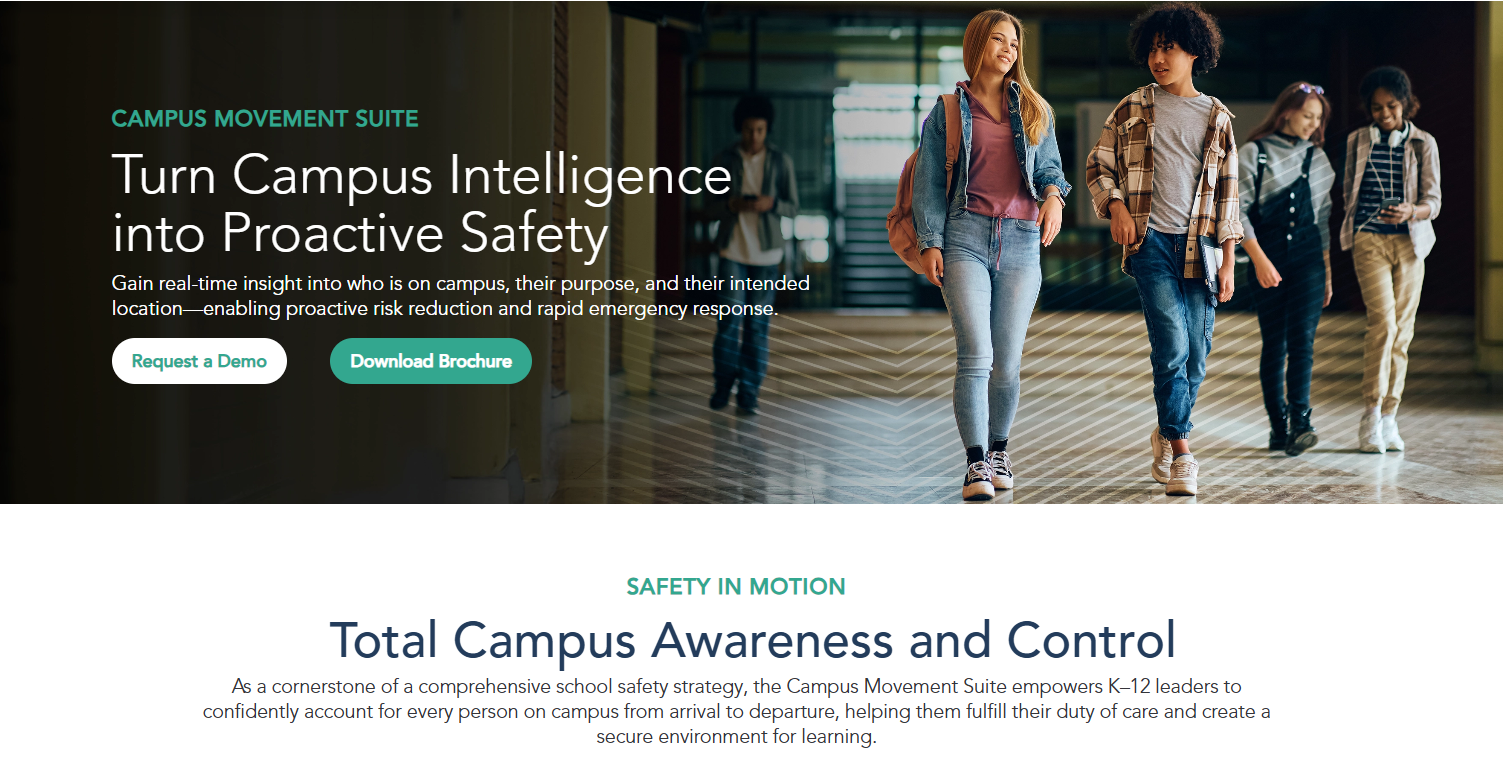
Raptor's Campus Movement Suite bundles visitor management, emergency management, campus movement tracking, student wellbeing, and safety training into a single K-12 platform. For districts managing these functions across five different vendor logins today, that consolidation has real operational value: visitor screening, drill management, emergency response, and reunification share data instead of running in parallel silos.
Raptor doesn't close the detection gap. Alerts still depend on a staff member recognizing a threat and triggering the response. But for districts whose primary need is a reliable, coordinated notification and response layer that covers the full workflow from visitor arrival to post-incident reunification, Raptor delivers that breadth in one place.
Best for: K-12 districts that want a broad operational safety platform covering emergency management, campus movement, visitor workflows, student wellbeing, and district-wide accountability under one contract.
Strengths:
- Connects visitor screening, panic alerts, drill management, emergency response, and reunification in one shared system with data that flows across every module.
- Raptor Insight gives district and state leaders a centralized analytics layer built for compliance visibility and board-level reporting.
- EventSafe combines event ticketing and registration with real-time offender screening and emergency management integration for after-hours campus events.
- Widely deployed across K-12, with a product roadmap built specifically for school district workflows.
Limitations:
- Lacks native AI-based threat or firearm detection. Alerts depend entirely on a staff member recognizing and escalating a threat.
- Multi-module deployments may require phased implementation planning, which extends time to full coverage.
Pricing: Quote-based.
3. Rave Mobile Safety (Motorola Solutions)
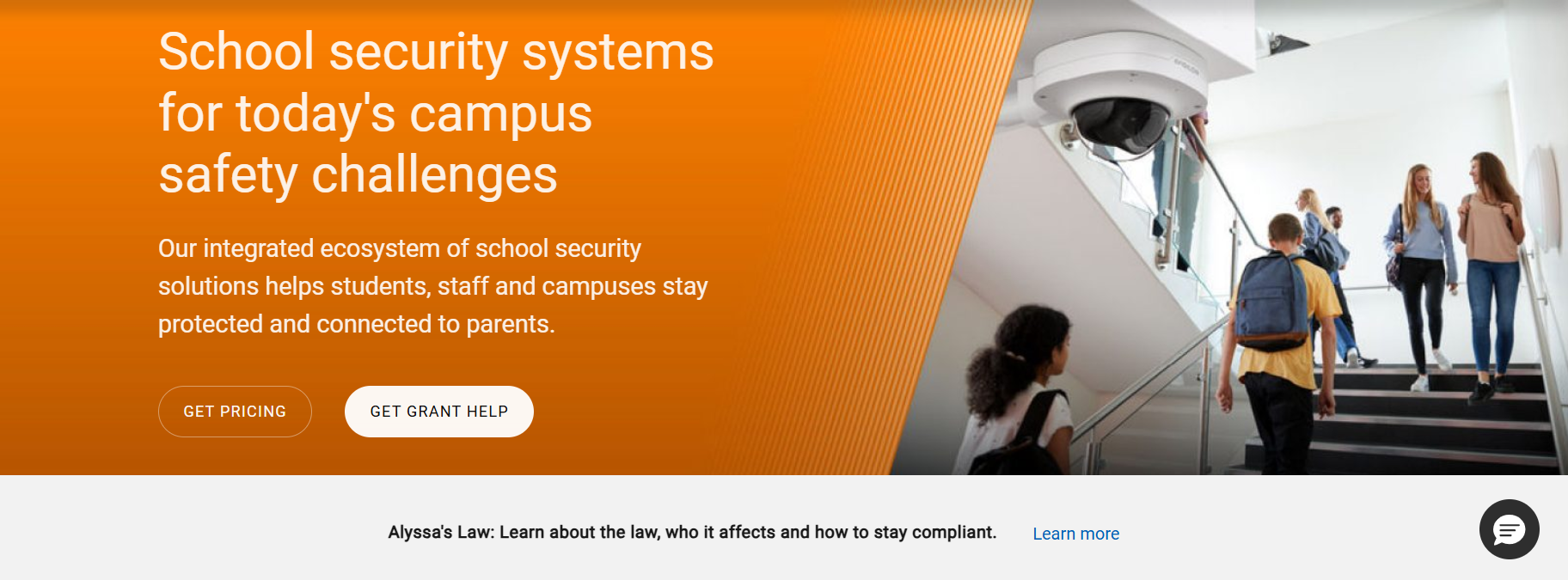
Rave Mobile Safety combines mass notification, panic alerting, and incident management into a single platform used across K-12 schools, universities, and public agencies. Its core products (Rave Panic Button, Rave Alert, and Rave Collaborate) are built around getting the right information to the right people the moment an emergency is triggered, with a specific capability most notification platforms don't offer: direct 911 integration that sends GPS location, incident details, and responder information to dispatchers instantly when an alert fires.
That direct dispatch connection is Rave's clearest differentiator against CrisisGo in districts where shortening law enforcement response time is a board-level priority. Advanced automation across systems, including triggering lockdowns and mass alerts from connected cameras and panic devices, works best within the broader Motorola Solutions ecosystem, which means districts not already running Motorola infrastructure will see a narrower feature set.
Best for: Districts with direct 911 connectivity requirements, automated multi-system response needs, or federal procurement compliance requirements.
Strengths:
- Direct 911 integration sends GPS location, incident type, and responder information to dispatchers the moment a panic alert fires, without requiring a dispatcher to process an inbound call.
- Through Motorola's Orchestrate platform, Rave can automate cross-system actions like triggering lockdowns or mass alerts from connected cameras and panic devices.
- FedRAMP authorization gives districts operating under stricter federal security and compliance requirements a certified option.
Limitations:
- Still depends on human-triggered alerts to initiate response workflows. The detection gap is not addressed.
- Advanced automation works best within the broader Motorola Solutions ecosystem; districts outside that stack will see reduced capability.
Pricing: Quote-based.
4. Navigate360
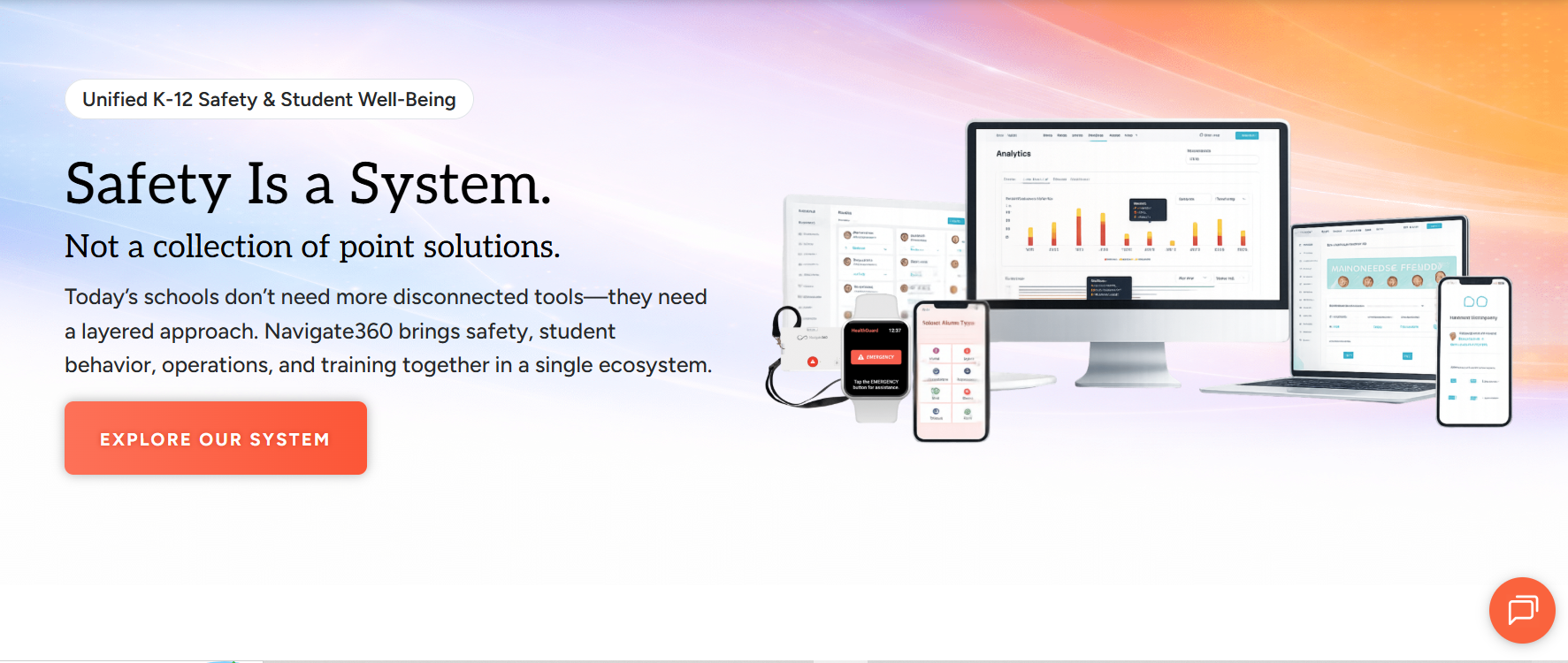
Navigate360 is the consolidation play for districts managing five vendors, five contracts, and five renewal cycles for their safety stack. Its Campus360 bundle brings visitor management, emergency management, panic buttons and wearables, digital hall passes, and site mapping into a single platform. For districts building a financial justification to move off fragmented point solutions, Navigate360 prices the bundle against the fragmented equivalent, currently benchmarked at $8,000 versus $15,245 for comparable standalone tools, which makes the internal case easier to construct.
The trade-off is breadth over depth. Navigate360 covers more of the workflow than most single-function platforms, but like all notification-first systems, it depends entirely on a staff member identifying and triggering the response. The detection gap remains open.
Best for: Districts actively managing multiple safety vendors that want to consolidate into one contract without sacrificing coverage across prevention, response, and reunification.
Strengths:
- Directly positions its all-in-one pricing against fragmented vendor stacks, giving districts a ready-made financial case for consolidation.
- HallPass360 links student movement data into the broader safety platform, giving staff visibility into where students were last logged when an emergency begins.
- Phased rollout options with deferred pricing aligned to district budget cycles reduce the pressure of large upfront commitments.
- Trusted by over 30,000 schools nationally, with prevention, intervention, emergency readiness, and student wellbeing covered in one platform.
Limitations:
- Relies entirely on human-triggered alerts. The gap between threat appearance and response activation is not addressed.
- Broad deployments can involve longer implementation timelines.
Pricing: Campus360 consolidated bundle benchmarked at $8,000 versus $15,245 for a fragmented equivalent. Contact sales for district-specific pricing.
5. CENTEGIX
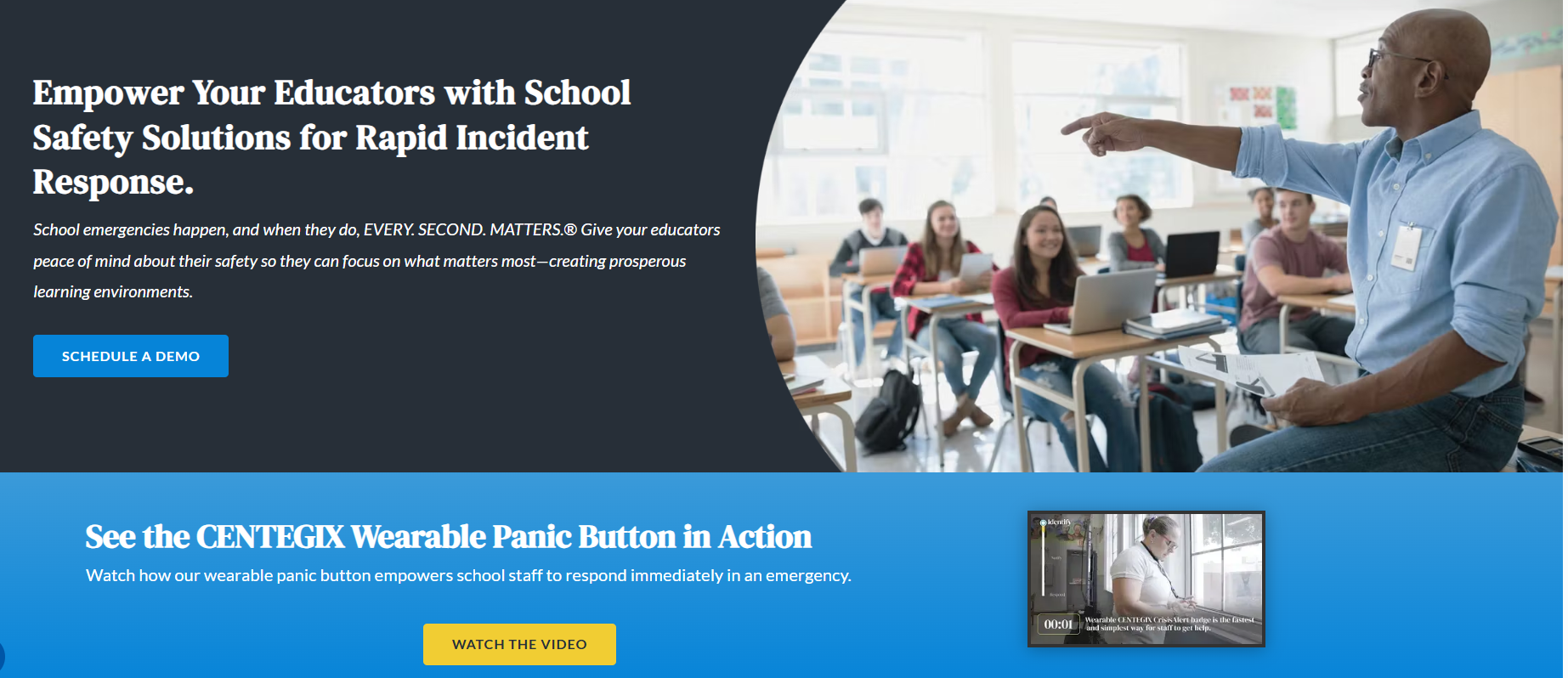
With CENTEGIX's Safety Platform, every staff member can trigger an emergency response instantly from anywhere on campus without reaching for a phone. Their CrisisAlert wearable badge gives teachers and staff a single-button alert that fires a staff alert or a campus-wide alert for active threats, routing to the right people with precise floor-and-room location data. For districts whose biggest gap is getting every staff member into the alert chain, including those without phones or away from fixed panic stations, the wearable form factor solves a problem that app-based platforms can't.
CENTEGIX is purpose-built for the alerting layer, and it does that well. Districts that need more (drills, reunification, accountability tracking, visitor management) will need to layer those functions with other tools.
Best for: Districts where getting every teacher and staff member onto a single-button alert system is the top priority, particularly those with Alyssa's Law compliance requirements.
Strengths:
- When an alert fires, CrisisAlert can simultaneously activate strobes, intercom announcements, and screen takeovers. No separate integrations required.
- Live digital maps show first responders the exact room location of the incident and nearby safety assets at the moment they arrive.
- The dual-alert badge design lets staff escalate situations proportionally from the same device, reducing confusion during high-pressure moments.
Limitations:
- Response depends on a staff member manually triggering the alert. Autonomous threat identification is not part of the platform.
- Purpose-built for wearable alert workflows; broader safety operations require additional tools.
Pricing: Quote-based.
6. AlertMedia

AlertMedia is an emergency communication and threat intelligence platform built around multi-channel mass notification (SMS, email, voice, mobile push, and desktop alerts) with two-way communication so staff can confirm safety status back to administrators during an incident. It also runs an AI-powered risk intelligence layer that monitors thousands of global open-source intelligence sources in real time, surfacing verified threat signals that may affect campuses before they escalate on-site.
That pre-incident monitoring capability is AlertMedia's clearest differentiator against CrisisGo. Most notification platforms wait for an internal trigger; AlertMedia can surface external signals before anything on campus has happened. Districts within broader municipal or enterprise safety ecosystems, or those managing off-campus programs, get more value from that layer than a standalone K-12 deployment would.
Best for: Larger districts or those within broader municipal or enterprise safety ecosystems that need threat intelligence and multi-channel mass notification beyond what purpose-built K-12 platforms offer.
Strengths:
- AI-powered monitoring of millions of social posts and open-source sources surfaces potential threats near campus before they escalate on-site.
- Two-way communication gives administrators a live accountability view during incidents: who has confirmed safety, who hasn't responded.
- Named the only Customers' Choice in Gartner's 2025 Emergency/Mass Notification Services report.
Limitations:
- Lacks native K-12 workflows: reunification, drill compliance, and hall pass integration aren't built in.
- Relies on external systems for on-campus threat detection; there is no native AI detection layer watching camera feeds.
Pricing: Custom pricing on request.
7. OnSolve (Crisis24)

OnSolve, now part of the Crisis24 and GardaWorld security ecosystem, is an enterprise mass notification platform that provides multi-channel alerting with risk intelligence and incident management. It reaches recipients across SMS, email, voice, and mobile app, and supports school emergency communication through SOS signals, field hazard reporting, and safety check-ins.
Its strongest differentiator is compliance: OnSolve carries FedRAMP, ISO 27001, and SOC 2 certifications together, which clears a bar most K-12 platforms don't reach. For districts with federal procurement requirements, that combination narrows the list fast. The trade-off is that OnSolve is built for enterprise use cases, and K-12-specific workflows like reunification, drill compliance, and SIS integration aren't native, so districts will need to layer those capabilities with a school-specific tool.
Best for: Districts with federal procurement requirements or those managing off-campus programs and travel that need compliance-grade notification with a global risk intelligence backbone.
Strengths:
- FedRAMP, ISO 27001, and SOC 2 certifications together give districts a strong compliance position for federal and data-governance requirements.
- Global risk intelligence covers natural hazard monitoring and analyst-verified threat alerts for travel programs and off-campus operations.
- Field communication tools support silent SOS signals, hazard reporting, and location check-ins, allowing staff to report issues without triggering a full campus alert.
Limitations:
- Lacks native K-12 workflows: reunification, drill compliance, and SIS integration are not built in.
- Designed for enterprise deployments; pure K-12 districts may find the platform's scope misaligned with their actual needs.
Pricing: Quote-based.
8. Ruvna
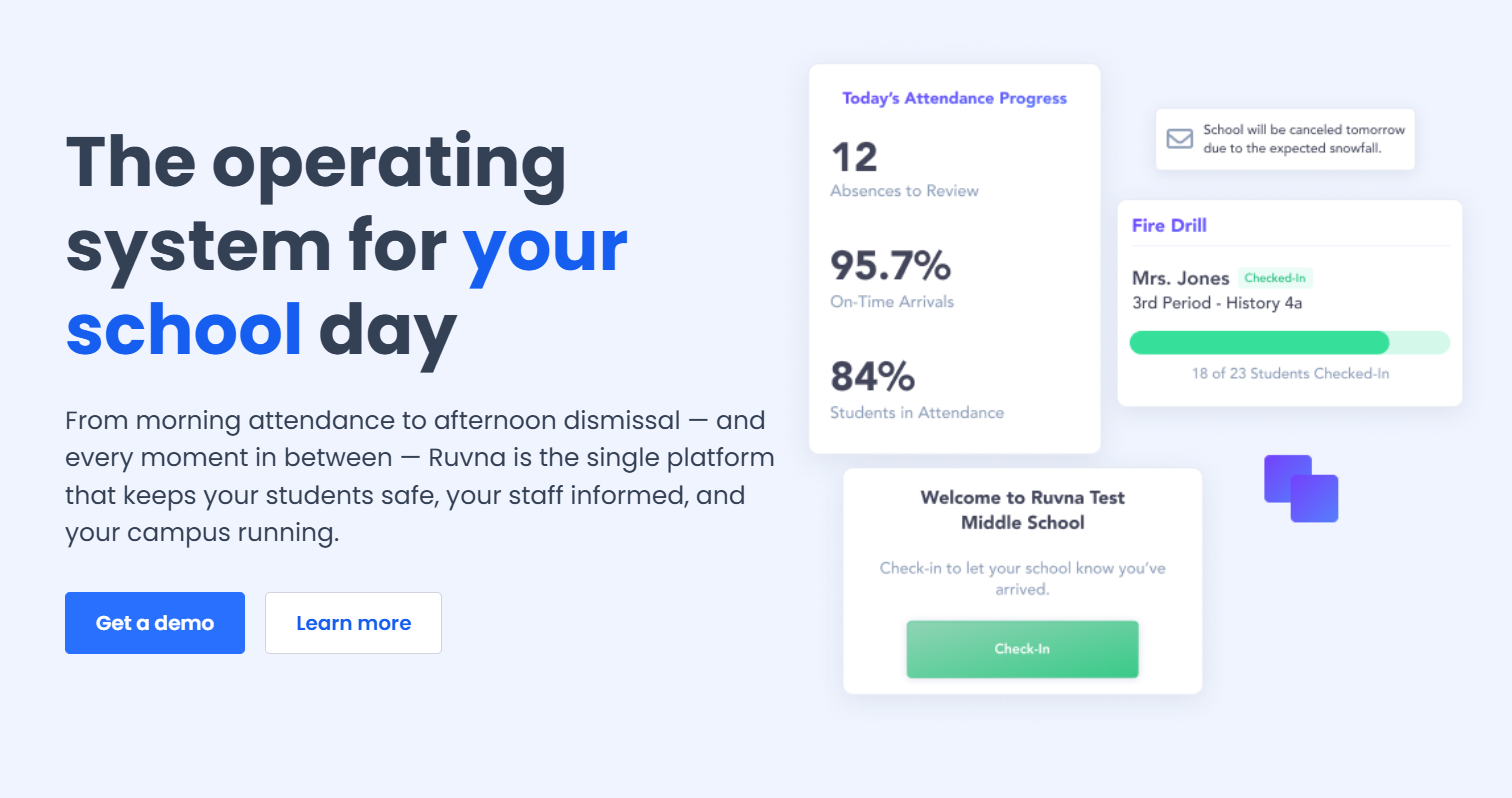
Ruvna covers real-time emergency accountability, attendance, visitor management, multi-channel announcements, and dismissal management from a single platform, giving schools a live picture of exactly who is on campus at every point in the school day. It syncs continuously with existing Student Information Systems, serving over 800 schools across 43 states with no special hardware required.
The accountability piece is Ruvna's core strength and its clearest differentiator against CrisisGo. Where most notification platforms tell you that an alert was sent, Ruvna tells you which students and staff have been accounted for, which haven't, and where the discrepancy is. For districts that have had reunification or headcount failures in drills and know the problem is accountability rather than notification, Ruvna is designed to fix that specific gap. It works best layered onto an existing notification platform rather than as a replacement for one.
Best for: K-12 schools that have identified reunification or accountability failures in drills and need a dedicated platform to address that specific gap.
Strengths:
- Accountability module stays synced with the SIS in real time, giving schools a continuously updated headcount during emergencies without manual reconciliation.
- Through its Noonlight partnership, Ruvna 911 Connect automatically notifies first responders as soon as an emergency is initiated by staff.
- Dismissal and departure data feeds directly into accountability tracking, helping schools identify who is still on campus during incidents that begin during dismissal.
Limitations:
- Relies on humans to identify and initiate emergencies. The platform begins where detection ends, not before it.
- Better suited for individual schools and smaller districts; very large district-wide deployments may require additional evaluation.
Pricing: Full suite bundle pricing on request.
9. ZeroEyes
ZeroEyes is a detection-first platform founded by Navy SEALs in 2018, built specifically to identify visibly brandished firearms on existing camera feeds before anyone on campus has processed what they're seeing. When the AI identifies a potential weapon, a trained analyst at ZeroEyes' in-house operations center, staffed by military and law enforcement veterans, verifies the threat before dispatching an alert. If real, actionable alerts including suspect description, weapon type, and precise last-known location reach school administration and law enforcement in as fast as three to five seconds from detection.
That human verification layer is ZeroEyes' most distinctive design choice in the detection-first category. Where Coram validates detections algorithmically across multiple AI models, ZeroEyes puts a human operator in the loop before any alert fires. For districts whose boards require human confirmation before law enforcement is dispatched, that's a meaningful architectural difference. ZeroEyes also holds the only DHS SAFETY Act Designation for AI-based gun detection, a federal certification that validates the technology's effectiveness as an anti-terrorism measure.
Best for: Districts that already have a solid notification layer in place and want to add gun detection with human-verified alerts on top.
Strengths:
- The ZeroEyes Operations Center provides the only 24/7 in-house human verification layer in this category, staffed by military and law enforcement veterans.
- The only AI-based gun detection platform to earn the full DHS SAFETY Act Designation, validating effectiveness as an anti-terrorism measure.
- Alerts provide responding officers with weapon details, suspect descriptions, and exact locations so they arrive with situational awareness rather than having to establish it on scene.
- Works with existing camera infrastructure. No hardware replacement required.
Limitations:
- Focused on gun detection workflows; broader physical security operations require additional tools.
- Cannot detect concealed weapons, and blind spots in camera coverage create gaps in detection.
Pricing: Quote-based, priced at the camera or building level rather than per student.
How To Choose Between These CrisisGo Alternatives
The right starting point when evaluating CrisisGo alternatives isn't a feature comparison. Start by identifying where the biggest gap is right now.
If you already have a notification tool but response activation is too slow: Coram adds autonomous detection on top of whatever platform is already running. It fires the alert before a staff member has to act. If your board requires human verification before law enforcement is dispatched, ZeroEyes' trained-operator model handles that instead.
If your cameras are aging DVRs with no mass notification in place: Start with Raptor or CrisisGo to build a reliable notification layer across the district. Then plan a camera modernization phase that brings Coram in once the infrastructure can support it.
If every teacher needs to be able to alert from anywhere on campus: CENTEGIX was built for this: wearable badge, two alert types, no app to open. If a full hardware rollout isn't in budget, CrisisGo's mobile panic feature covers the same workflow with lower upfront cost.
If procurement requires FedRAMP certification: That narrows the list to OnSolve. It's built for enterprise use cases rather than pure K-12, so layering it with a school-specific tool for drills and reunification is usually necessary.
If your last two drills had reunification or headcount failures: That's an accountability problem, not a notification problem. Ruvna is the only platform here built specifically to fix it. Layer it onto whatever notification platform is already running.
If you want one vendor for visitor management and emergency management: Raptor covers visitor screening, emergency response, drill compliance, and reunification under one contract. Before committing to a single-vendor approach, confirm their product roadmap covers your district's priorities. Consolidation is only an advantage if the platform goes deep enough on each function.





.png)

