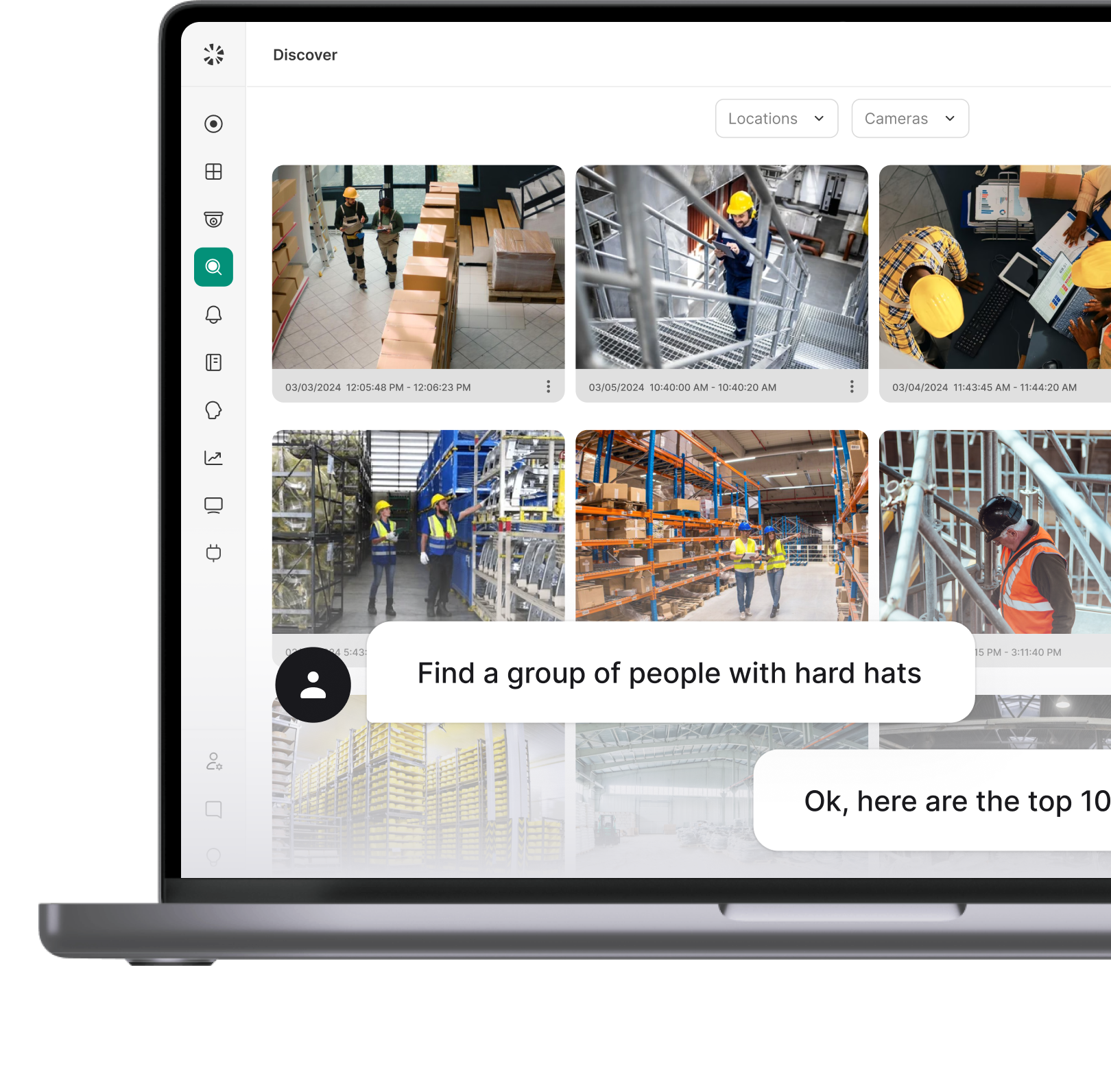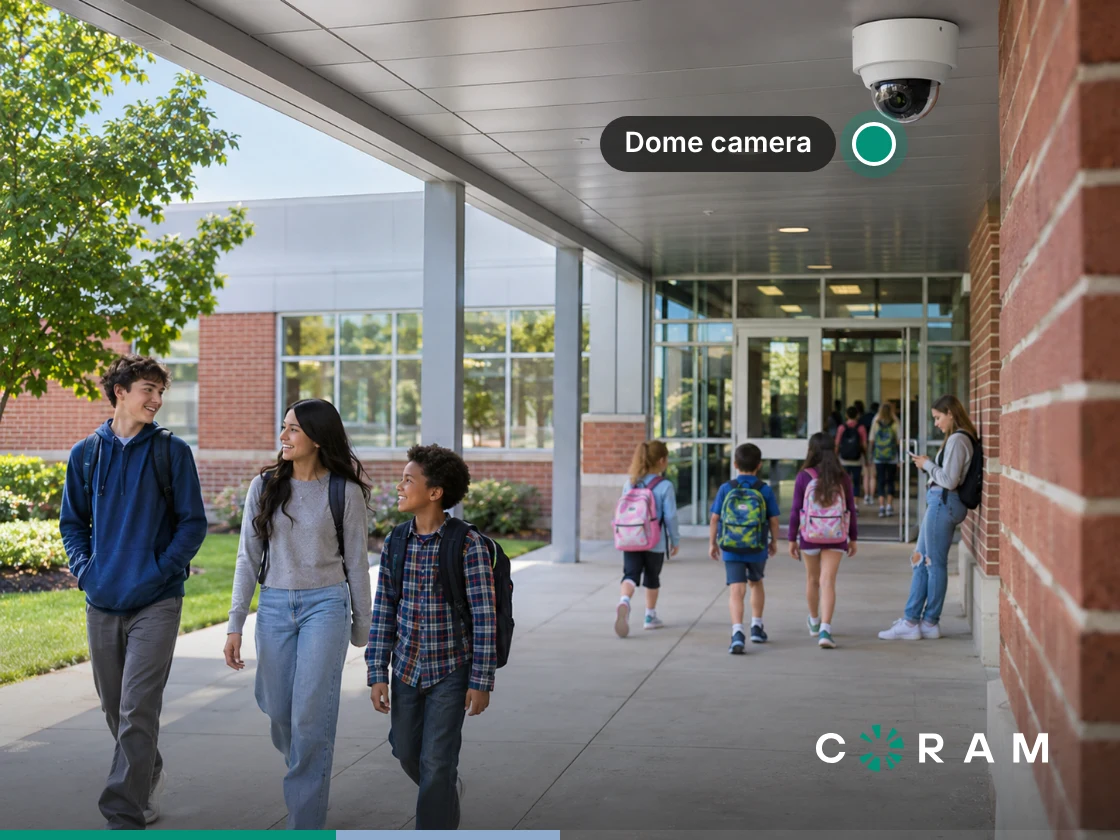
Are cameras allowed in classrooms? In most of the United States, yes. Federal law contains no ban on cameras in classrooms, and schools may generally record video in spaces where people have no reasonable expectation of privacy. But three things may change the answer: where the camera points, whether it captures audio, and what the district does with the recording afterward.
The Short Answer, and the Three Rules That Change It
A board member asks during a budget discussion whether schools are allowed to have cameras in classrooms. A parent emails to ask, "Is it legal to have cameras in classrooms?" or "Are there cameras in classrooms at my daughter's school?"
A grant comes through that funds new cameras, or a new principal walks into your office asking, "Can you have cameras in classrooms here, and where do the new ones go?" Every version of "are cameras allowed in classrooms" has one answer at the district level and a different answer once you are standing in a specific room.
Three rules guide the room-level answer, and each one gets its own section below. Each rule also has two layers: federal law sets a floor for audio and for student records, and state law and district policy add rules on top of it.
- The space rule: Video is generally permissible where people have no reasonable expectation of privacy and prohibited where they do. Classrooms and hallways sit on one side of that line, bathrooms and changing areas sit on the other, and some offices sit closer to it than most districts expect.
- The audio rule: Sound falls under a separate body of law from pictures. A camera that is legal to mount can still create wiretap exposure once its microphone is live.
- The record rule: Once footage is pulled and used, for discipline or any other purpose, federal student privacy law can apply along with rules on who may see it and who may ask to inspect it.
Your district's counsel gives the binding answer for your state, your policies, and your collective bargaining agreements, and this guide is built to make that conversation shorter.
Where Cameras Belong, and Where They Are Prohibited
A school building holds several legal spaces under one roof, and the test that separates them stays the same in every room: does a person in this space reasonably expect not to be observed? That question tracks how people use a room. A student in the cafeteria knows the space is shared and supervised. A student in a bathroom stall, or a staff member in a closed-door meeting with a counselor, expects the opposite.
Asked room by room, "Are cameras allowed in classrooms?" becomes a set of smaller questions, and the most useful place to answer them is a floor plan, before anyone orders hardware. Mark each space by who uses it, whether the door closes, and whether people undress or speak privately there. Once that map exists, a question like "do classrooms have cameras in this building?" has a precise answer.
Most buildings sort into the three groups below. A space that changes use during the day, such as a gym that doubles as a changing area before practice or a classroom used for a counseling session after school, belongs in whichever group is stricter.
Classrooms and common areas
Can schools have cameras in classrooms under the space rule?
Generally yes, and the same holds for hallways, cafeterias, entrances, gyms, and parking lots. People know these spaces are shared and supervised. A teacher is visible to a room full of students all day, and a hallway is visible to anyone walking down it, so a camera in either place records what dozens of people can already see.
State law can still add a step. California requires the prior consent of the teacher and the principal before any electronic listening or recording device is used in a classroom (Education Code 51512), and teachers' unions there raise it in bargaining.
Permissible still leaves plenty of room for an installation to go wrong. What makes a classroom or common-area camera defensible is the paperwork around it:
- Notices to staff, students and families that cameras are in use, and where they are.
- Signage at building entrances and, for classroom cameras, at the classroom door.
- A written policy that states why the cameras are there and who may view the footage.
A district that can produce all three when a parent or the union asks is in a stronger position than one that can only point to the camera on the wall.
Bathrooms, locker rooms and changing areas
These spaces are off-limits to video, and the test is what the lens can see, wherever the camera itself is mounted.
Texas shows how a legislature writes this carve-out. Its special education camera statute provides that "[t]he inside of a bathroom or any area in the special education classroom or other special education setting in which a student's clothes are changed may not be visually monitored, except for incidental coverage of a minor portion of a bathroom or changing area because of the layout of the classroom or setting." Even that exception covers only what a room's layout makes unavoidable, so treat any deliberate view into these spaces as off-limits.
The practical point is field of view. A hallway camera that looks through a propped locker room door, or a gym camera whose wide angle catches the edge of a changing area, creates the same problem as a camera mounted inside. Check each camera's live view at the times doors stand open and rooms are in use, and re-aim or mask the view before the camera goes into service.
Offices, staff rooms, and anywhere a conversation is expected to be private
The rooms districts most often forget are the ones where people talk:
- a counselor's office
- the nurse's room
- the staff room or faculty lounge
- any space where a union representative meets with members
The expectation of privacy in these rooms runs higher than in a classroom, because the door closes and the conversations are personal. Video is harder to justify here, and a defensible default is to leave these rooms uncovered and place a camera in the corridor outside the door.
Conversation adds a second layer. Wherever people expect to speak privately, the audio rule applies on top of the space rule, so a camera in one of these rooms with a live microphone carries two separate legal exposures at once.
Audio Is a Different Law, and It Is the One Districts Get Wrong
Video and audio are governed by different laws. Federal wiretap law protects what it calls an "oral communication," which 18 U.S.C. 2510(2) defines as "any oral communication uttered by a person exhibiting an expectation that such communication is not subject to interception under circumstances justifying such expectation." The test turns on what the speaker expected, which is why a conversation in a staff room is legally different from noise in a hallway.
The prohibition itself appears in 18 U.S.C. 2511. Section 2511(1)(a) makes it an offense when a person "intentionally intercepts, endeavors to intercept, or procures any other person to intercept or endeavor to intercept, any wire, oral, or electronic communication." Section 2511(2)(d) then gives an exception where "one of the parties to the communication has given prior consent to such interception," and Section 2511(2)(c) gives the same exception to people acting under color of law, which includes public school staff.
Read together, the provisions set a one-party-consent floor at the federal level, and states may raise it. The floor helps less than it sounds. A microphone on the wall is not a party to the conversations it picks up, so the exception applies only where someone in the conversation has consented, and that is rarely true of a staff room or a hallway. Check your own state's rule in our guide to video surveillance laws by state.
Most people who ask whether it is illegal to have a camera in a classroom are picturing the lens, while the larger exposure is often in the microphone. Teachers ask it in plainer words: is the camera video only, or does it record audio too? Some cameras include an audio option, and an audio setting can stay wherever it was left at installation. A camera mounted to watch a corridor might be recording every conversation within range without anyone on staff knowing.
Settle it before any policy debate starts:
- Confirm whether each camera in the district can capture audio.
- For each camera that can, confirm whether audio is enabled.
- If audio is on and its use has never been reviewed and approved, turn it off until it has been.
Sound recorded in a staff room is a different legal exposure from pictures recorded in a hallway, and most districts have never checked which of the two they have. The Texas statute later in this guide shows the opposite case: where a legislature wants audio in a room, it writes that requirement into law.
When Camera Footage Becomes a Student Record
Camera footage becomes a student record under FERPA when it meets a two-part test set by the US Department of Education, so footage is neither automatically a student record nor automatically outside the rules. Under the Department's guidance on when a photo or video is an education record, a photo or video is an education record when it is both "directly related to a student" and "maintained by an educational agency or institution or by a party acting for the agency or institution."
The Department's own example is the one a safety director will recognize: "A school surveillance video showing two students fighting in a hallway, used as part of a disciplinary action, is directly related to the students fighting."
A second Department FAQ asks whether the same recorded image can be the education record of more than one student, and answers: "Yes. For example, a surveillance video that shows two students fighting on a school bus that the school uses and maintains to discipline the two students, would be 'directly related to' and, therefore, the education record of both students."
The consequence lands on whoever pulls the clip. Once footage is exported and used in a discipline file, the rules on who may see it and who may ask to inspect it are specific to that clip. A clip showing several students can be the education record of each of them.
That makes the question of who can pull footage, and whether each pull is logged, part of the district's record-keeping, and the decision belongs with whoever owns student records. Settle these points in writing:
- which roles may search recordings and export clips
- whether every export is logged, and who reviews the log
- where an exported clip is stored once it enters a student's file
- who handles a request to inspect a clip
In Coram, access is scoped by role, location and camera group. Limited users can view recorded video but cannot download it, and Live Only users see live video only, so part of the export question can be settled in role assignments.
Where State Law Requires Classroom Cameras
A handful of states go past allowing cameras and require them in some special education classrooms. Texas was first, in 2015, and requires them when someone asks in writing. West Virginia and Louisiana now require them in self-contained special education classrooms, and Alabama requires them where more than half the students receive special education services. Georgia leaves placement to district discretion. Louisiana's expansion came through Act 479, which made cameras mandatory in every public special education classroom.
Texas has the most detailed statute of the group. Its requirements are in Texas Education Code Section 29.022, as amended in 2025, and the statutory text quoted here was checked on November 10, 2026.
Who may request it: The statute lets several people put the request in writing:
- "a parent of a child who receives special education services"
- "a board of trustees or governing body"
- "the principal or assistant principal"
- "a staff member"
What the cameras must capture: Cameras must be "capable of... recording audio from all areas of the special education classroom or other special education setting." Audio here is a legal requirement, the reverse of the audio-off default this guide recommends elsewhere in the building.
What they may never see: The bathroom and changing-area carve-out quoted earlier applies to every camera placed under the section.
How footage may be used: The statute bars a district from allowing "regular or continual monitoring of video recorded under this section" and from using that video "for teacher evaluation or for any other purpose other than the promotion of safety of students receiving special education services in a special education classroom or other special education setting."
How long footage is kept: Section 29.022 states that a district "shall retain video recorded from a video camera placed under this section for at least three months after the date the video was recorded."
The statute is worth reading well outside Texas. It clarifies the exact conditions other states leave to district policy: who may ask for a camera, whether it records sound, which areas it may never see, how footage may be watched, and how long it is kept. Those are the same decisions the checklist below asks every district to make, and the Texas text works as a template for writing them.
What Teachers and Unions Will Ask, and What the Policy Should Say
Expect these four questions at the staff meeting or bargaining session after cameras are proposed. Where your agreement treats a classroom camera as a working condition, these answers belong in that negotiation.
Who can watch the live feed, and when?
Name the roles with live access, keep the group small, and list the situations that justify live viewing, such as an active incident or an equipment check. Say whether cameras keep recording during prep periods, lunch, and the time before and after school, and whether parents ever get access to a live feed, because teachers will ask about both. Texas writes a ban on continual monitoring into its statute for special education cameras, and a district policy can draw the same line for every classroom.
Can footage be used in a teacher evaluation or a disciplinary process?
Decide this before the first camera is mounted, write it down, and check it against the teachers' contract. Texas has already drawn this line for its special education cameras: the statute bars using that footage for teacher evaluation. Evaluation concerns routine teaching and discipline concerns a specific reported incident, so a policy can treat them separately, allowing footage in an incident investigation while keeping it out of performance reviews. Whatever the district decides, a teacher should be able to find the answer in the policy itself.
How long are recordings kept, and who deletes them?
State the retention period, name the role responsible for deletion, and explain how footage under a hold is kept past that period, whether the hold comes from a complaint, a records request or an investigation. Automatic deletion at the end of the period is easier to defend than deletion at someone's discretion.
Can a teacher ask to see footage of their own classroom?
Set out the process: who receives the request, who decides, how quickly, and where the viewing takes place. Where a clip has become part of a student's record, the student record rules above govern who may view it, so route those requests through the same review the district uses for any other file. Publishing the process gives every teacher the same answer.
Writing the Policy: A Checklist Before You Mount Anything
Work through these eight items in order, and keep the answers in one document your board, staff and families can read, since that document answers most of the questions this guide covers. For the district-wide policy beyond classrooms, see our school video surveillance policy guidelines.
- The space-by-space map: Mark every room on a floor plan as permitted, prohibited or restricted for video, because every later decision depends on it.
- Field of view: Check each camera's live view with doors open and rooms in use, and again after any camera moves, since the prohibited-space rule follows what the lens sees.
- Signage and notice: Post signs at entrances and covered rooms and notify staff and families in writing, which is what makes the installation defensible when someone questions it.
- Audio status: Record whether each camera can capture sound and whether that capability is switched on, because audio falls under separate law.
- Who may view live: List the roles with live access and the situations that justify it, so live viewing has a written limit.
- Who may export, and how that is logged: Name the roles allowed to export footage and require a log entry for every export, since an exported clip can become a student record.
- Retention period: Write down how long footage is kept and who deletes it, using our guide on how long schools keep footage as a reference point.
- The review date: Put a date on the calendar to revisit the map and the policy, because rooms change use and the law changes with them.
What to Ask a Camera Vendor
Put these six questions to any vendor you are considering, Coram included, and ask for the answers in writing.
- Do the cameras capture audio, and can it be turned off? Find out which models have microphones and whether audio can be disabled per camera from a central console.
- Where is the footage stored? On-site, in the vendor's cloud, or both. The answer determines who can reach the footage and how the district handles a records request.
- How long is it kept, and is that configurable? The retention period should be one your policy sets and the system enforces.
- Can access be scoped so staff see only what they are entitled to? A principal may need one building and a counselor none, so permissions should follow the role.
- Is every export logged? An export log is how you determine who pulled a clip and when.
- Can the camera network be isolated from the rest of the district's network? Isolation limits what a compromised device can reach.
Put to Coram, each of these questions has a documented answer. Coram Point stores recorded video on the school's own network. Clips someone archives are stored in Coram's cloud, and an optional Cloud Backup copies footage to the cloud for districts that choose it. Audio streaming is turned on for the organization first and then camera by camera. Retention is set by contract at 30, 60 or 90 days as standard, with longer options on some models.
Coram Point models have multiple Ethernet ports, so cameras can sit on their own network segment with no route to the public internet while the appliance keeps its internet connection on another port. Access follows role, location and camera group, as covered in the student record section, and Site Admins can see who requested video downloads in the past 30 days.
Are Cameras Allowed in Classrooms? Common Questions
Is it okay to have cameras in classrooms?
Are cameras allowed in classrooms, and should they be there? Those are separate questions. The legal question usually has a yes. The ethical one turns on purpose, proportion, and openness: what problem the cameras address, whether a less intrusive measure would work, and whether staff, students and families know exactly how footage is used. A written camera policy is where a district answers it publicly.
Is it illegal for a teacher to record a classroom?
It depends on what is recorded, where, and what the district allows. Video of a classroom raises fewer legal problems than audio, though district policy may restrict personal recording devices, and recordings of students can raise student privacy concerns. Some states set their own rule: California requires the prior consent of the teacher and the principal before any recording device is used in a classroom. Audio carries the larger legal risk: federal wiretap law sets a one-party-consent floor, and some states require more. The district's policy should answer this question directly.
Before Your Next Board Meeting
Print a floor plan, walk the building with the space rule in hand, and mark every room as permitted, prohibited, or restricted before anyone debates hardware. Note which cameras have live microphones as you go, and who can export what they record.
With that map on the table, the question of whether cameras are allowed in classrooms gets answered room by room, in terms your board and your staff can check for themselves.