


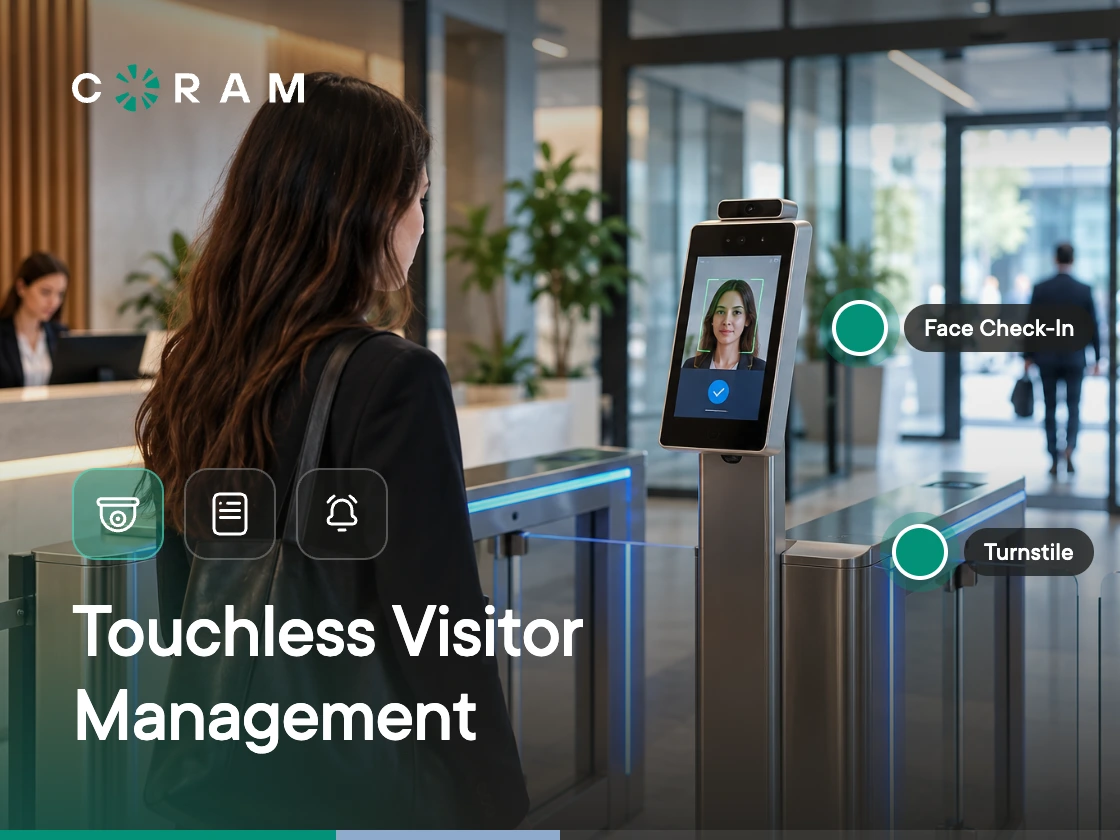
If you have an unstaffed front desk, a shared check-in tablet, or a paper log at the entrance, you're probably looking for a touchless way to manage visitors. But touchless means different things depending on the system. A visitor might scan a QR code and complete check-in on their phone, then still hand over an ID, collect a printed badge, or touch the door on the way in.
Four mechanisms cover most of what gets called touchless visitor management systems: pre-registration with a QR code or link, self check-in from the visitor's own device, a no-touch kiosk, and a mobile credential that can also release the door. Each removes different steps from the check-in process, and each has a point where it stops being fully touchless.
A touchless visitor management system replaces staffed or paper-based check-in with a digital process that reduces physical contact during registration, identity verification, badging, or building entry.
The Four Touchless Mechanisms and What Each One Removes
Each mechanism removes a different piece of the check-in process, and each fails in a different way. The table below breaks down what a visitor actually experiences, what gets removed from the flow, what still gets touched, and where the mechanism stops working.
A touchless check-in process doesn't make the entire visitor journey touchless. A visitor may still touch the door handle, hand over an ID for identity verification, collect a printed badge, or use a pen if the process falls back to paper. The check-in counter itself can remain a point of contact while visitors wait.
The mobile credential is the only mechanism here that extends past check-in to the door itself. That distinction matters when you're evaluating whether a system is genuinely touchless or only removes contact from one part of the visitor journey.
Why Organizations Are Buying Touchless Visitor Management in 2026
Touchless visitor management rose to popularity in 2020 because organizations wanted to reduce shared-surface contact. Hygiene is still part of the pitch, but it's no longer the main reason organizations invest in these systems.
Unstaffed front desks are a bigger driver. Visitors need to check in without waiting for a receptionist to become available, and a system that handles that on its own has become table stakes rather than a nice-to-have. Arrival peaks matter too: when several visitors show up at once, individual check-in options reduce the queue that used to form around a single shared tablet or clipboard.
Pre-registration shifts more of the work earlier. Visitors complete their information and any required forms before they reach the lobby, so the front-desk interaction, staffed or not, is shorter. Digital records also solve a problem paper never could: a reliable audit trail of who was on-site, when, and why, that doesn't depend on legible handwriting or a log book someone remembered to keep. For organizations managing more than one building, having that same visibility across sites from one system has become a real requirement rather than a bonus.
Hygiene still comes with the setup. It's just one reason among several now, not the reason.
How Touchless Behaves in Different Environments
The right touchless mechanism depends on who's walking through the door, not just on the building itself. A corporate office with repeat, host-invited visitors who already carry smartphones is a different problem than a school front office during drop-off, or a hospital lobby with older visitors and distressed families. The table below breaks down what typically fits each environment and the mistake teams make when they design for the easiest case and assume it holds everywhere.
Corporate offices are usually the easiest case: visitors are more predictable and smartphones are already in nearly everyone's pocket. Schools, hospitals, public buildings, community facilities, and industrial sites don't share those conditions, so the check-in process has to be built around the visitors who'll actually use it, not the easiest visitor to imagine.
Where Touchless Breaks
Touchless visitor management works well when every visitor can follow the same digital process from start to finish. When they can't, part of the process still needs a person, and a system built for one path only breaks when it hits the other. The most common failure points:
- No usable smartphone: Some visitors don't have a smartphone or can't use their phone for check-in.
- Digital literacy: Older visitors and people with limited digital skills may need help, especially in healthcare and municipal settings.
- Language barriers: A check-in flow available only in English can leave some visitors unable to complete it independently.
- Accessibility: Fixed-height cameras, screens without an audio path, or flows requiring precise hand movements can create barriers.
- No connectivity: Older buildings may have weak cell service or no guest Wi-Fi, making phone-based check-in unreliable.
- Identity verification: Comparing a visitor's face with their ID still requires someone to make the verification decision.
- Screening decisions: Custody flags and watchlist hits need human review rather than an automated check-in step.
- Badge collection: A printed badge still requires a physical handoff, even when everything before it is digital.
- The door: The door remains a physical touchpoint unless a mobile credential can release it.
- Walk-ins without a host: Visitors who arrive without a host need another way to notify the right person or team.
A touchless flow still needs a staffed or assisted fallback, and that fallback has to be part of the system from day one, not bolted on after a visitor gets stuck. If a vendor can't clearly explain what happens when someone can't complete touchless check-in, the system isn't ready for every visitor who'll use your lobby.
What to Evaluate in a Touchless System
A touchless system's real test is what it does when something doesn't go as planned, not what it claims on the landing page. Once you know which mechanism fits your environment, the questions below are worth asking before you compare vendors. They determine how the visitor flow behaves under real conditions.
Push for specifics on all of it: what happens at the door, when a visitor can't use the primary mechanism, when staff need to step in and make a decision, and when the network goes down. A vendor who answers these clearly is one whose system has actually been tested against the visitors who'll use it, not just demoed.
Touchless Check-In and Access Control Are the Same Project
A visitor journey isn't fully touchless if the visitor still has to touch the door after finishing a contactless check-in. The check-in system and access control have to work together, either as one system or through a tight integration.
A visitor management system can handle registration, identity checks, screening, and host notifications, and still stop short at the entrance if it can't control what happens next. The visitor still needs to get through the door, and that step is part of the same journey as everything before it.
This is where systems that only handle the check-in layer fall short. They remove contact at the counter, but they don't touch the physical access step that follows. A genuinely end-to-end touchless experience needs visitor management and access control working as one connected flow. For the door side of that project, see our guide to touchless access control.
Where Coram Fits
Coram Guest Management is a self-service iPad kiosk at the entrance, not a phone-based or no-touch flow. Visitors still tap a shared screen, so it removes the staffed desk and the paper log rather than every touchpoint. That fits the main reason organizations are buying in 2026: a front desk that isn't always staffed.
- Visitor check-in: Visitors enter their details, select their host, take a photo, scan an ID, and sign any required agreement on the iPad. The host is notified by email and SMS, and a badge prints. With every field required, the full flow takes under 90 seconds, and admins can make fields optional or hidden to shorten it.
- Identity and screening: Each scanned ID is automatically checked against the name the visitor entered and for expiry. Visitors are also screened against your own blocked list and, if enabled, a criminal-record search covering 650 million+ records from 2,400+ sources across all 50 states, DC, and US territories. A blocked-list match doesn't turn the visitor away at the kiosk: the visit goes to Pending Approval, and an administrator approves or denies it from the dashboard.
- Fallback: Check-in keeps working without internet. Photos, IDs, and signatures are stored on the iPad and sync when the connection returns, and blocked-list screening still runs against a locally cached copy of the list, with the server re-checking on sync. Badges can't print while offline, and hosts are notified once the visit syncs.
- Access control: Guest Management sits in the same dashboard and login as Coram's Access Control, Video Security, and Emergency Management, and each iPad can be linked to a camera so the check-in record shows video from that moment. It doesn't release doors from the kiosk today, so the door is still a touchpoint.
- Multi-site: Each location runs on one site license with unlimited iPads and users, and administrators see visitor records across locations from one dashboard.
- Privacy: Coram doesn't store ID document images or dates of birth. Document numbers are one-way hashed, with only the last four digits kept for display, and guest photos are encrypted at rest. Guest Management doesn't run facial recognition on guest photos.
- Pricing: Licensed per site rather than per iPad. Book a demo for a quote.
Coram also has dedicated guidance on visitor management for hospitals and on cloud-based visitor management systems.
Choosing the Right Mechanism for Your Lobby
Touchless is a mechanism, not a guarantee. The right one depends on what happens in your specific lobby: whether visitors are showing up with a smartphone in hand or turning up cold, whether identity verification and screening decisions need a person, and whether the door itself is part of the touchless promise or something a vendor left out of the pitch. Before you sign anything, walk through your own visitor mix and match it against what each mechanism actually removes, not what the vendor calls it.





.png)

