


An incident happens. Someone goes looking for the footage, and finding the right clip takes half a day. The next budget conversation opens with replacing the cameras.
Before that purchase gets approved, find out what actually failed. Was the image too poor to show what happened? Or was the footage there, and the trouble was locating it, reaching it, or getting it out in a form somebody else could open?
Those are different problems with different price tags, and replacing cameras won't necessarily solve both.
In Coram's State of Physical Security 2026 survey of 241 security, IT, operations, and facilities leaders, 51% believed they could keep every camera they own if they switched platforms. That tells you what teams expect to retain, not whether those cameras are still doing their jobs.
Which of those you're dealing with is worth knowing before the money is committed.
{{cta-component}}
To Replace or Not to Replace: That is the Question
Run through this checklist when deciding whether you should keep your cameras when moving to a camera-agnostic vendor like Coram.
Start with whatever put this on your desk
Start with the problem that prompted the review.
If an incident happened and the footage existed but nobody could find it in time, that points at the system. A new camera won't help you locate video that's already recorded. The same goes for daily troubleshooting, timestamps you can't trust, and the recorder that needs restarting every Monday. Those are symptoms of the layer above the hardware, and replacing cameras underneath a system that's already failing leaves you with newer cameras and the same problem.
If a camera has gone dark, or if it has never once produced an image clear enough to identify anybody at the distance it's actually covering, that points at hardware. So does a model the manufacturer has stopped supporting, which may need replacing even when its image quality is still fine, because an unpatched device sitting on your network is a problem of its own.
And if what triggered this was a grant award, a capital cycle, or a renewal date, that doesn't diagnose anything at all. Funding doesn't tell you what's broken. Yet it changes the timing of everything you decide, which is worth its own section below.
What "the camera is still fine" actually means
Age is the wrong test, and it's the one almost everybody reaches for first. A twelve-year-old camera covering a doorway at eight feet may be doing its job perfectly. A three-year-old camera aimed across a parking lot may never have done its job at all.
A commercial camera doesn't have a fixed replacement age. What matters is whether it still resolves detail at the distance you need it, in the lighting conditions you actually have, and whether it still receives firmware and security updates from the manufacturer.
Four questions get you most of the way there, and you can answer all of them without a vendor in the room.
Does it resolve what you need at the distance it covers? Not the resolution on the spec sheet. Pull up the live view and see whether you could identify a face, or read a plate, at the spot where it matters. Resolution spread across a wide scene stops being useful quickly.
Does it hold up in the light you actually have? Check it at the hour the incidents happen, which is rarely noon. A camera pointed at a glass entrance at sunset, or down an unlit corridor at 2am, is a different camera than the one you evaluated at installation.
Is it still supported? A model that no longer receives firmware updates is a device on your network that nobody is patching. That's a real reason to replace a camera that otherwise looks fine on screen.
Does it produce a stream a modern system can read? This is where "works with any camera" quietly stops being true across the industry, and it's worth knowing the real constraint rather than the marketing version of it.
Coram Point works with ONVIF-compliant IP cameras and with closed cameras that expose an RTSP stream you can point it at manually, and the camera has to encode in H.264 or H.265. MPEG-only cameras aren't supported, which is the thing most likely to rule out an older unit that otherwise looks fine on screen.
Analog cameras have a path as well, through a third-party video encoder, which gives you basic video management alongside your IP cameras at the cost of extra hardware. Verify compatibility model by model before you commit to anything, because plenty of vendors claim ONVIF compliance without implementing the standard properly, and compliance on the spec sheet isn't the same as working on your network.
Run those four across your fleet and write down what you find. A camera either meets the objective it was installed for or it doesn't, and the answer is worth recording rather than carrying around in your head.
Four columns and a camera list will usually tell you your fleet splits rather than passing or failing as a block. From there, each camera lands in one of three places.
- Keep means it does its job and your next platform can read it.
- Upgrade means the camera itself is marginal and worth replacing on a schedule you choose.
- Replace means it has failed one of these checks outright.
Worth separating from all three: changing the platform that records and manages the footage is a different decision entirely, and it's the one most of these assessments end up pointing at.
When replacing a camera you could keep is still the right call
A camera can pass every check above and still be worth replacing now. The reason usually isn't the camera. It's the funding and the installation.
Some grants and capital budgets carry spending deadlines, and the money doesn't roll forward. If a camera will need replacing in two or three years and the funding exists this year, the arithmetic is worth running rather than assuming.
The installation cost works the same way. You're already paying for a lift, a technician, and the work of getting to the mounting point, and that cost lands again on a separate visit next year. Compare the incremental cost of handling a marginal camera now against the expected cost of scheduling it on its own later.
Coram sells cameras. We should say that plainly in the section where we're telling you that buying some is sometimes the right move, because you'd be right to wonder.
The position we hold is narrower than "keep everything," and it's this: the decision should be yours, made camera by camera. Some closed platforms limit how much existing hardware you can retain, and where that's true, the recommendation you get may reflect what the platform requires rather than what your cameras are actually doing.
When the cameras aren't the problem
If the hardware holds up and the footage is still letting you down, you've found the more common answer.
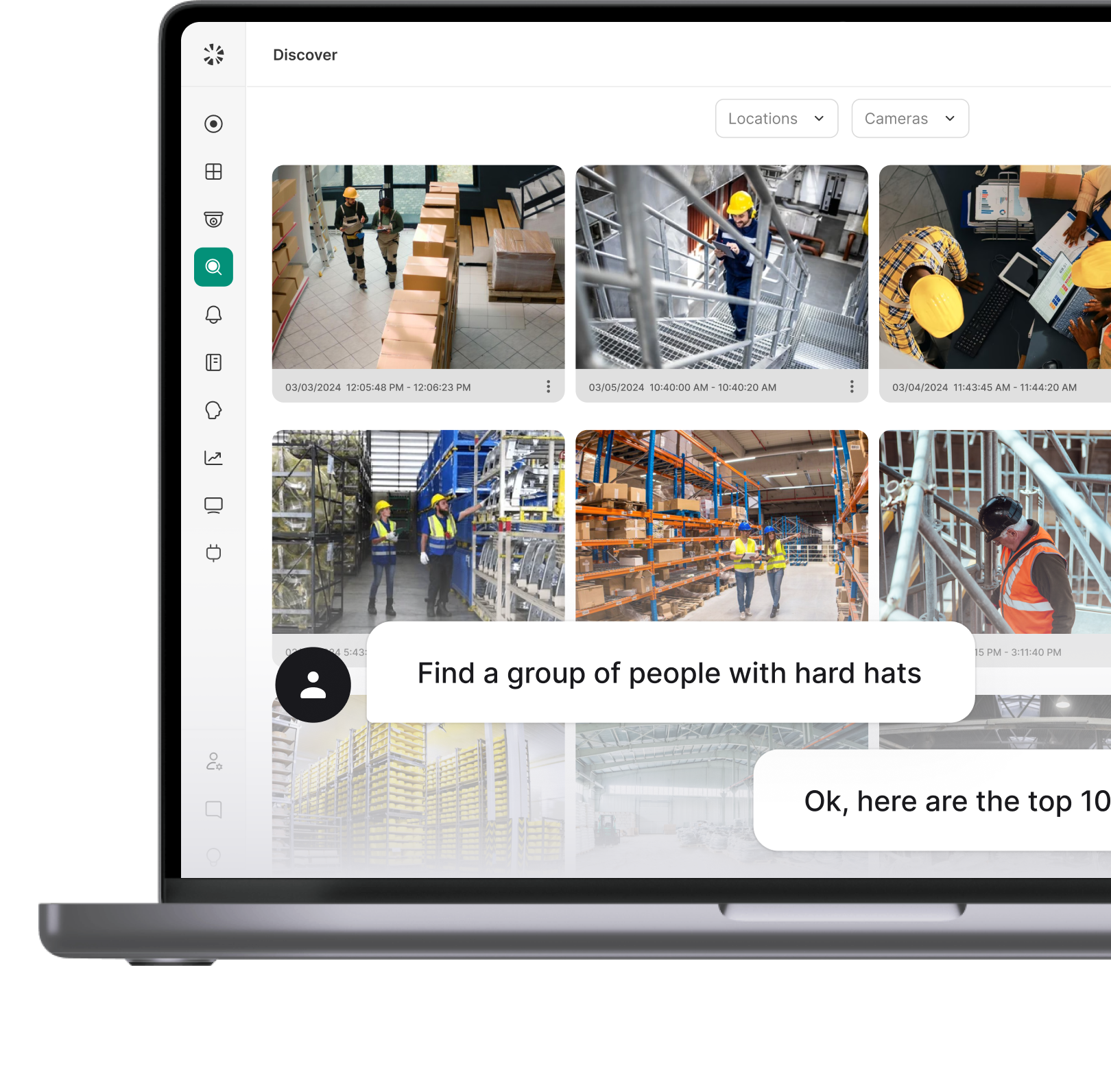
In that same 2026 survey, 46.5% of those 241 leaders said it takes them more than thirty minutes to find the right footage after an incident. Thirty minutes is not a camera specification. A sharper image won't shorten a search that takes half an hour. What shortens it is whether the footage from every site sits somewhere you can search in one place, and whether the person who needs a clip can get one without filing a request and waiting.
Adding cameras doesn't help here either. It adds footage to review without improving how any of it is searched.
Poster House is a useful example of what this looks like when it's handled as a platform problem. The museum kept its existing IP cameras, with no rip-and-replace and no construction project, and changed what sat on top of them.
The old system couldn't be viewed on a phone at all. Its CTO, Aaron Cohen, put the starting point bluntly: "You couldn't even see the cameras." What replaced a multi-step emergency guide for staff was a single instruction: log in.
This is the case where the fix sits above the hardware: you replace the system without replacing the cameras, and the cameras you already own keep doing the job they were doing.
One piece of hardware does change, and it belongs in the budget from the start. Your existing NVR or recording server isn't carried over. The new platform brings its own on-site recorder, so "keep the cameras" is not the same as "keep everything but the software."
Should you keep, upgrade or replace: What to do next
If every camera passed. Leave the hardware alone and go look at what's holding the footage. The test for whatever replaces it is whether the person who needs a clip can search for it in plain language instead of filing a request. The Poster House rollout is the full version of that path.
If some passed and some didn't. Prioritize the replacements, keep the rest, and schedule the marginal ones against whatever funding window you're in. Make sure the platform you choose doesn't force the question on your behalf. If you're mid-grant, the marginal cameras are the ones to settle now.
If you're leaving a vendor. The decision you've just made is the hard part. Switching without replacing every camera covers what happens to the hardware, the recordings, and the licensing when you move.
A camera that still produces useful footage, still receives security updates, and works with whatever platform comes next may have years of service left in it. One that fails those checks belongs in the replacement budget, and the assessment is what tells you which you own.
The goal isn't to keep every camera, and it isn't to replace as few as possible. It's to spend the money on the part of the system that actually needs it.
{{cta-component}}
FAQ