IP door access control puts the controller for each door on your network, and in most designs that controller decides whether the door opens. It checks the credential against permissions it stores locally, releases the lock, logs the event and reports it to the management platform over the network.
For the IT team that ends up owning the doors, that makes access control one more set of devices on the network. This guide covers how IP door access control works, what each component does, what it needs from your switches and firewall, what happens when the network fails, and how to secure it.
What Is IP Door Access Control?
IP door access control is a door security system whose controllers connect to a standard Ethernet network and talk to their management software over IP, rather than over a dedicated serial connection to a server on site. The controller stores the access rules for its doors, so it can make each decision on its own, and the network carries configuration changes and event logs between the controller and the platform.
Older panel-based systems wire readers to a panel and the panel back to a local server, often over a serial bus such as RS-485. An IP system replaces that chain with a network connection at the controller. Some vendors put the network connection in the reader itself, but most deployments still pair a networked controller with conventional readers wired to it.
Door access control in general is the system that decides who can open which door, and when. What IP changes is where that system lives: on the same network as everything else IT manages.
How IP Door Access Control Works
- A person presents a credential at the reader: a card, a fob, a PIN or a phone.
- The reader passes the credential to the door controller over Wiegand or OSDP wiring.
- The controller checks it against the permissions and schedules it holds locally.
- If the credential is allowed, the controller releases the lock through a relay, and the door position sensor confirms the door opened and closed again.
- The controller logs the event and sends it to the management platform, where admins see it and where a camera paired to that door can attach footage.
The decision happens at the door. The network carries step 5, plus everything flowing the other way: new users, schedule edits, remote unlocks and lockdowns. That split is why losing the internet and losing power are different failures, and why the section on outages below treats them separately.
Components of an IP Access Control System
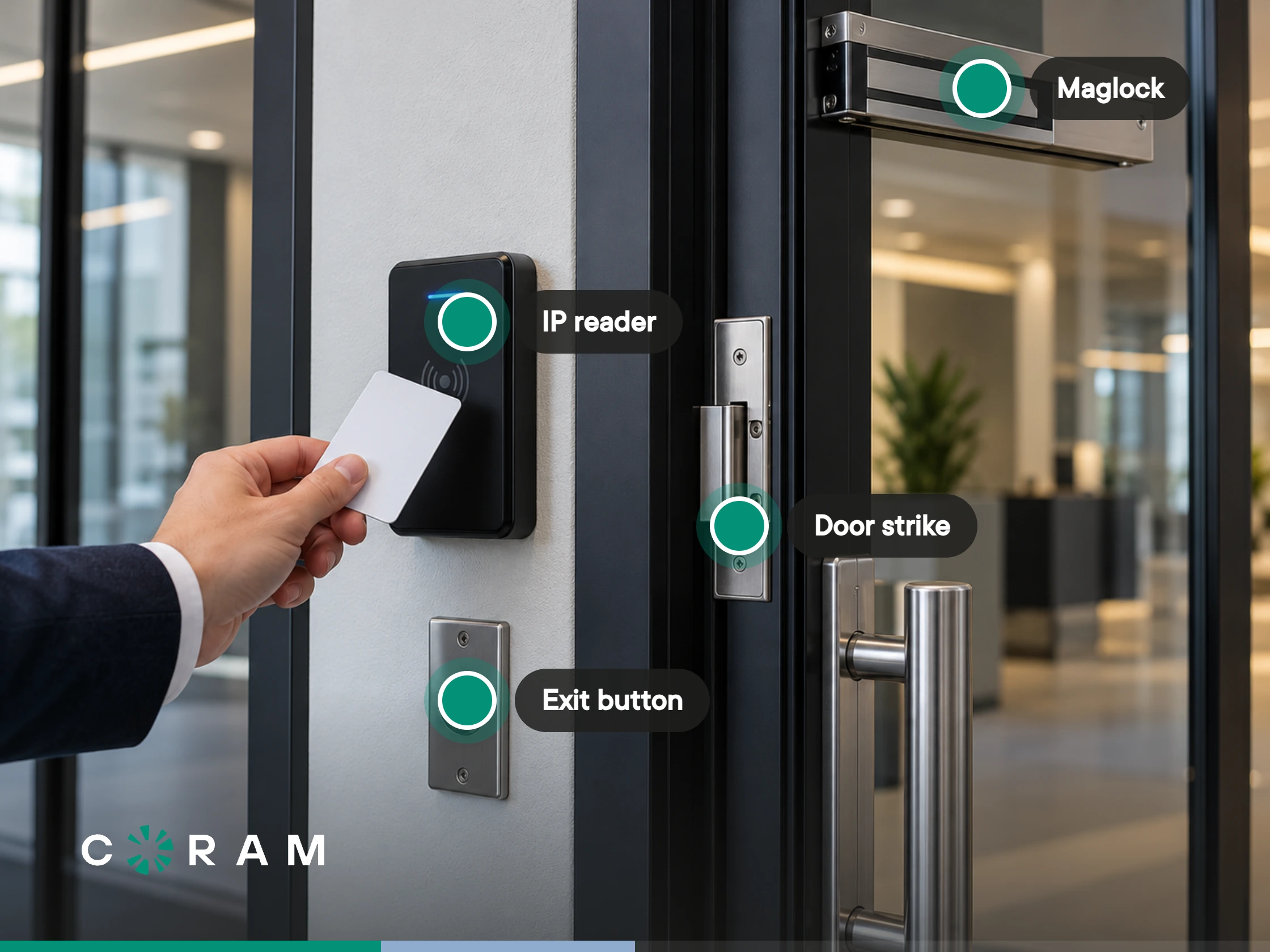
Controller. The decision-maker for one or more doors. It has relays to drive locks, inputs for the door position sensor and request-to-exit device, ports for readers, a network connection, and power from PoE or mains.
Readers. Readers take cards, fobs, PINs or phones and pass the credential to the controller. They connect over Wiegand, an older one-way protocol, or OSDP, a two-way protocol that supports encryption and lets the controller supervise the reader. Our Wiegand vs OSDP comparison covers the wiring differences.
Locks. Electric strikes, magnetic locks and electrified hardware release when the controller tells them to. Each needs power, from the controller or a separate supply, and each is either fail-safe or fail-secure. Our guide to access control locks covers the types.
Door position sensor and request-to-exit. The position sensor reports whether the door is actually open or closed. Without it, the controller can't tell a propped or forced door from a closed one. The request-to-exit device tells the controller that someone left from the inside, so a normal exit doesn't raise a forced-door alarm.
Credentials. Proximity cards and fobs (125 kHz), smart cards (13.56 MHz), PINs, mobile credentials, and on some readers, biometrics. Which ones a system supports depends on its readers and its platform, so check both.
Management platform. The software where admins set permissions and schedules, see events and pull reports. It runs either on a server you host or as a service the vendor hosts.
For every part of a door, and what breaks without each one, see every device in a door access control system.
What IP Access Control Needs From Your Network
Power. PoE controllers draw from the switch, so count them in the PoE budget alongside cameras. A controller that also powers its lock can need a high-power port, so check its rating against the switch before you plan the closet. Put switches that feed door controllers on a UPS.
Addressing. Most controllers take an address by DHCP. A DHCP reservation keeps each controller at a known address for troubleshooting without hard-coding it.
Segmentation. Put access control on its own VLAN, as you would cameras and building systems, and allow only the traffic the controllers need.
Connectivity. A cloud-managed controller should need outbound connections only. Any design that requires inbound port forwarding to a door controller deserves a hard look in a security review.
Bandwidth. Door events and commands are small. Paired cameras are what move bandwidth, and that traffic follows your video design, not the access control design.
Firewall. Ask each vendor for its allow-list, endpoints and ports, in writing before installation day.
The wiring at the door doesn't change. Readers, locks and sensors still run to the controller over low-voltage cable. IP changes the link between the controller and everything else.
What Happens When the Network Goes Down
Two different failures matter here, and they behave differently.
Losing the internet. A well-designed controller keeps enforcing the permissions and schedules it already holds, keeps accepting existing credentials, and logs events locally until it can sync. What you lose is the ability to make changes from outside: issuing new credentials, editing permissions, remote unlocks and dashboard lockdowns.
Losing power or the switch. The controller goes dark unless it has a battery or its switch has a UPS. The lock then does what its design says. A fail-safe lock unlocks when power is removed, and a fail-secure lock stays locked. Fire and life-safety code drives that choice door by door, and our comparison of fail-safe vs fail-secure locks walks through it.
Ask each vendor, in writing, what keeps working without the internet and what waits for the connection to return.
Securing IP Access Control on Your Network
Treat a door controller like any other connected device in a security review: what it talks to, what it exposes, and who can change it.
Segment it. Keep controllers off user VLANs, with no path to them from guest or user networks.
Prefer OSDP for readers. Wiegand sends credential data one way, unencrypted, over the reader cable. OSDP is two-way, supports encryption, and lets the controller detect a disconnected or swapped reader.
Know the firmware path. Find out who pushes controller firmware, how often, and whether you can schedule it.
Run admins through your identity provider. Single sign-on with role-based admin rights means multifactor sign-in comes from your directory, and leavers lose access when you disable them there.
Retire easy-to-clone cards. 125 kHz proximity cards can be copied with cheap tools. Encrypted 13.56 MHz smart cards and mobile credentials resist that.
Keep the logs. Make sure event history is retained and exportable for audits and investigations.
Cloud-Managed vs On-Premises IP Systems
An on-premises IP system runs its management software on a server you host. You patch it, back it up and provide remote access, usually over a VPN. It keeps working on the LAN with no internet at all, and the data stays on your hardware.
A cloud-managed system moves the management software to the vendor. Controllers connect outbound, admins work from a browser or app, and updates arrive from the vendor. There's no server to run, but you depend on the vendor's service and subscription, and offline caching at the controller is what covers internet outages.
Neither model is automatically more secure. On-premises puts the patching and exposure on you, and cloud puts more of the trust on the vendor. Integration is often the bigger gap either way: in Coram's State of Physical Security 2026 survey of 241 security, IT, operations, and facilities leaders, 21.2% ran access control as a standalone point solution.
How Coram Handles IP Door Access Control
Coram Access Control is cloud-managed, and its two controllers answer the network questions above directly. The DC-11 runs one door and is powered entirely by PoE (IEEE 802.3bt, up to 71 W per Coram's Help Center), with In and Out Ethernet ports and PoE passthrough, so the same drop can also feed a camera. In wet mode it can power the lock itself, at 12 V up to 700 mA or 24 V up to 350 mA. The DC-41 runs four doors on 110 to 120 V mains power and takes backup batteries. The DC-11 has no battery, so put its switch on a UPS.
Coram controllers make outbound connections only, with no port forwarding, and take their address by DHCP. If outbound port 443 is open, nothing needs changing. Otherwise, Coram's Help Center lists the endpoints to allow. Readers connect over Wiegand or OSDP, and existing unencrypted cards can carry over.
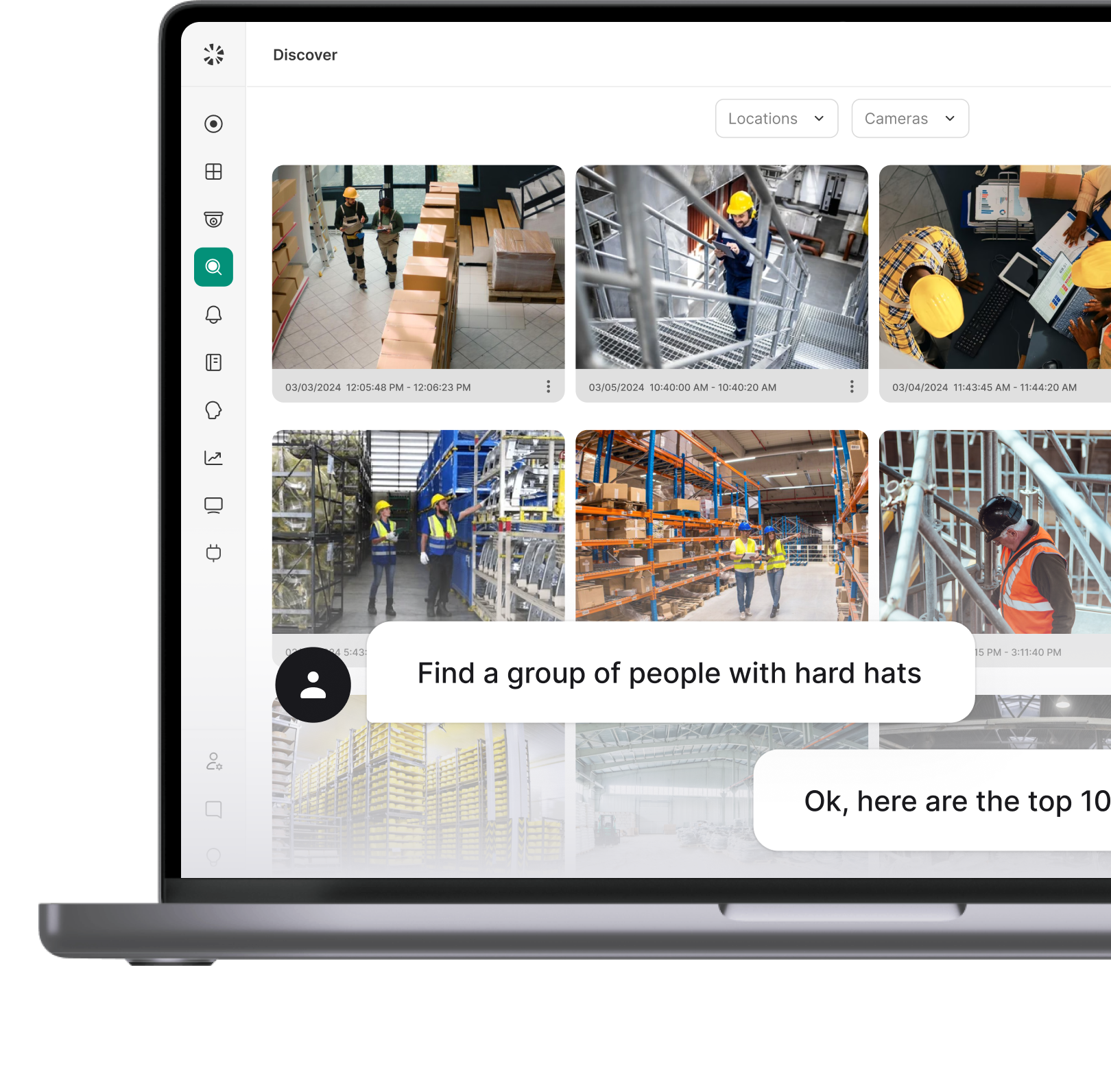
If the internet drops, existing schedules and permissions stay enforced, existing cards and PINs keep working, and events log locally and sync when the connection returns, with no audit data lost. New cards, permission edits and dashboard lockdowns wait for the connection. Door events show the clip from cameras paired to that door, and admins sign in with SAML or OIDC single sign-on.
Readers, locks and cabling can stay in place, and the controller is replaced. Mobile unlock happens in the Coram app over the internet, not over Bluetooth or NFC. Coram licenses access control per door on 1-, 3-, 5- or 10-year terms, and each order includes a reader per door and a 100-pack of ID cards. See Coram Access Control to check pricing for your doors.
FAQ